Chat Tag Analyzer Daily — transform chat data into daily insights
Turn Google Sheets chat data into daily tag percentages—automatically, with CodeWords. Uncover trends, report faster, save hours weekly.
Example starting point only. Verify every connection and any sending, booking, inventory, approval, or handoff action before deployment.
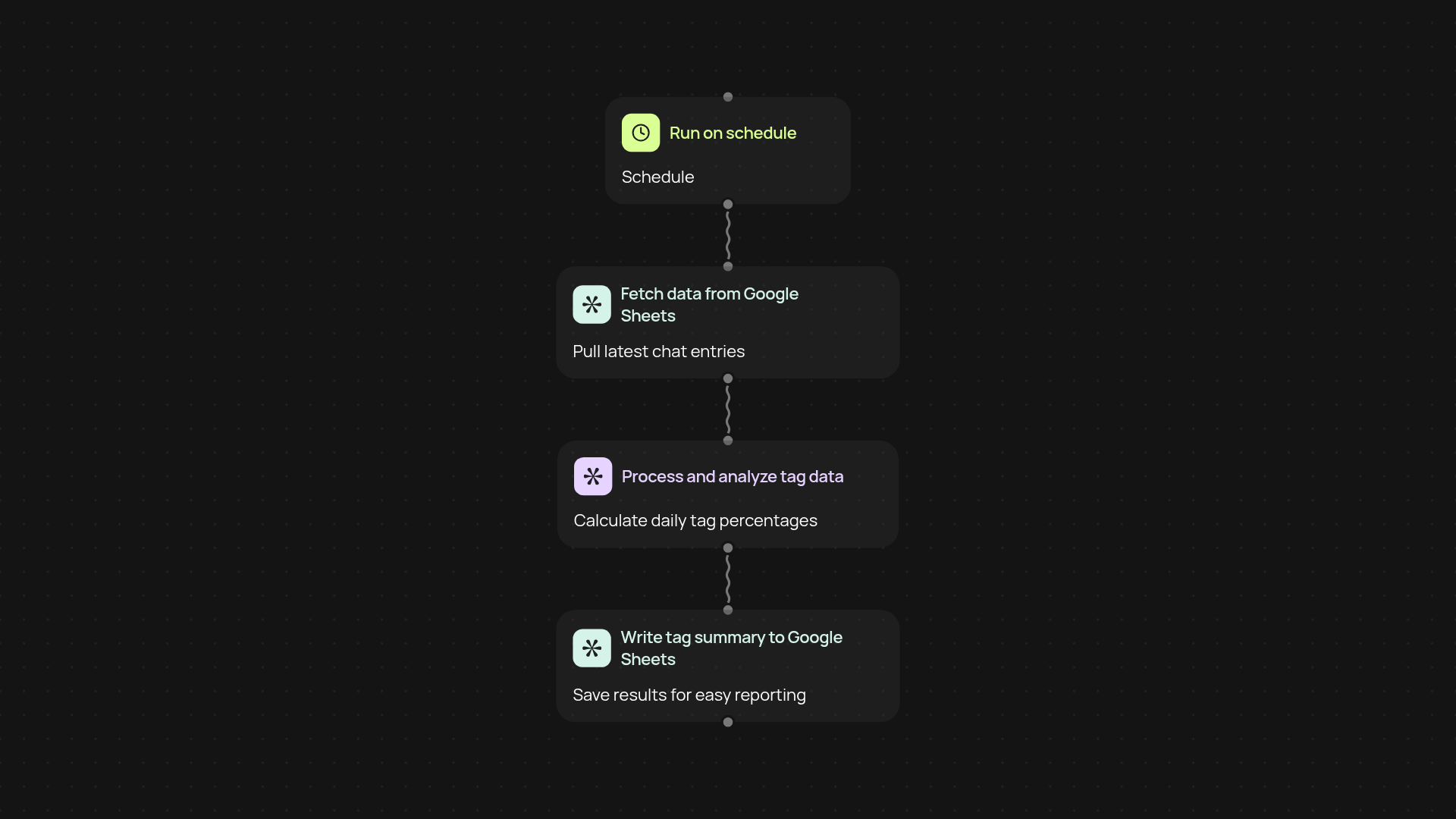
What does Chat Tag Analyzer Daily do for you?
Get a clear picture of how your chats are being categorized every single day—after setup and review. This workflow turns raw Google Sheets data into easy-to-read tag percentage analytics. Track your team's chat classification trends, stay on top of shifting topics, and quickly share daily reports.
How does it turn chat tags into daily percentages?
After pulling your latest chat records from Google Sheets, CodeWords counts and summarizes each chat tag for the day. It instantly calculates what percent of your chats fall into each category, giving you a daily snapshot that’s ready for analysis or sharing. No more manual math or data wrangling—just actionable insight at your fingertips.
Where can you view or use these analytics?
You can push these daily tag analytics right back into your sheet, send them to dashboards, or reference them directly within reports. The data is always fresh and organized for you, streamlining status updates and trend analysis. Everything runs quietly in the background, so you’re always up to date.
What do you need to get started?
Just connect your Google Sheets account and confirm where your chat tag data lives. CodeWords handles the rest—from daily scheduling to calculation and summary. Setup takes just a few clicks, so you’re up and running in minutes.
Get started today
Your first workflow is free to build.
Describe what you need. Cody handles the build, the connections, and the deployment.