CAPEX approval workflow — automate capital expenditure requests
Automate your capex approval process with Notion and Gmail. Instantly route requests, notify approvers, and track status with reduced manual work.
Example starting point only. Verify every connection and any sending, booking, inventory, approval, or handoff action before deployment.
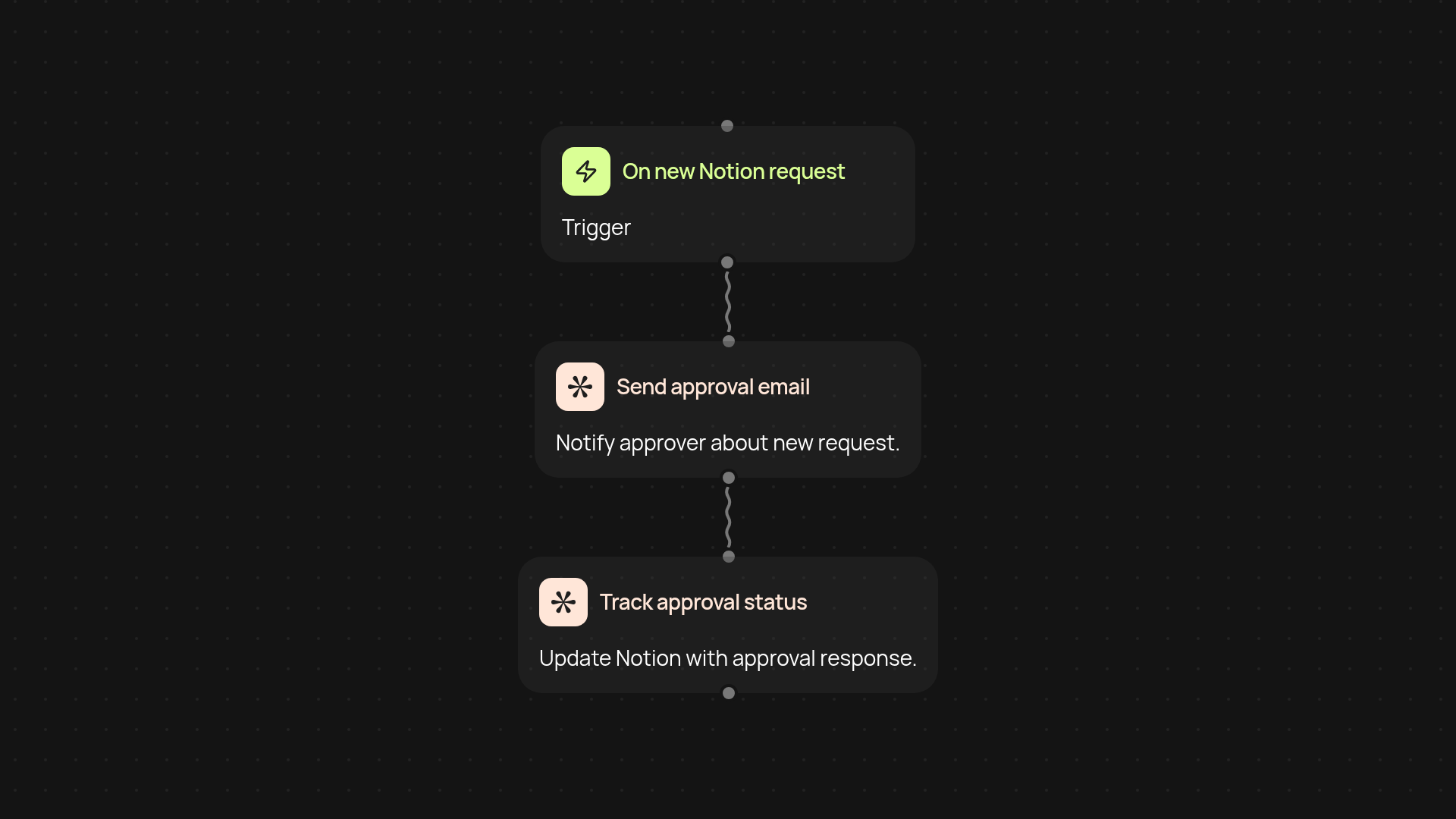
How does this capex approval workflow manage requests end-to-end?
This workflow lets you handle capital expenditure (CAPEX) approvals from first request to final signoff. Requests are submitted in Notion, routed instantly to approvers by email, and tracked to completion—no spreadsheets or copy-pasting needed. Everyone knows where things stand, and key details are logged automatically for future reference.
How are approvers notified and kept in the loop?
As soon as a new capex request is submitted, the right people get notified by email without you lifting a finger. Approvers can review requests and respond directly from their inbox. You’ll never have to chase anyone down or worry about missed approvals again. Updates can also flow back into Notion, so status stays in sync for your team.
Can this process work with my current set up?
This template runs with your existing Notion setup plus email accounts—no extra tools or coding experience required. All you need is access to Notion and Gmail. The workflow takes care of routing, tracking, and reminding, so your capex process runs automatically.
What do I need to start using this workflow?
Just connect your Notion account, set up your approval database, and link your Gmail for notifications. Once you run the workflow, your capex process will be ready—requests move swiftly and everyone’s kept informed the whole way through.
More templates
Get started today
Your first workflow is free to build.
Describe what you need. Cody handles the build, the connections, and the deployment.