Calendar Work Overview Analyzer — AI-powered time tracking & reports
Analyze work hours in Google Calendar using AI. Get automatic insights and email reports of your time categories in one step.
Example starting point only. Verify every connection and any sending, booking, inventory, approval, or handoff action before deployment.
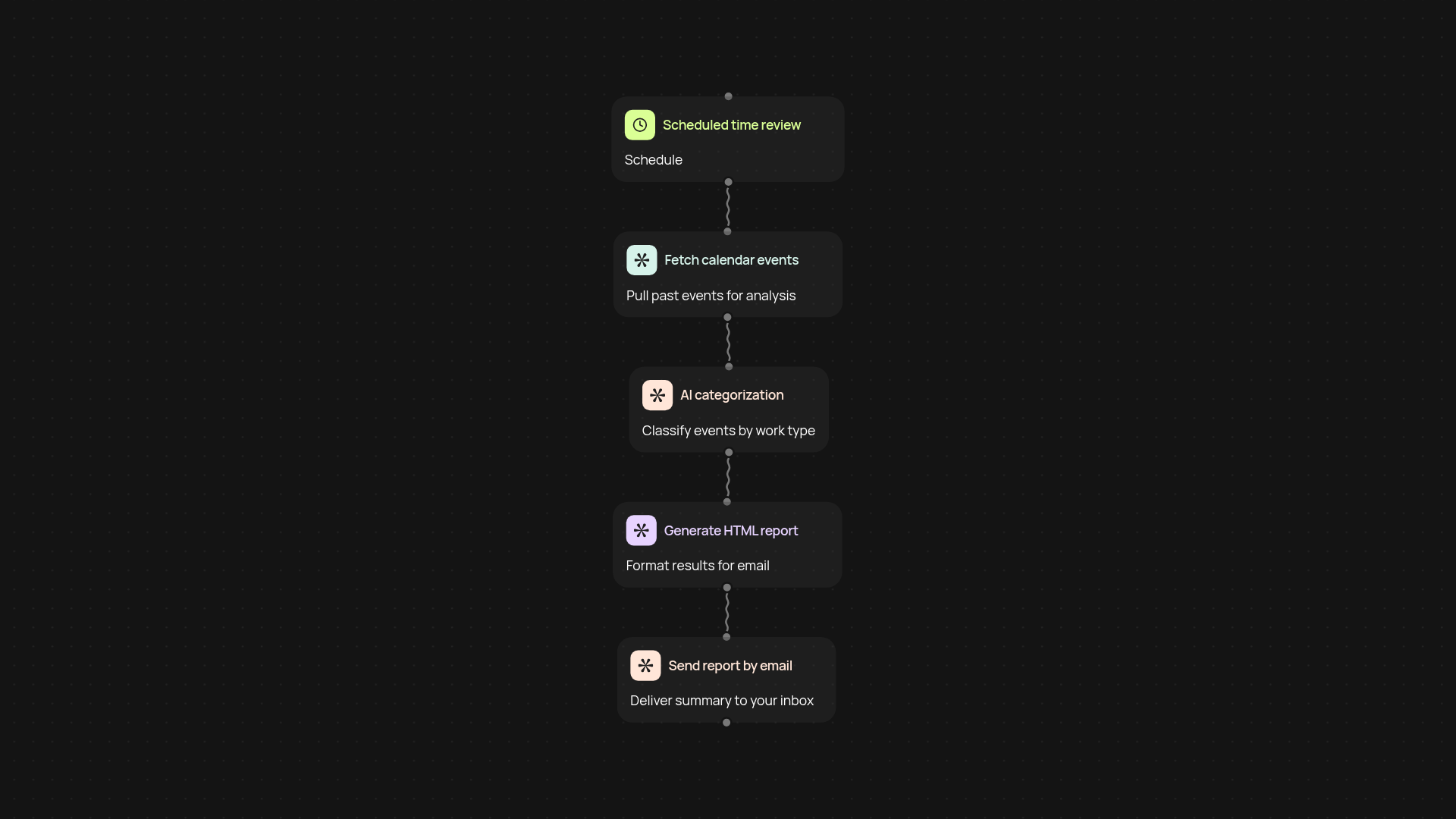
How does the calendar work overview analyzer help you?
Stay on top of your productivity by letting AI review your Google Calendar for you. This automation scans your past events, sorts your work time into clear categories, and sends you a simple, actionable email report. No more scrolling through endless meetings—just a quick and easy summary you can use to spot time drains and optimize your week.
What insights can you expect in your calendar summary?
You get precise data about how you spend work hours, broken down by meeting type, project, and more. The AI categorizes each event, so you instantly know whether most of your week went to team calls, focused project time, or something else. Receive your summary right in your inbox, so you stay informed after setup and review.
How is all the work done for you?
The process is fully automated: your calendar is reviewed in the background, events are classified using AI, and a breakdown is sent directly to your email—without any manual analysis or reporting required. You can focus on what matters, while CodeWords keeps you updated on where your time really goes.
How do you set up the calendar analyzer?
All you need is access to your Google Calendar and Gmail accounts. Simply connect them to CodeWords, pick a date range, and get started. Your first analysis and report are just a few clicks away. Relax—your time audit is handled for you, every week or whenever you need insights.
More templates
Get started today
Your first workflow is free to build.
Describe what you need. Cody handles the build, the connections, and the deployment.