Calendar to Notion Automation — sync meetings to Notion instantly
Easily sync today's Google Calendar events to Notion pages. Get full meeting details into Notion with no manual copy-paste.
Example starting point only. Verify every connection and any sending, booking, inventory, approval, or handoff action before deployment.
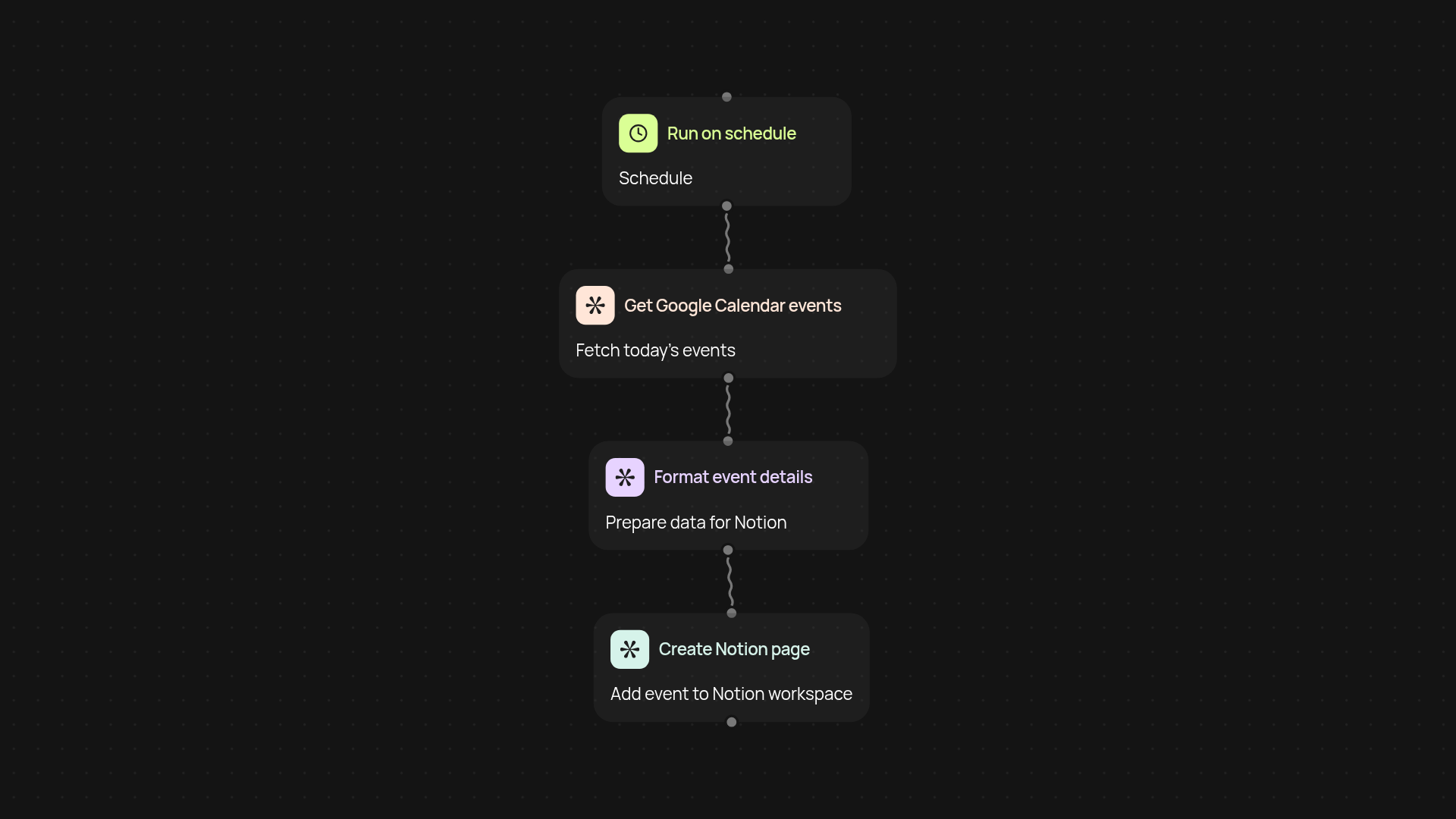
How does this connect your calendar and Notion workspace?
This automation moves your Google Calendar schedule directly into Notion — without any copying or manual entry. Whenever you start your day, all events from your Google Calendar appear in Notion as individual pages, already loaded with full details. That means your meetings and plans are easy to organize, reference, and follow—right in the workspace you already use.
Can it capture all meeting details automatically?
Yes. This template creates a Notion page for each event and fills it with everything from title and description to time, participants, and even attached notes. You’ll always have the complete picture of your schedule, all in one place, after setup and review.
How quickly does it sync each day?
As soon as your workday starts or at your chosen time, the automation checks your Google Calendar and pulls new events over. No need for extra clicks — your Notion stays updated in the background with today’s meetings and information ready for review or sharing.
What do you need to get started?
All you need is access to Google Calendar and Notion. Setup is simple: connect both services once, then choose your preferred sync time. After that, everything runs automatically. Your whole agenda, always in the right place, so you can focus on making your meetings matter.
More templates
Get started today
Your first workflow is free to build.
Describe what you need. Cody handles the build, the connections, and the deployment.