Calendar LinkedIn enrichment — research attendee profiles
Enhance Google Calendar events by researching attendees’ LinkedIn profiles and creating research notes for every meeting.
Example starting point only. Verify every connection and any sending, booking, inventory, approval, or handoff action before deployment.
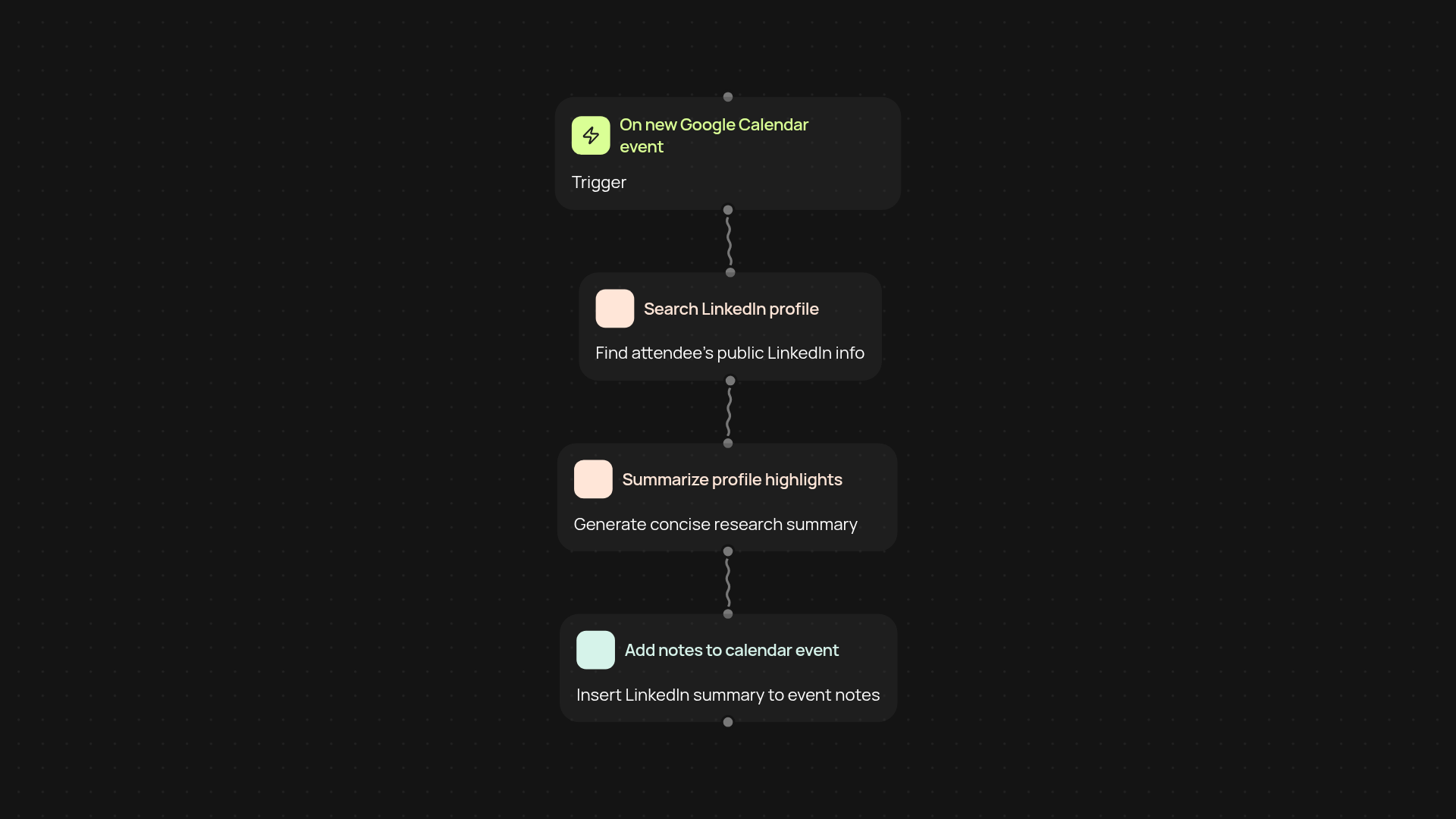
How does this template enrich event attendees’ LinkedIn profiles?
This template keeps you prepared for every meeting by finding relevant LinkedIn information for external guests scheduled on your Google Calendar. Each time a new event is added, CodeWords tracks the invitees, researches their profiles, and adds a LinkedIn summary directly to the event notes. Now you can walk into meetings knowing exactly who you’ll be speaking with — all done after setup and review.
What kind of LinkedIn insights will I get before each meeting?
You receive a concise overview of each attendee’s LinkedIn profile, including job title, company, and a brief career summary. These insights are inserted into your calendar so you’re always walking into meetings informed. No more scrambling for last-minute research; the details you need appear directly where you need them, right in your calendar event.
How is the LinkedIn data found and added to my calendar?
CodeWords first detects new calendar events containing external attendees. It then searches LinkedIn to pull their latest professional information and summarizes them in research notes. These notes are added to the event automatically, so your calendar events are enhanced in the background, helping you stay organized and prepared.
How can I set up calendar attendee enrichment?
Getting started is simple. You’ll need a Google Calendar account and access to LinkedIn. Connect your accounts in CodeWords — no manual research required. After setup, everything runs in the background and your meetings are enriched as soon as they land on your calendar.
More templates
Get started today
Your first workflow is free to build.
Describe what you need. Cody handles the build, the connections, and the deployment.