Calendar Color Coder — Google Calendar event clarity
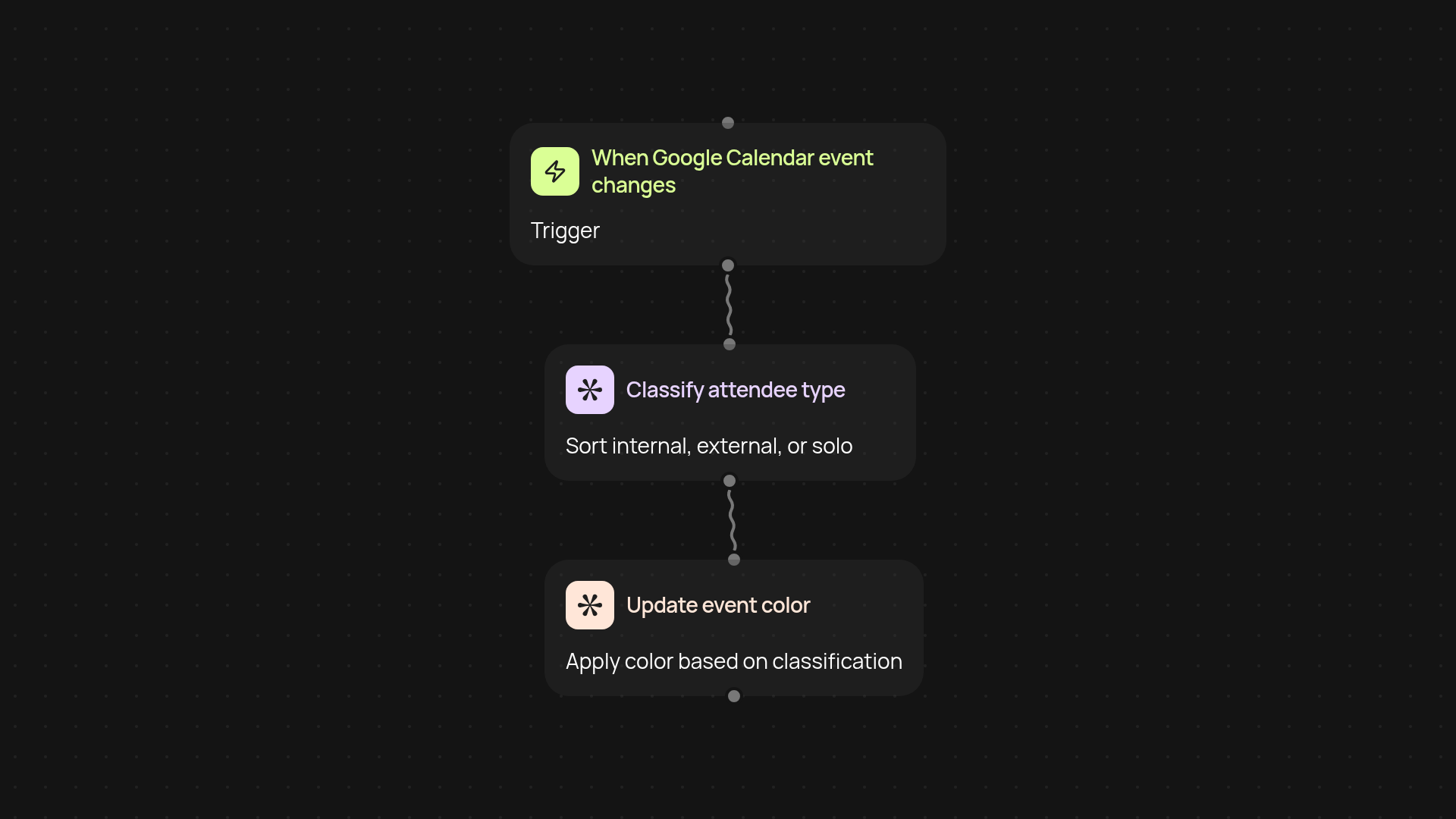
Give your Google Calendar instant clarity. CodeWords auto-colors events by attendee type—internal, external, or solo. See what matters at a glance.
Example starting point only. Verify every connection and any sending, booking, inventory, approval, or handoff action before deployment.
How can I see my Google Calendar events at a glance?
Calendar Color Coder organizes your Google Calendar instantly—events are color coded according to attendee type, so you spot internal, external, or solo meetings without scanning every invite. No more squinting at attendee lists or guessing which meetings matter most. It all happens in the background each time you add or modify an event, helping you focus on your day—not your calendar.
How does it know who’s internal or external?
Events are classified by attendee email addresses, so internal meetings (with colleagues) get one color, external meetings (with people outside your company) get another, and solo blocks stand out with their own shade. You don’t need to set up complicated rules—everything runs without manual work, using what’s already on your event.
Will it affect existing calendar workflows?
Calendar Color Coder fits with your current Google Calendar setup, adjusting only the event colors. It won’t change invites or attendee details. In just one click, your day becomes easier to sort and scan—so you spend less time in your calendar app and more on what matters.
What do I need for setup?
Getting started is simple. You’ll connect your Google Calendar account, select the calendar you want to color code, and choose your internal domain. From there, CodeWords works quietly in the background, updating event colors as new entries and changes flow in. No tech skills needed—just a few quick choices to tailor it to your organization.
More templates
Get started today
Your first workflow is free to build.
Describe what you need. Cody handles the build, the connections, and the deployment.