Business card to Excel — digitize contacts
Convert business cards into Excel sheets instantly. Extract contact info from images — no manual entry needed. Perfect for sales, recruiting, and networking.
Example starting point only. Verify every connection and any sending, booking, inventory, approval, or handoff action before deployment.
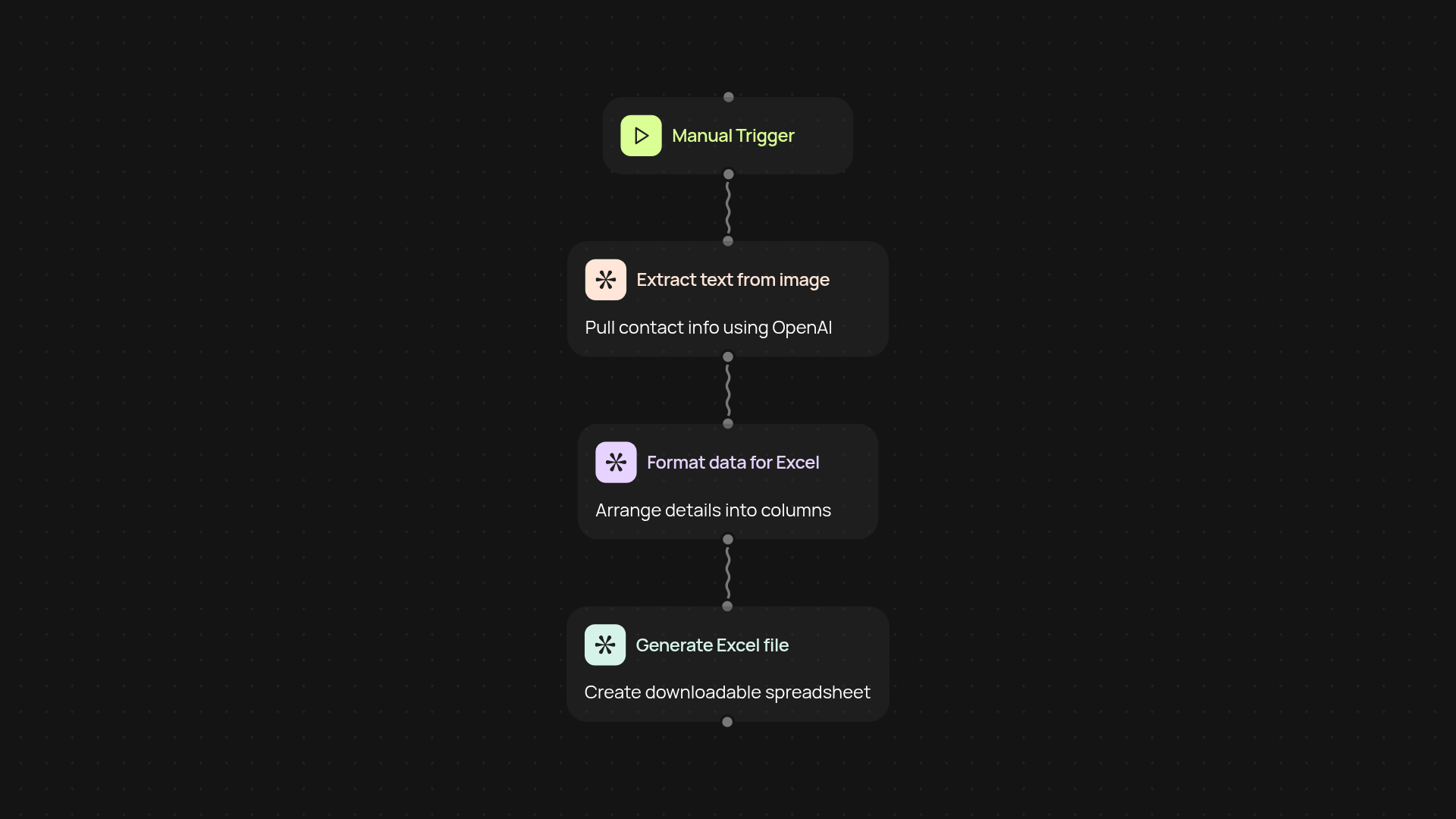
How does this template turn business cards into Excel sheets?
This template handles everything for you—from snap to spreadsheet. Just upload an image of a business card and CodeWords goes to work in the background, extracting contact details like names, emails, phone numbers, and company info. The result arrives as a formatted Excel file, ready for your CRM, email outreach, or team sharing—no more manual data entry slowing you down.
What information gets pulled from business cards?
Most essential details are covered. You’ll get full names, company names, job titles, email addresses, phone numbers, and addresses if available. The system uses OpenAI vision to read even tricky or stylized cards, so you won’t waste time double-checking for errors. Results are neatly organized in separate columns for quick sorting and filtering later on.
How quickly do I get the Excel file?
Almost instantly. Once you upload your card image, the template processes data and generates the Excel sheet within minutes—often before you’ve even finished your next meeting. You’ll get a download link or can send the file straight to your email or cloud storage. Stay focused on building relationships instead of spending hours on admin work.
How do I get started and what do I need?
Getting started is simple: just gather your business card images and choose where you’d like the Excel files sent. You don’t need any technical background to run this template. Just follow the setup wizard—upload your image, and let CodeWords handle the rest. You’re ready to digitize a stack of cards in minutes, freeing up your workweek for more important connections.
More templates
Get started today
Your first workflow is free to build.
Describe what you need. Cody handles the build, the connections, and the deployment.