Booking automation webhook — capture bookings, update sheets, and notify fast
Collect bookings via webhook, sync with Google Sheets, and send instant WhatsApp notifications. Save hours on manual booking management.
Example starting point only. Verify every connection and any sending, booking, inventory, approval, or handoff action before deployment.
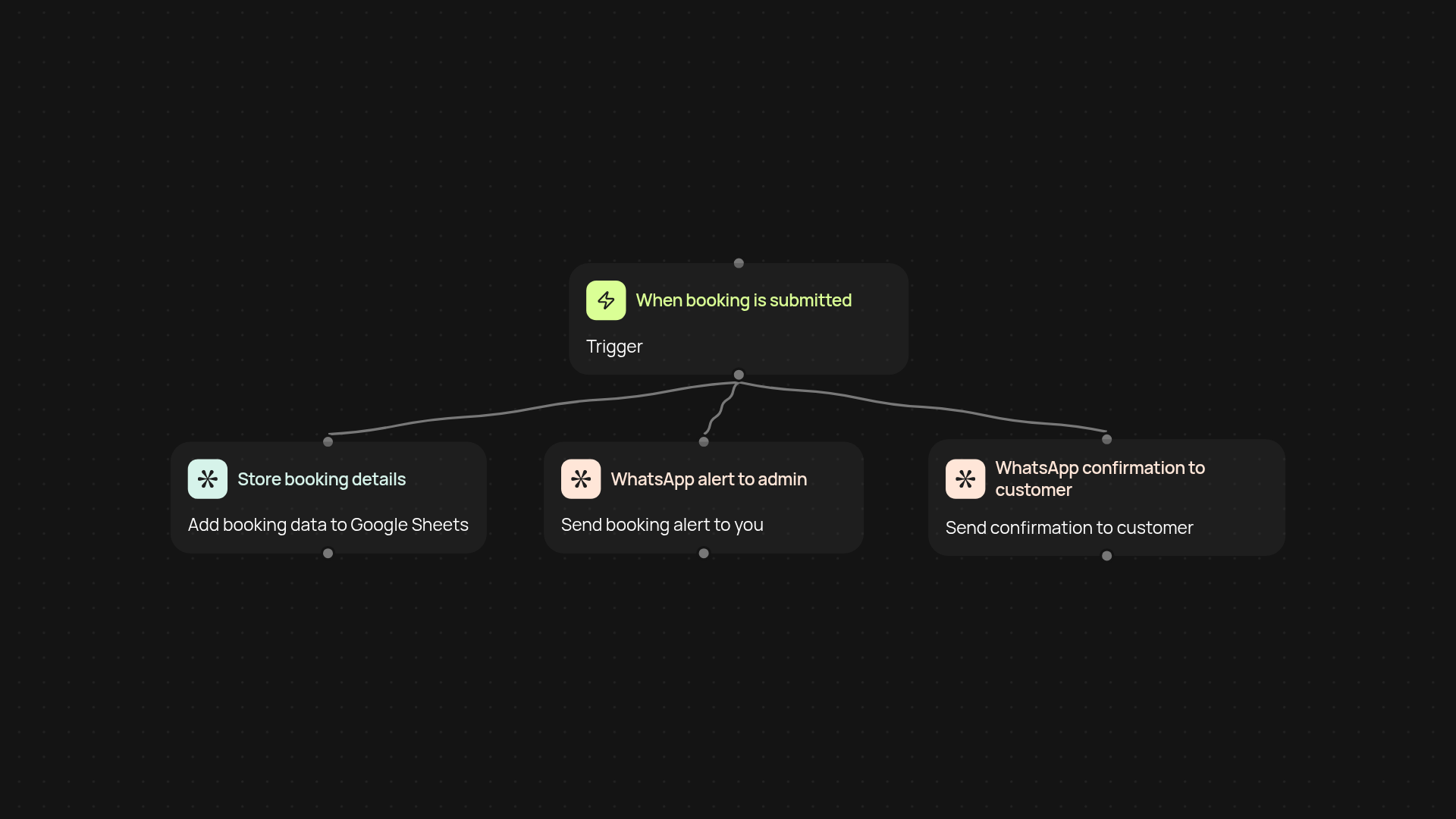
How does this booking automation webhook streamline my booking process?
This template catches new booking submissions, organizes the data in Google Sheets, and sends immediate WhatsApp confirmations — all without manual work. As soon as a booking is received, your sheet updates automatically and WhatsApp messages go out to both you and your customer. avoid missing a booking again.
Can I track bookings and get instant notifications automatically?
Yes, every booking is safely stored in your Google Sheet as soon as it arrives, so you always have an up-to-date booking log. Simultaneously, the template triggers WhatsApp alerts — so you and your clients always know when a booking is complete. No need to check your sheet constantly or send confirmations by hand.
How do double WhatsApp notifications work?
Once a booking comes in, the system instantly sends two WhatsApp messages: one to you for internal tracking, and another to your customer as confirmation. This keeps everyone in the loop and prevents miscommunication or double bookings.
What do I need to set this up?
You only need a booking trigger (such as a form or integration that sends bookings to this webhook), access to Google Sheets, and WhatsApp via Pipedream. Connect your accounts, map booking details to your sheet, set notification recipients, and you’ll be ready to track and confirm bookings in minutes—after setup and review.
More templates
Get started today
Your first workflow is free to build.
Describe what you need. Cody handles the build, the connections, and the deployment.