Book Page OCR — extract text from books with formatting
Turn book pages into editable text while keeping math notation, tables, and special symbols intact. Fast Book Page OCR powered by AI.
Example starting point only. Verify every connection and any sending, booking, inventory, approval, or handoff action before deployment.
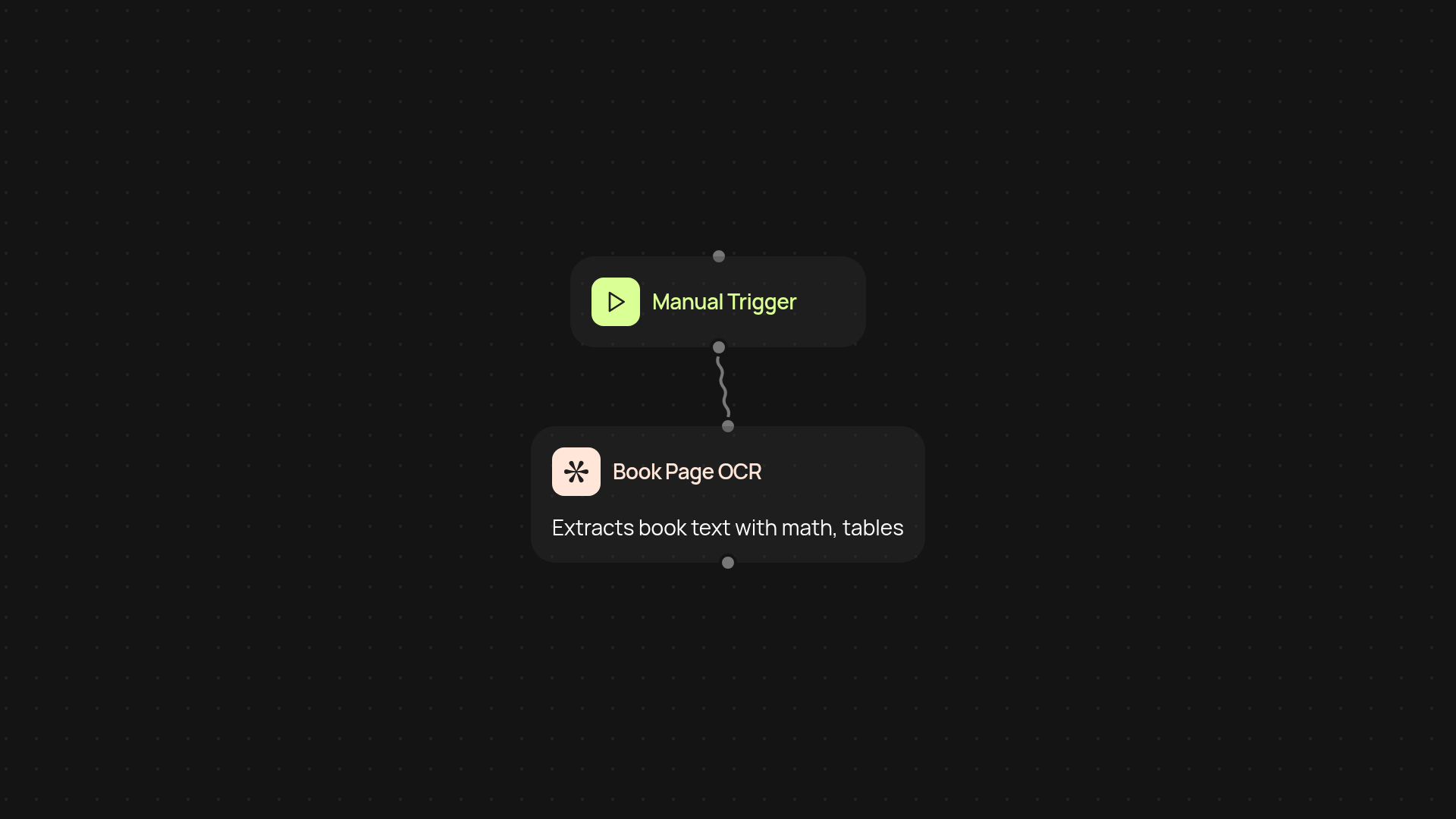
How does Book Page OCR capture text with formatting?
Book Page OCR lets you transform scanned book pages into clean, editable text — all while keeping tables, equations, and special symbols in place. With one upload, you get digital text that respects the original structure, even if the page has complex math notation or non-standard characters. This means you won't lose important details or spend hours fixing formatting.
Can Book Page OCR handle mathematical notation and tables?
Yes — Book Page OCR is designed to recognize and preserve tricky elements like equations, tables, and unique symbols. Your scientific or technical books convert accurately without messy reformatting. Whether you're dealing with math-heavy textbooks or documents full of special characters, your content stays intact.
What’s the process for extracting text from my book pages?
You only need to upload your scanned pages or images. Book Page OCR instantly processes each page in the background, extracts every piece of text, and recreates the layout. No manual retyping, no oversight of math formulas — just quick, precise results ready to copy, edit, or archive.
How do I set up Book Page OCR and what do I need?
Getting started takes just a few clicks. You'll need your scanned book pages (image or PDF) and access to CodeWords. The workflow is simple: set Book Page OCR to trigger on new uploads or run it by hand, then let our AI handle everything else. Your extracted, formatted text will be ready to use right away — no extra software or technical know-how required.
More templates
Get started today
Your first workflow is free to build.
Describe what you need. Cody handles the build, the connections, and the deployment.