Blog to Slack and Discord Router — content curation
Save hours by routing new blog posts into Slack, then instantly curate the best for Discord, all automatically. No manual sorting or copying required.
Example starting point only. Verify every connection and any sending, booking, inventory, approval, or handoff action before deployment.
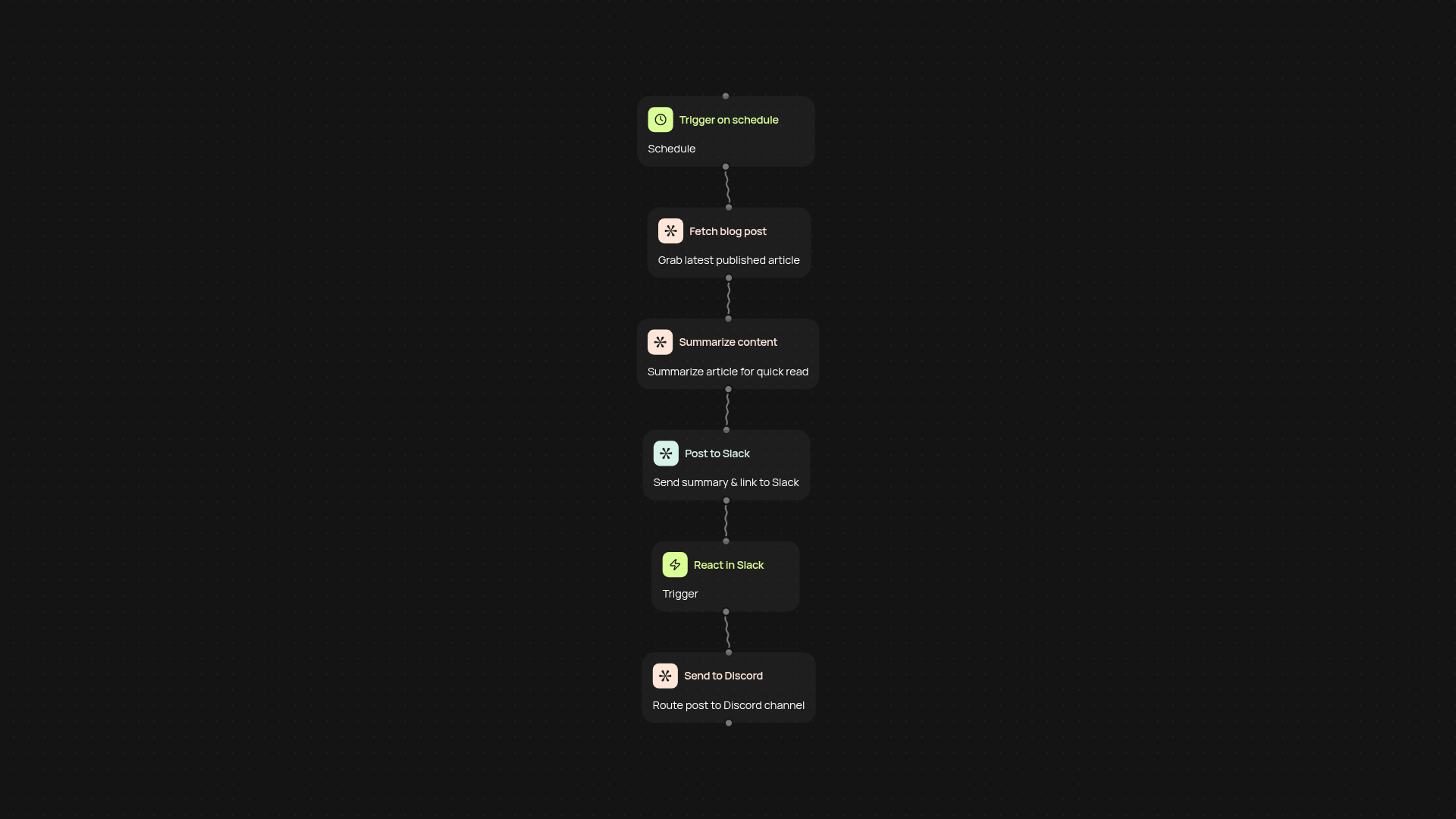
How does this router keep your team synced on fresh blog content?
Stay ahead of the curve by piping every new blog post straight into your team's Slack. you are less likely to miss an update, and can highlight what matters most with a simple emoji. No more checking RSS feeds or copy-pasting links.
How do Slack reactions send posts to Discord — and why does it beat manual sharing?
The moment you react to a blog link in Slack, it’s instantly curated and sent to your Discord server. This is your shortcut to cross-platform content curation after setup and review, ensuring only the best content reaches your broader community or partners. No need to switch tabs or re-share links manually.
What blog sources can I monitor and how is noise filtered out?
You can track nearly any public blog. Our intelligent monitoring checks for fresh articles, summarizes them, and posts into Slack in real-time. Filtering is simple: just react to the articles worth sharing. That way, your Discord gets only the most relevant picks — not an overwhelming feed of everything published.
How do you set up the blog to Slack and Discord router?
All you have to do is specify the blog(s) you want to monitor, choose your Slack and Discord channels, and add the bot. From there, everything runs automatically with no extra steps from you. Get started in minutes and watch your content curation process transform.
More templates
Get started today
Your first workflow is free to build.
Describe what you need. Cody handles the build, the connections, and the deployment.