Authenticated event monitor with calendar — keep your calendar updated automatic cardTitle: Event Monitor with Calendar
Monitor authenticated sites for new events and add them to Google Calendar instantly. Stay organized without the manual work.
Example starting point only. Verify every connection and any sending, booking, inventory, approval, or handoff action before deployment.
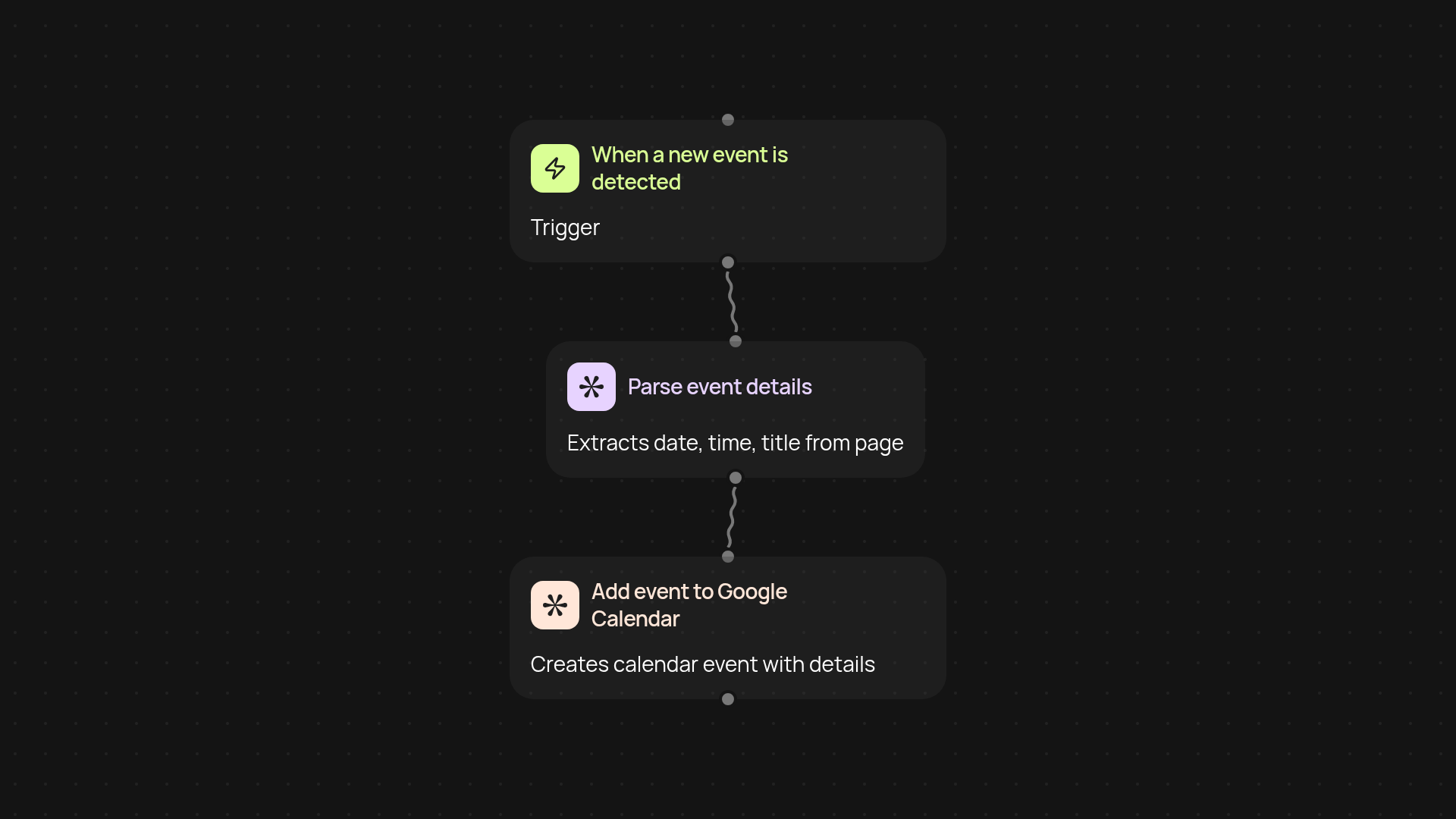
What does the authenticated event monitor with calendar do?
Keep your Google Calendar updated after setup and review. This template watches private or authenticated websites for new events, then sends important details straight to your Google Calendar. No more missing out or jumping between tabs — you’ll always know what’s coming up, right where you already plan your days.
How does it detect and add events automatically?
As soon as a new event appears on your chosen websites, this automation catches it in the background. Details like time, date, and name are captured and sent to your calendar instantly, so you never have to copy and paste again. Updates happen without manual work, so your schedule stays accurate and up-to-date at all times.
What kinds of events can it track?
Anything behind a login or on members-only pages: webinar invites, training sessions, exclusive product launches, meetings, ticket releases, and more. As long as your site access is authorized, the monitor picks up changes and syncs them straight to your calendar — with no manual checking required.
How do you set it up and what do you need?
Just select your target websites, connect your Google account, and let the automation do the rest. You’ll need login details for the sites you want to monitor, and permission to add events on your Google Calendar. Setup takes a few clicks — from there, you can count on your calendar to be up to date, even if you’re busy elsewhere.
More templates
Get started today
Your first workflow is free to build.
Describe what you need. Cody handles the build, the connections, and the deployment.