Audio Transcribe & Translate — instant audio to text, in your language
Transcribe and translate audio files instantly with AI. Get accurate transcripts in your language—no manual work needed.
Example starting point only. Verify every connection and any sending, booking, inventory, approval, or handoff action before deployment.
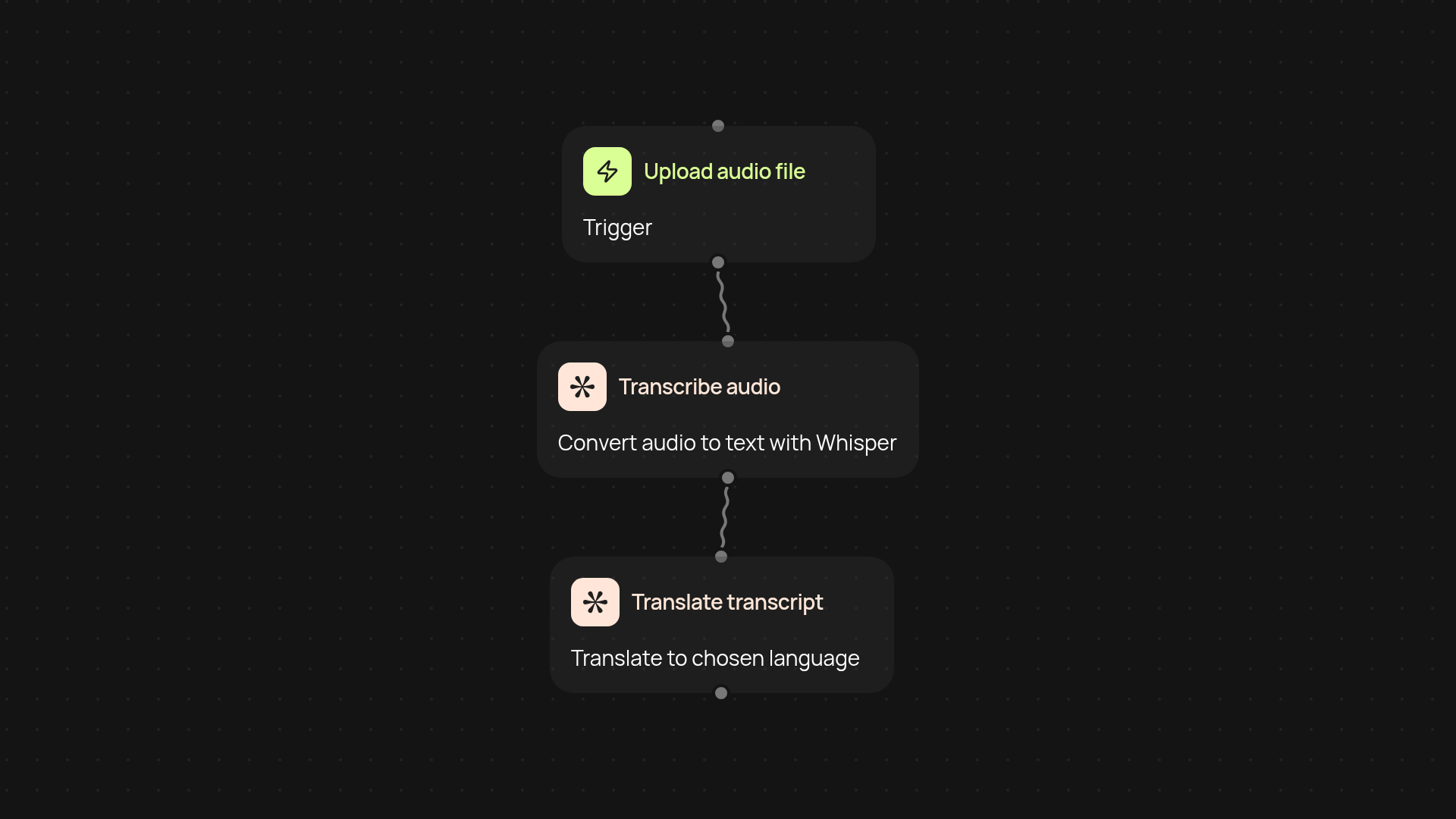
How does this audio transcribe & translate automation work?
This template takes any audio file you upload and instantly converts it into accurate text with Whisper AI. But it doesn't stop there — it also translates your transcript into any language you choose, using context-specific AI models for better accuracy. You get end-to-end audio conversion and translation, all in one automatic workflow.
Can I use this for multiple languages and industries?
Absolutely. Whether you need business meetings translated, interviews transcribed, or educational audio converted for a global team, this template handles it all. You choose the target language, and the AI works in the background — including industry-specific context, so your translations are clear and relevant.
What formats can I transcribe and translate?
You can process a wide range of audio formats. Just upload your file and let the automation do the rest. The transcript will be created first, then translated with domain-aware AI for top accuracy. You receive both the original language transcript and the translated version — no need for extra apps or tools.
How do I set this up, and what do I need?
To get started, you only need an audio file and your preferred output language. The process begins when you upload a file — CodeWords takes care of both transcription and translation without manual effort. No technical skill required. You can even schedule this workflow to run automatically for recurring audio tasks.
More templates
Get started today
Your first workflow is free to build.
Describe what you need. Cody handles the build, the connections, and the deployment.