Architecture Diagram Generator — turn specs into diagrams fast
Create architecture diagrams instantly from text specs. Get clear, professional visuals powered by AI and Playwright. No manual design needed.
Example starting point only. Verify every connection and any sending, booking, inventory, approval, or handoff action before deployment.
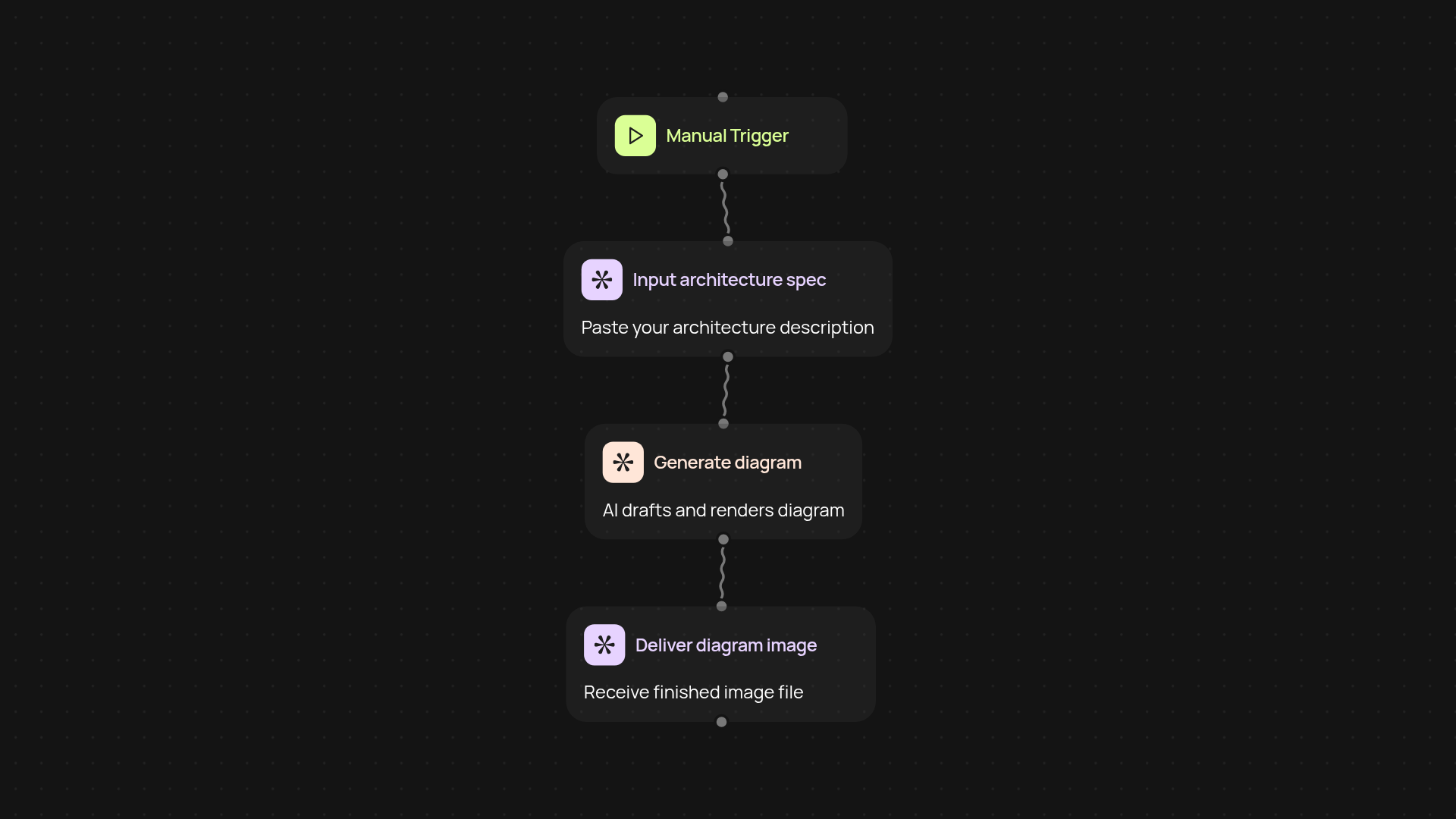
What can you do with the architecture diagram generator?
Turn your text-based architecture specs into professional diagrams in just a few clicks. You provide your requirements, and the tool transforms them into polished, shareable visuals—powered by Claude Sonnet 4.5 and advanced rendering. No need to wrestle with design tools or spend hours on formatting. Your team stays aligned with clear, always up-to-date diagrams.
How does it create diagrams from my text specifications?
The generator reads your plain language input and instantly analyzes the structure, relationships, and components. Using Claude Sonnet 4.5, it interprets your description and lays out each element for clarity. A specialized rendering engine then creates a high-quality image you can use right away—after setup and review. You don't need to manually organize or format anything.
Can I tweak or update diagrams later on?
Absolutely. Just update your text specification, and the generator produces a new diagram reflecting the changes. This keeps your documentation current, whether you're iterating on a design or collaborating with others.
How do I set it up, and what do I need?
Getting started is easy. Begin by providing your architecture description or list of components. The generator handles the rest—from parsing your input to delivering a ready-to-use diagram. All you need is your project's written outline; no design skills required.
More templates
Get started today
Your first workflow is free to build.
Describe what you need. Cody handles the build, the connections, and the deployment.