Architectural Render Studio — photorealistic renders from text
Turn your ideas into photorealistic architectural images in seconds. Generate interior, exterior, or landscape renders from any text description.
Example starting point only. Verify every connection and any sending, booking, inventory, approval, or handoff action before deployment.
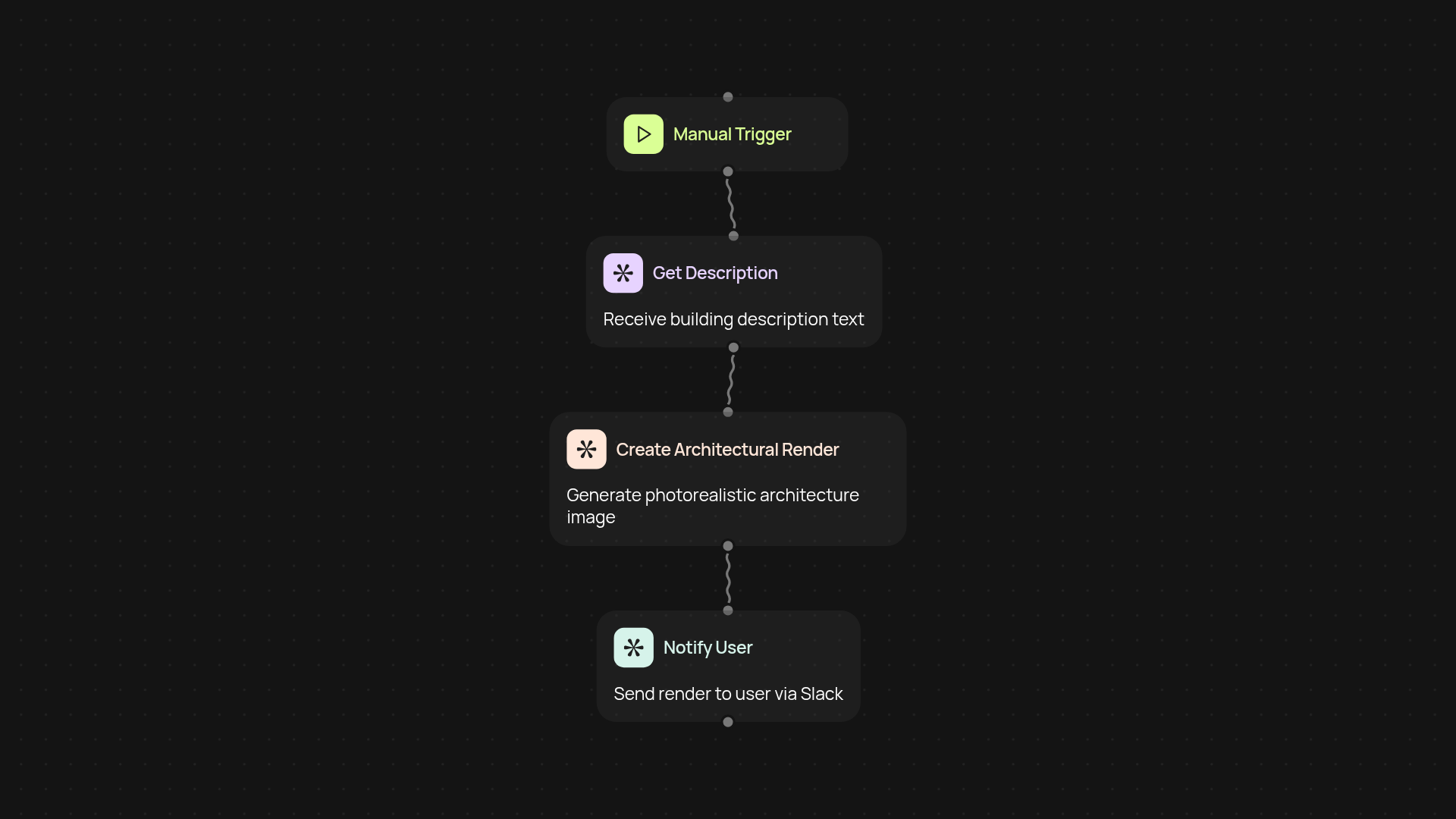
How does the architectural render studio transform text into images?
It’s simple — describe your vision in plain language, and the architectural render studio brings it to life. Whether you need a detailed interior, a striking exterior, or a lush landscape, you’ll get a photorealistic image in seconds. No design skills required. You just type what you want to see and receive high-quality visuals created automatically.
What types of architectural images can you generate?
You can create photorealistic interiors, exteriors, and even landscapes. If you want a modern kitchen, a dreamy backyard, or a futuristic office facade, just write your description and let the studio handle the rest. The possibilities match your creativity, instantly offering you the images you need for pitches, presentations, or planning.
How fast and accurate are the results?
Results appear in moments, so you’ll never have to wait long to visualize your ideas. Each image is generated with Gemini 3 Pro Image to ensure realistic lighting, textures, and style. Review or revise descriptions to get just the look you’re after — all without manual design work.
How do you set it up and what do you need?
Getting started is straightforward: enter your architectural description and run the automation. That’s it. You don’t need any special software or design background. All you need is your text prompt and you’re set — let the studio handle the rest.
Get started today
Your first workflow is free to build.
Describe what you need. Cody handles the build, the connections, and the deployment.