Amazon comparison table to WordPress — publish product tables faster
Turn Amazon product data into HTML tables and instantly add them to WordPress — no manual formatting needed. Automate your affiliate workflow.
Example starting point only. Verify every connection and any sending, booking, inventory, approval, or handoff action before deployment.
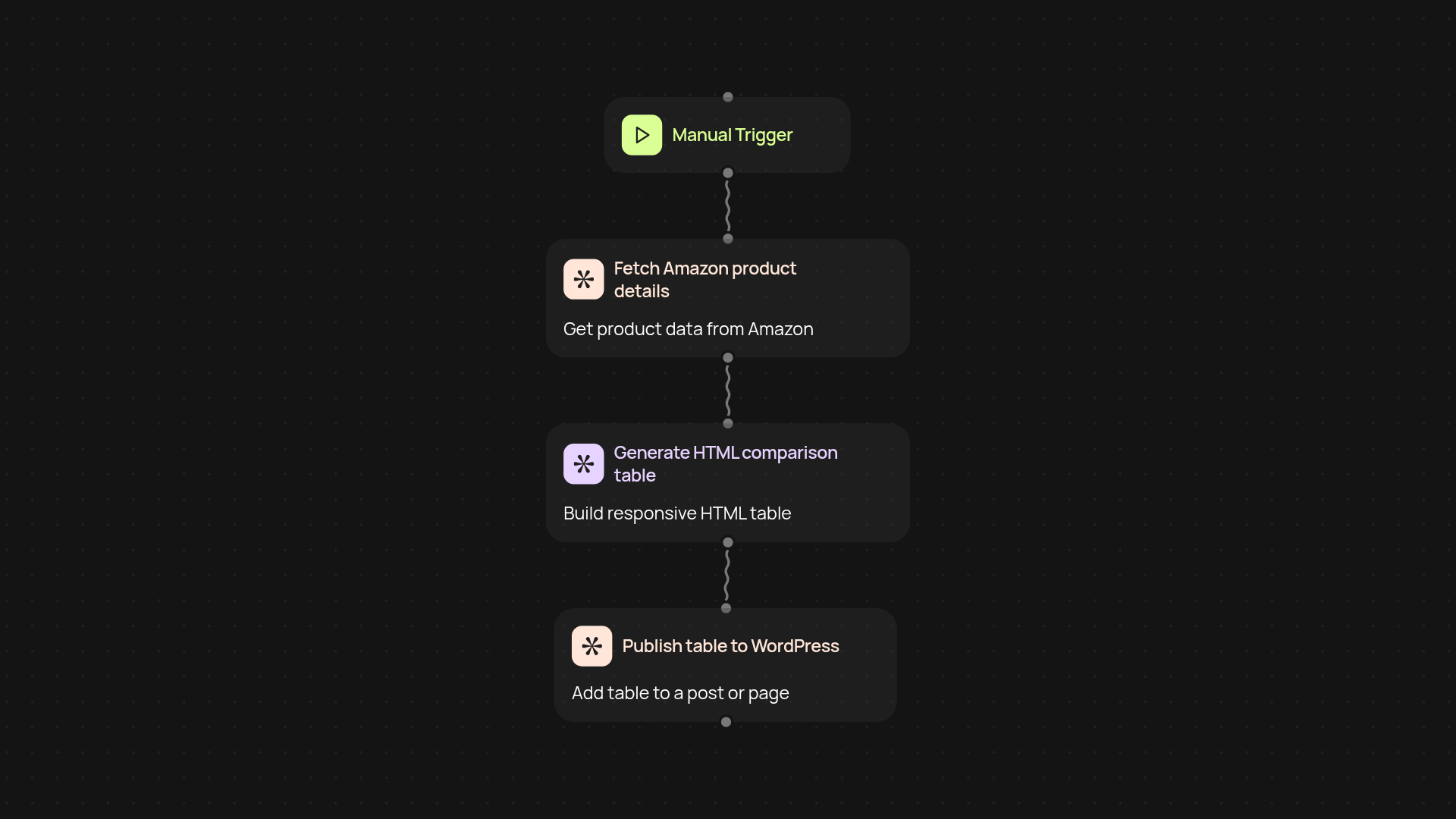
How does this automate Amazon product tables for WordPress?
This template takes Amazon product details, builds a comparison table in responsive HTML, and publishes it straight to your chosen WordPress site. No need to copy-paste product info or wrestle with formatting — just set your criteria and let the workflow do the rest. You get professional-looking tables in minutes, ready for your affiliate blog or review site.
Can I create and update tables automatically?
Yes, you can. Whenever you want to feature new products or refresh a table, just trigger the workflow and it handles the updates for you. The table is generated in the background and added to your WordPress post without any manual work. You spend less time on busywork and more time growing your revenue.
What details are included in the Amazon comparison table?
You get key data like product names, images, prices, ratings, and direct Amazon links — all neatly organized for your readers. The HTML output works seamlessly on desktop and mobile, helping you create content that works for both search rankings and conversions.
How do you set it up and what do you need?
Setup is straightforward: you'll need your Amazon product links and access to your WordPress site. Just connect your accounts and choose when the workflow should run — manually, or on a schedule. In a few clicks, you’re ready to go live with instant product tables, no code or plugin hassles required.
Get started today
Your first workflow is free to build.
Describe what you need. Cody handles the build, the connections, and the deployment.