AI YouTube Clipper — instantly create video highlights with AI
Save time and boost engagement by using AI to download, transcribe, and clip captivating YouTube moments. No manual editing required.
Example starting point only. Verify every connection and any sending, booking, inventory, approval, or handoff action before deployment.
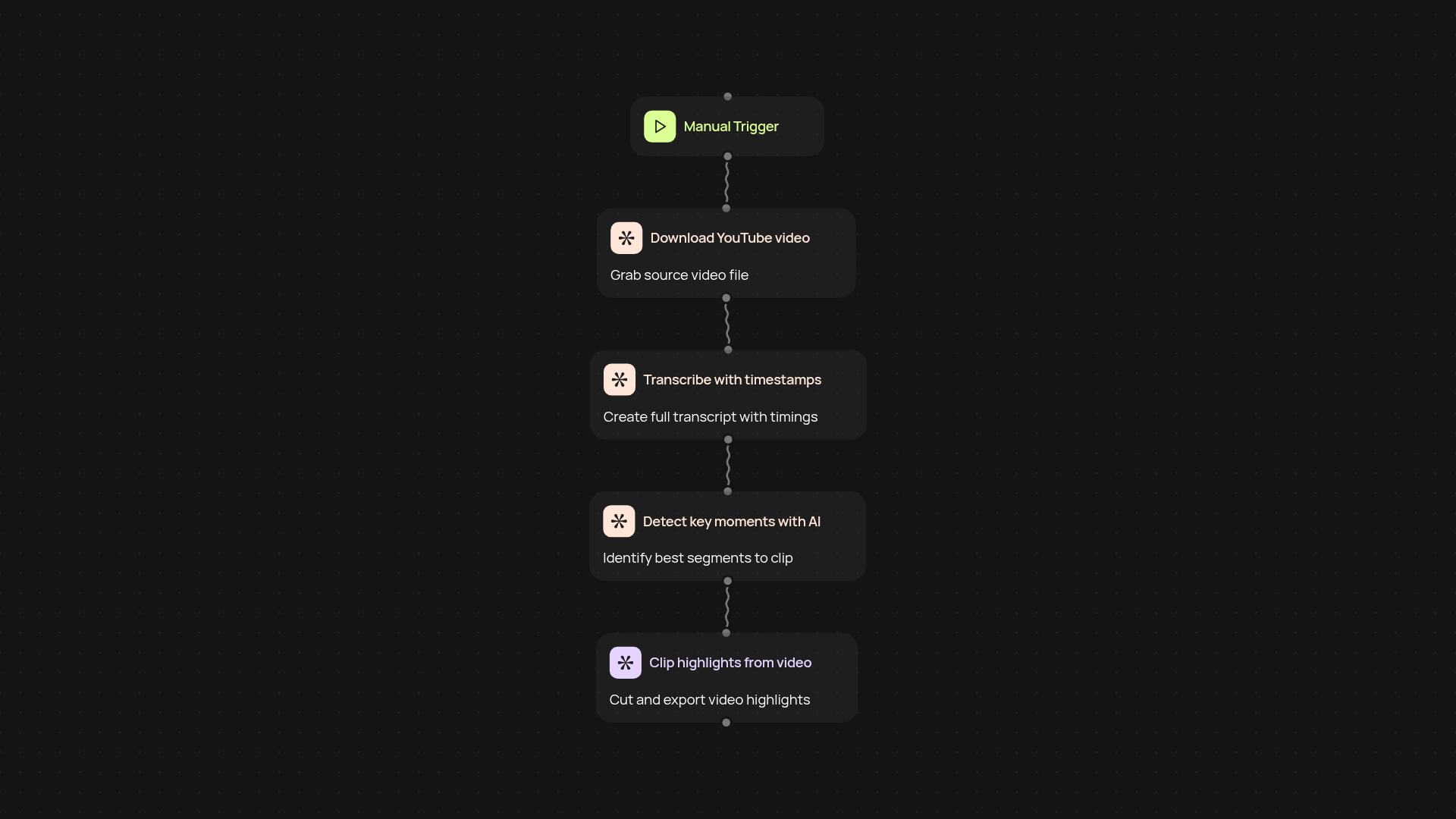
What can this AI YouTube Clipper do for you?
This template takes the full process of creating YouTube video highlights off your plate. Just provide a YouTube link and let CodeWords handle the rest — download the video, create a timestamped transcript, pinpoint the most engaging moments with AI, and pull out short, shareable video clips. You get polished highlights without spending hours scrubbing through footage or editing timelines.
How does it pick out the best moments automatically?
After the video is transcribed, our AI reviews the dialog and pacing to detect exciting, noteworthy, or attention-grabbing segments. It uses context clues in the transcript to predict which parts are most likely to be rewatched or shared. As a result, you receive clips that truly showcase the most captivating moments — all automatically.
Can it save time on content repurposing and promotion?
Absolutely. No more manual downloading, transcribing, or clip creation. Use this workflow to turn long-form content into snackable, ready-to-post highlight videos. It’s perfect for social media, marketing newsletters, or team recaps — anywhere you want to quickly share the best moments from YouTube.
How do you set this up and what do you need?
Just drop in your YouTube link. The workflow handles video downloading, transcription, highlight detection, and creation of the final video clips. You don’t need specialized skills or editing software. Start saving time and repurpose great content after setup and review.
Get started today
Your first workflow is free to build.
Describe what you need. Cody handles the build, the connections, and the deployment.