AI video to YouTube automation — save hours posting subtitled videos
Turn videos into YouTube-ready content with AI subtitles in minutes. Create, subtitle, and upload videos to YouTube without manual editing.
Example starting point only. Verify every connection and any sending, booking, inventory, approval, or handoff action before deployment.
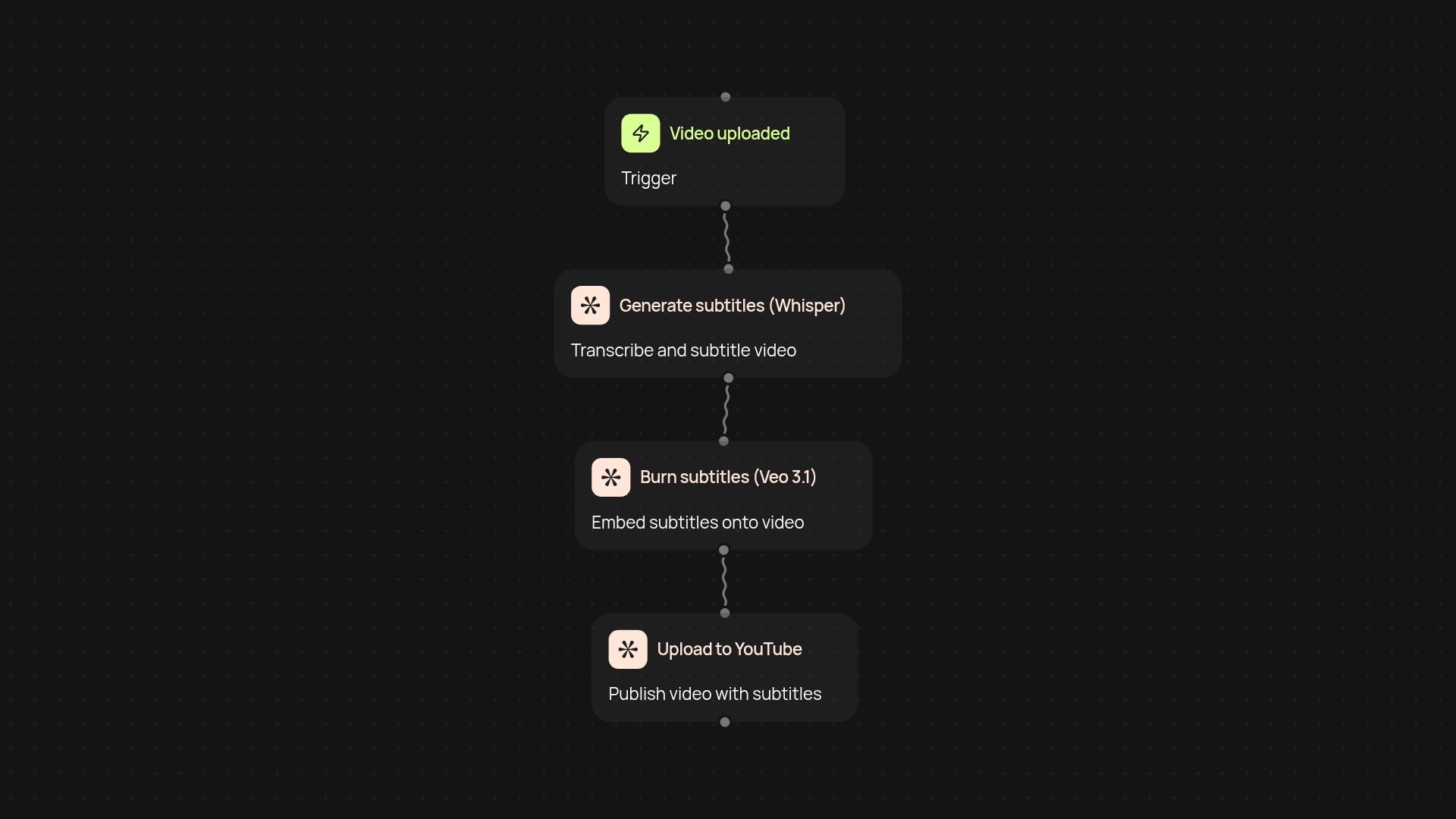
How does AI video to YouTube automation work end-to-end?
Instantly create and upload videos with perfectly timed, burned-in subtitles — all without manual editing. This template uses Veo 3.1 and Whisper to generate subtitles, bakes them right onto your video, and uploads the finished product to your YouTube channel. Now you can jump from raw video to published content automatically, saving hours per project.
Can it add subtitles automatically, and are they accurate?
Yes, subtitles are generated and applied using advanced AI (Whisper) for high accuracy. You don’t need to tinker with timing or formatting. It all happens in the background — so your videos are ready for global audiences.
Does it actually upload to my YouTube channel?
Definitely. The final video — complete with crisp subtitles — is uploaded directly to your YouTube account. No downloads, no switching tabs. You get a live, ready-to-share video post after setup and review.
What do I need to get started and how do I set it up?
Just connect your YouTube account and provide the video files you want to process. The template will guide you through connecting Veo 3.1 and Whisper for subtitle generation, and linking your YouTube for direct uploads. No technical skills are required — start in minutes.
Get started today
Your first workflow is free to build.
Describe what you need. Cody handles the build, the connections, and the deployment.