AI Toon Video Generator — create fully animated scenes
Generate multi-scene animated toons with synchronized audio—with less manual work. Save hours by creating videos instantly using GPT-4o-mini and Google Veo.
Example starting point only. Verify every connection and any sending, booking, inventory, approval, or handoff action before deployment.
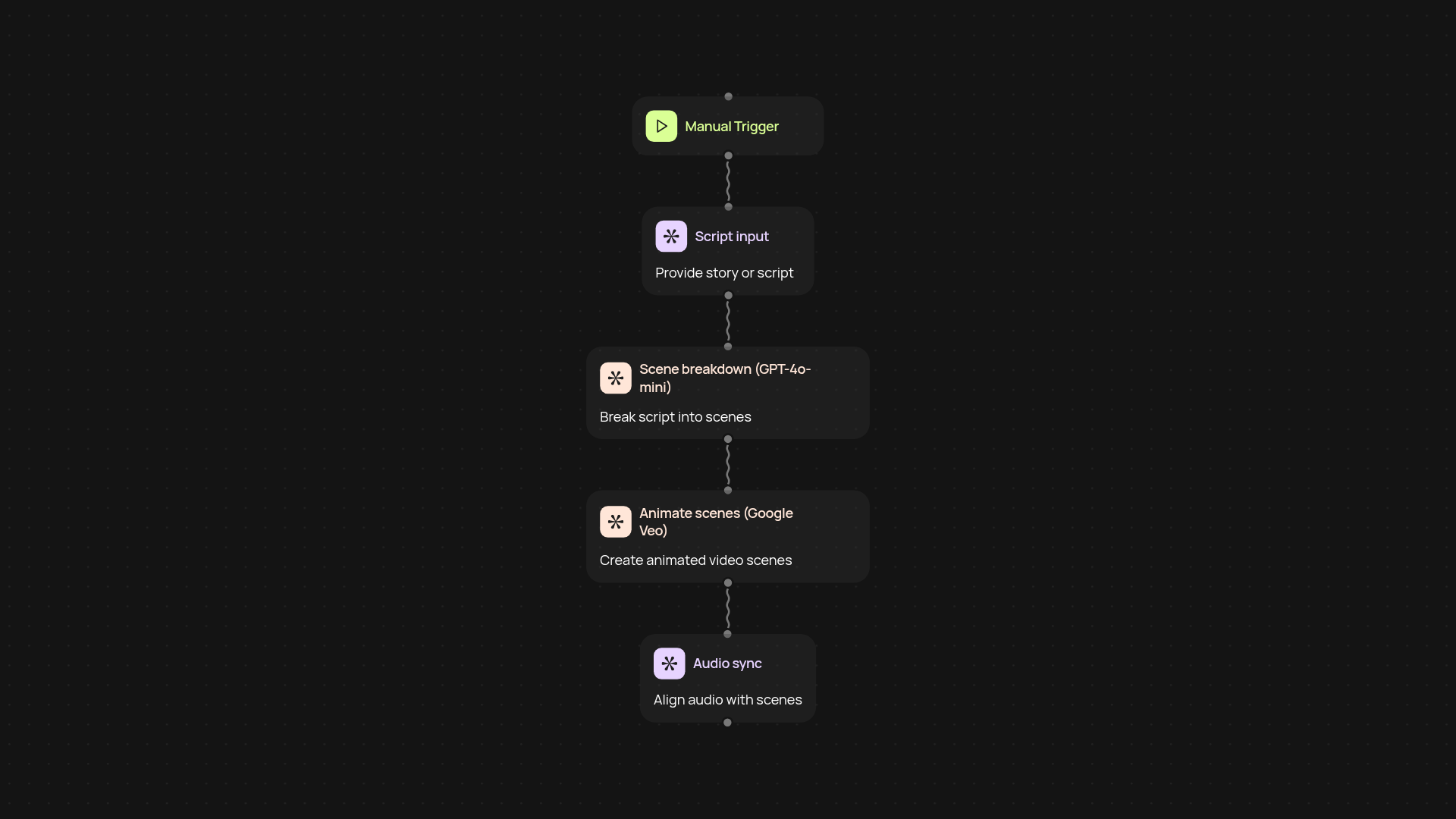
How does the AI Toon Video Generator make animation effortless?
The AI Toon Video Generator turns your ideas into multi-scene animated toons after setup and review. Simply provide your script or concept—CodeWords instantly pulls it in, passes it to GPT-4o-mini, and then creates animated video scenes with Google Veo. Synchronized audio and visuals come together automatically, leaving you with a finished toon ready to share.
Can I generate a complete video, including audio, instantly?
Yes. You can go from a simple prompt or script to a full animated video with matching audio in minutes. Everything—from voiceovers to scene transitions—runs in the background. No need for costly animators or studios; anyone can create professional-looking toons in just a few clicks.
How do I refine the scenes and narration?
You have control over your story’s flow and detail. Adjust your script or change the scene instructions at the start, then let the platform do the work. Each part can be revised before the final video is produced, allowing for quick tweaks without starting over.
What do I need to get started?
Getting started takes only a script or concept. Choose a trigger—run the workflow manually or set it to run on a schedule. You’ll need access to CodeWords and a Google account for Veo. From there, everything else is handled for you.
Get started today
Your first workflow is free to build.
Describe what you need. Cody handles the build, the connections, and the deployment.