AI Photo Enhancer — upgrade images in a single click
Run the AI Photo Enhancer to upgrade images instantly. Get pro-quality results without manual editing or tech skills. Try it now.
Example starting point only. Verify every connection and any sending, booking, inventory, approval, or handoff action before deployment.
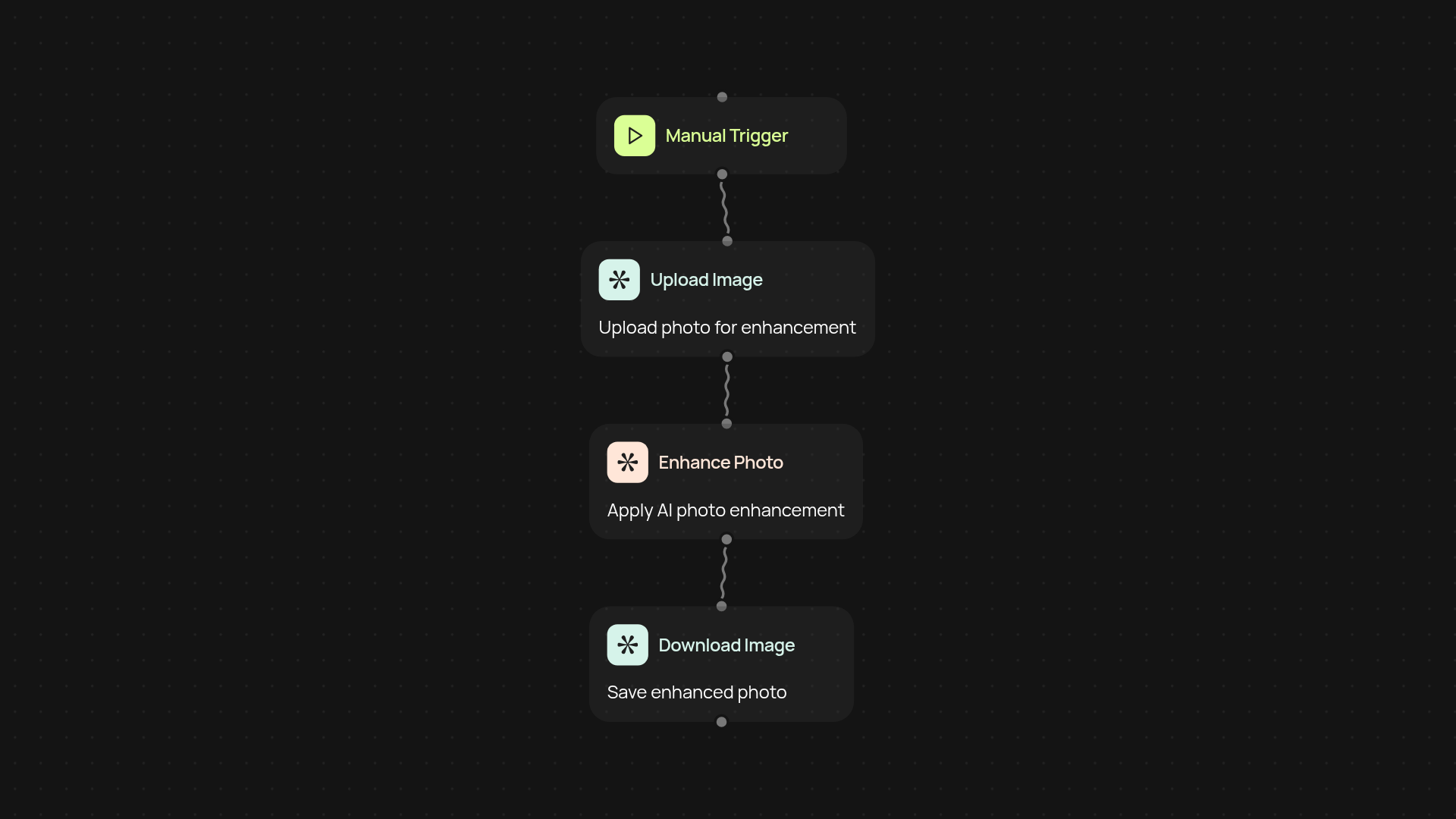
How does the AI Photo Enhancer improve your images?
AI Photo Enhancer quickly upgrades your photos without manual editing. With one tap, your image runs through Gemini 3 Pro Image for professional-level enhancement. Then, GPT-4o-mini vision reviews the changes so you always get a clear before-and-after comparison—giving you confidence in every result.
What results can you expect when you enhance photos automatically?
You get crisp, high-quality images ready for presentations, websites, or social media—all processed behind the scenes. No experience or design know-how needed. Each photo is optimized for lighting, clarity, and detail, so you can focus on using your images, not fixing them.
Why is automated enhancement better than manual editing?
Manual photo corrections take time and can be inconsistent. With AI Photo Enhancer, your images are improved instantly with professional precision, after setup and review. Consistent upgrades mean every image meets your highest standards—every time.
How do you get started with AI Photo Enhancer?
Getting set up is simple. Begin by uploading a photo or connecting to your image source. The system runs on a manual trigger—just tap once per photo. No software installs or photo-editing skills required. Enhanced images and visual comparisons are ready within seconds.
Get started today
Your first workflow is free to build.
Describe what you need. Cody handles the build, the connections, and the deployment.