AI Photo Editor — edit images with natural language prompts
Easily transform photos using prompts. The AI Photo Editor lets you change, enhance, or retouch images just by describing what you want—no design skills needed.
Example starting point only. Verify every connection and any sending, booking, inventory, approval, or handoff action before deployment.
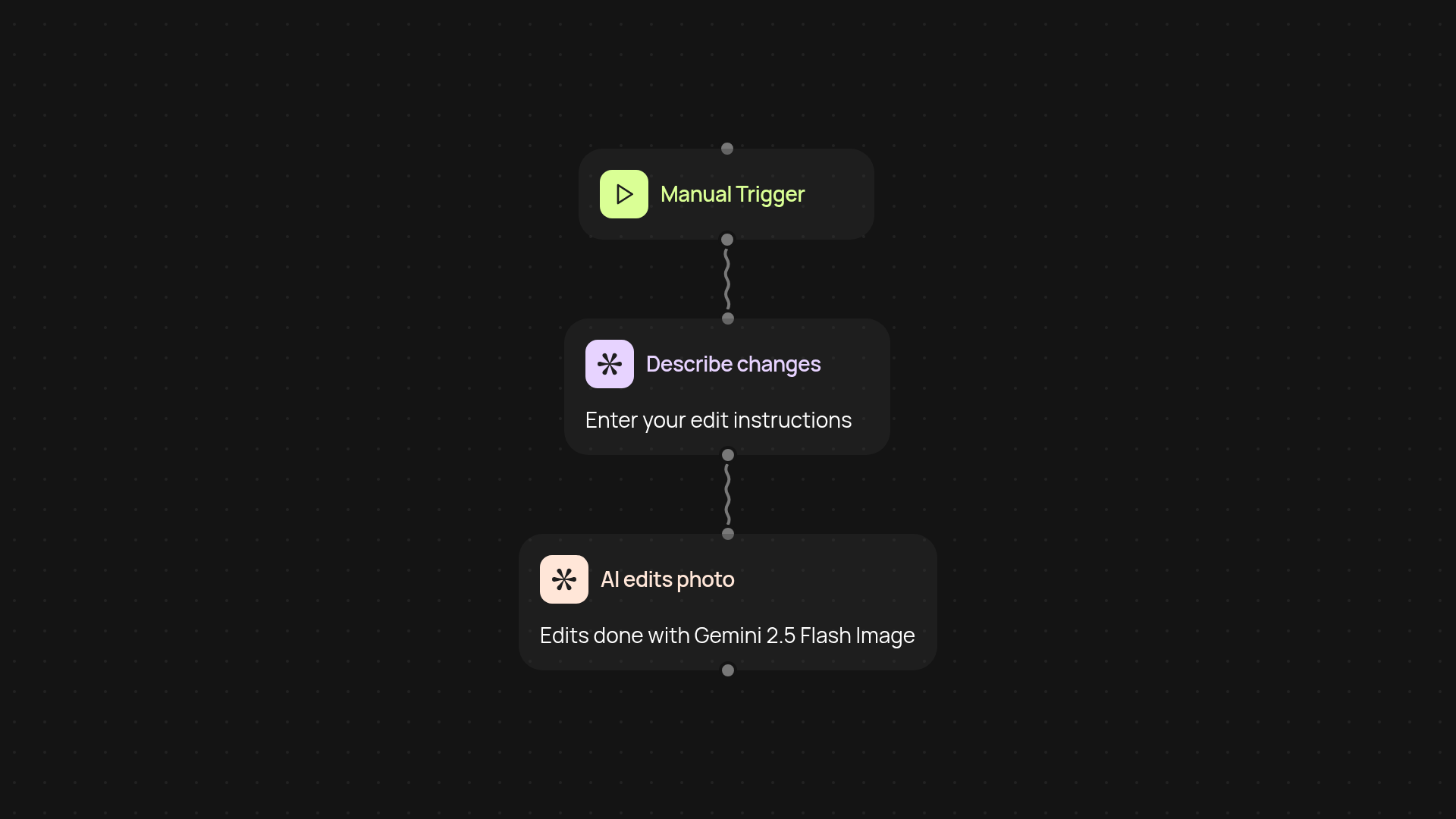
What can the AI Photo Editor do for you?
Turn any photo idea into reality with just a few words. The AI Photo Editor transforms your images based on written instructions—no technical skills or design software required. Whether you need to enhance colors, remove objects, or apply creative effects, you simply describe your request. Let the editor do the heavy lifting in the background, so you get stunning results faster.
How does editing with natural language work?
It's simple: upload your image, type what you want changed, and let the AI handle the rest. Requests like 'make the background white', 'add a sunset filter', or 'remove the watermark' are instantly understood. This automatic approach means there's no need to learn complicated tools or hire a specialist.
What kinds of edits can you make?
You have full creative freedom. The editor can retouch faces, adjust lighting, swap backgrounds, apply filters, erase unwanted details, and more. If you can describe it, the AI can likely deliver it. This flexible process adapts to different content needs, from marketing visuals to personal photos.
How do you get started?
Start by uploading a photo or selecting it from your files. Next, type your desired changes into the prompt box. The AI will process your request and return a ready-to-use edited image—no design experience necessary. All you need is your image and a description of what you want changed. Try it and see your ideas come to life after setup and review.
Get started today
Your first workflow is free to build.
Describe what you need. Cody handles the build, the connections, and the deployment.