AI Logo Creator — 3 unique logos in minutes
Create 3 unique professional logo designs in minutes using AI. No design skills needed. Skip the hassle and get instant, automatic logo options.
Example starting point only. Verify every connection and any sending, booking, inventory, approval, or handoff action before deployment.
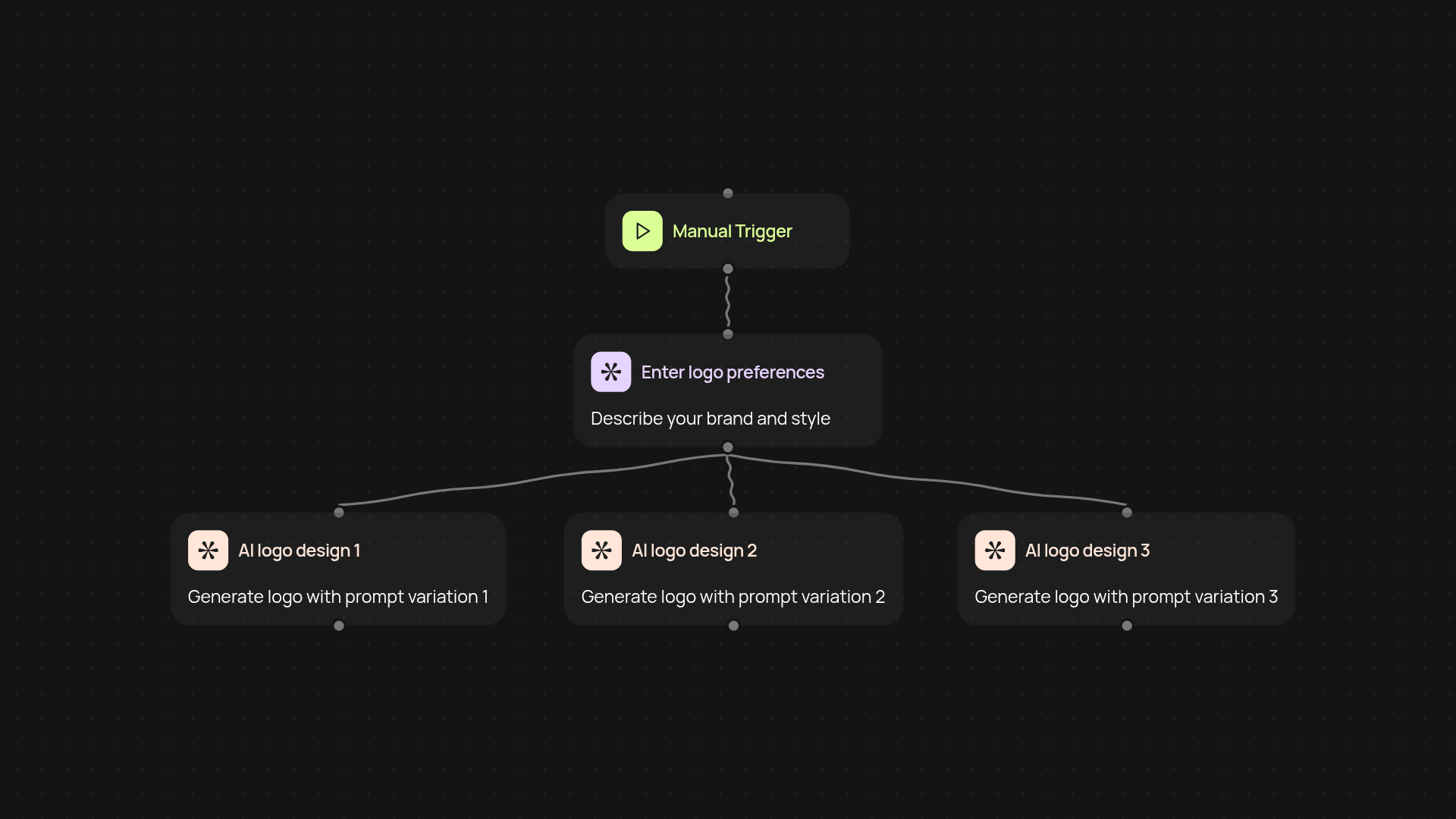
How does the AI Logo Creator generate three unique logo designs?
You get three completely unique logos in just a few clicks. The AI Logo Creator uses advanced image generation models to instantly produce diverse logo styles—each with a distinct visual look—so you can pick the one that fits your brand best. Just tell the system your brand details and creative preferences, and you’ll have professional logo options delivered to you without any manual design work.
Is it really this fast to get professional results?
Yes—there’s no waiting or fussing with complicated design tools here. The AI Logo Creator works in the background to generate three logos, each based on varied creative prompts. This means you’ll instantly see a range of options, all tailored to your needs, so you can finalize your branding quickly and confidently.
Can I customize the logo prompts for my business?
You start by providing a short description of your brand, your desired style, colors, or any details you want. The AI balances your direction with creative variety—so each logo feels fresh yet relevant to your vision. That way, you always have options to choose from, or you can request another round if you want different looks.
What do I need to get started with the AI Logo Creator?
Getting started is as simple as describing your brand and design preferences. No design experience needed. The generator takes care of the rest, providing ready-to-use logos for immediate download or further editing if needed. You can launch the process at any time, and your logos will be ready within minutes—no design back-and-forth required.
Get started today
Your first workflow is free to build.
Describe what you need. Cody handles the build, the connections, and the deployment.