AI Linux Command Executor — natural language to bash
Turn any natural language request into bash commands—safely, accurately, and automatically using multiple AIs. Run powerful Linux automations with zero scripting.
Example starting point only. Verify every connection and any sending, booking, inventory, approval, or handoff action before deployment.
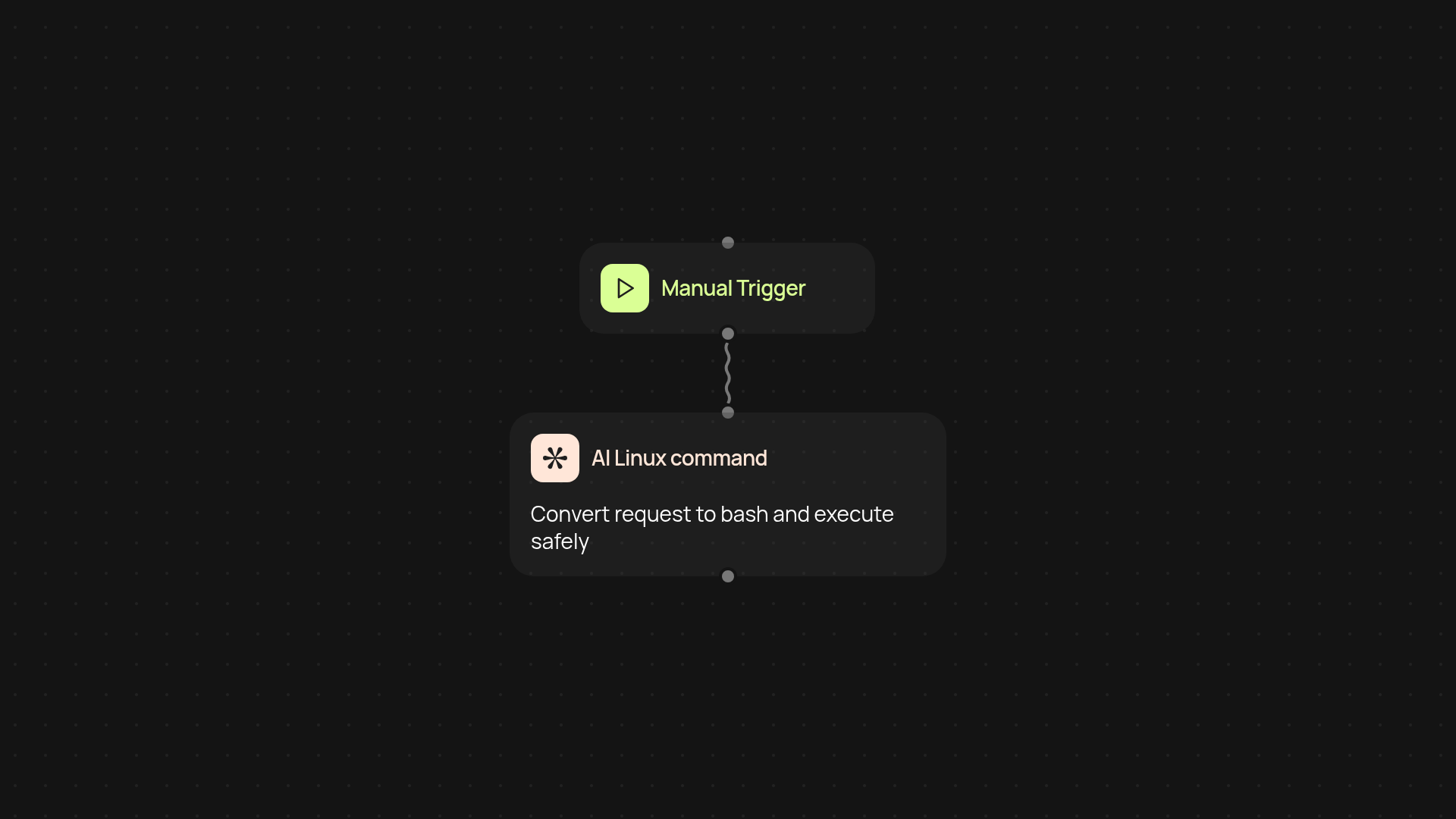
How can you instantly turn requests into bash commands?
Just describe what you want done in plain English. The AI Linux Command Executor understands your intent and converts it into safe, precise bash commands—then runs it for you in a secure E2B sandbox. There’s no need for scripting or remembering tricky syntax. From data cleanup to custom file operations, command-line tasks happen without manual effort.
How does the AI make sure commands are safe?
Commands are never run on your own machine. The AI Linux Command Executor uses advanced AI models from multiple providers to interpret your request, then executes everything in an isolated environment. This means operations stay secure and risk-free for both your files and systems. You get full transparency and clear output for every action.
What can you automate with natural language prompts?
Almost any repetitive Linux task. Cleaning up folders, organizing data, generating reports, troubleshooting scripts—just ask in your own words. The tool works silently in the background, freeing you from the terminal. Spend your time on work that matters, while the busywork gets handled automatically.
How do you get started?
Getting set up is simple. Trigger the AI Linux Command Executor manually or set it to run on a schedule. All you need is your plain-English task description—no Linux experience required. Let the AI handle technical details while you get results in seconds. You can begin with a single prompt and expand to regular workflows as you go.
More templates
Get started today
Your first workflow is free to build.
Describe what you need. Cody handles the build, the connections, and the deployment.