AI image upscaler — ultra-clear visuals without manual edits
Unlock sharper, high-res images instantly. AI Image Upscaler boosts image quality without extra manual work — perfect for teams needing crisp visuals on demand.
Example starting point only. Verify every connection and any sending, booking, inventory, approval, or handoff action before deployment.
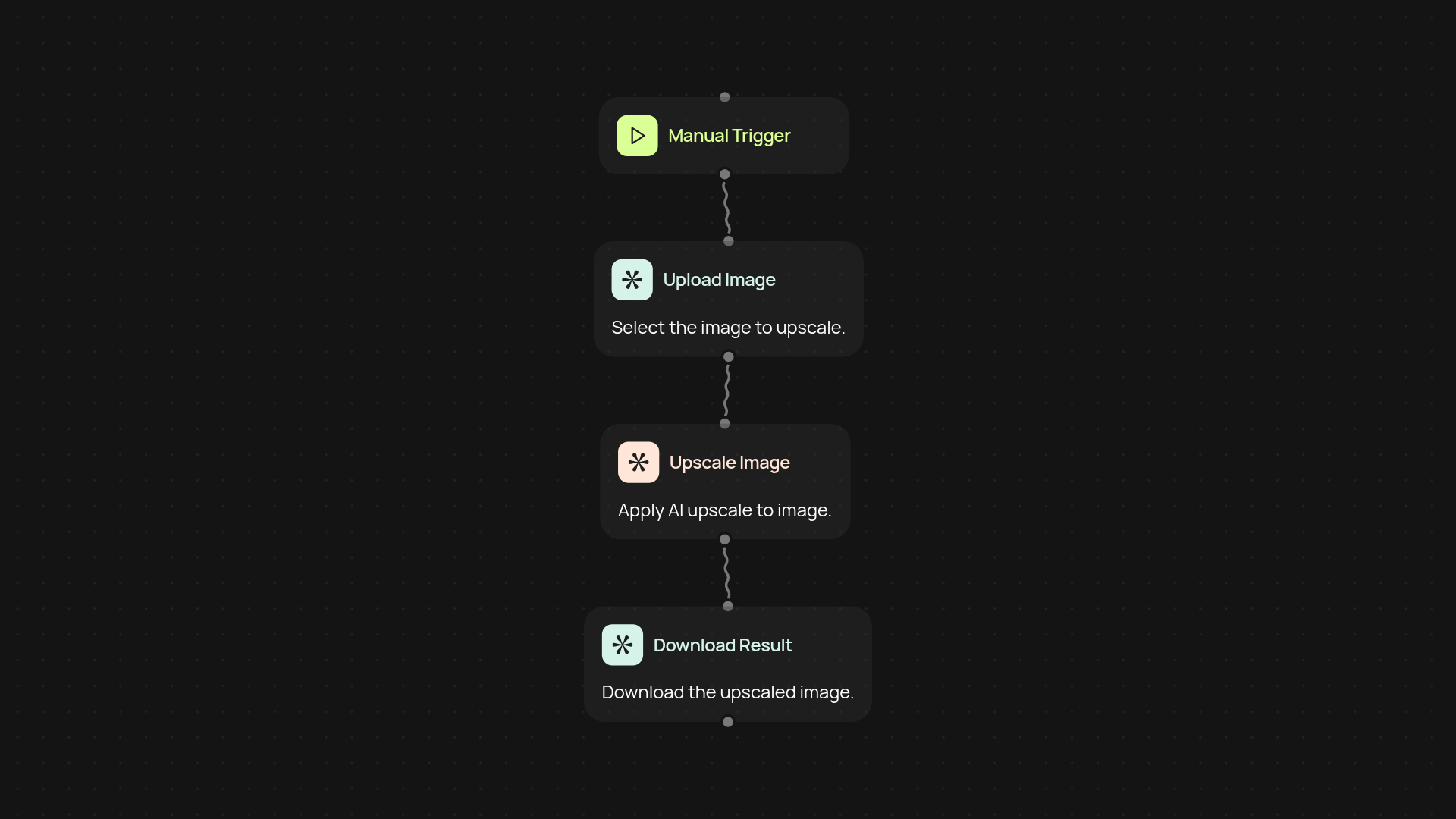
What does the AI image upscaler do for you?
With the AI image upscaler, you can turn blurry or small visuals into crisp, high-quality images — no extra editing skills or complicated tools needed. This template automatically boosts resolution and preserves details, giving you professional results just by uploading your file. Perfect for marketing, e-commerce, presentations, or whenever you need stunning images quickly.
How does it improve your workflow instantly?
The image upscaler fits right into your daily routine. Instead of spending precious time resizing images yourself or relying on designers for simple enhancements, let the AI handle the work in the background. Your team can repurpose assets or source content with confidence, knowing every image can look its best with zero extra effort on your part.
Will upscaled images still look natural?
Yes, the AI is designed to preserve important details and natural textures, so your images will stay true-to-life even after enhancement. Whether you’re improving product photos, social media graphics, or presentation slides, expect sharp results that feel authentic — not over-processed or artificial.
How do you set up the AI image upscaler?
Getting started takes just a few minutes. You’ll upload your image, trigger the upscaling process with a click or on a schedule, and download the enhanced file right after. All you need is your original image — guided setup, and no design tools required. You can even automate the workflow to run automatically whenever new images are added to your folder or library.
More templates
Get started today
Your first workflow is free to build.
Describe what you need. Cody handles the build, the connections, and the deployment.