AI Image to Embroidery — turn photos into stitch-ready files
Convert any image into DST, PES, or JEF embroidery files with AI. Instantly create machine-ready stitch files from your photos—no manual work required.
Example starting point only. Verify every connection and any sending, booking, inventory, approval, or handoff action before deployment.
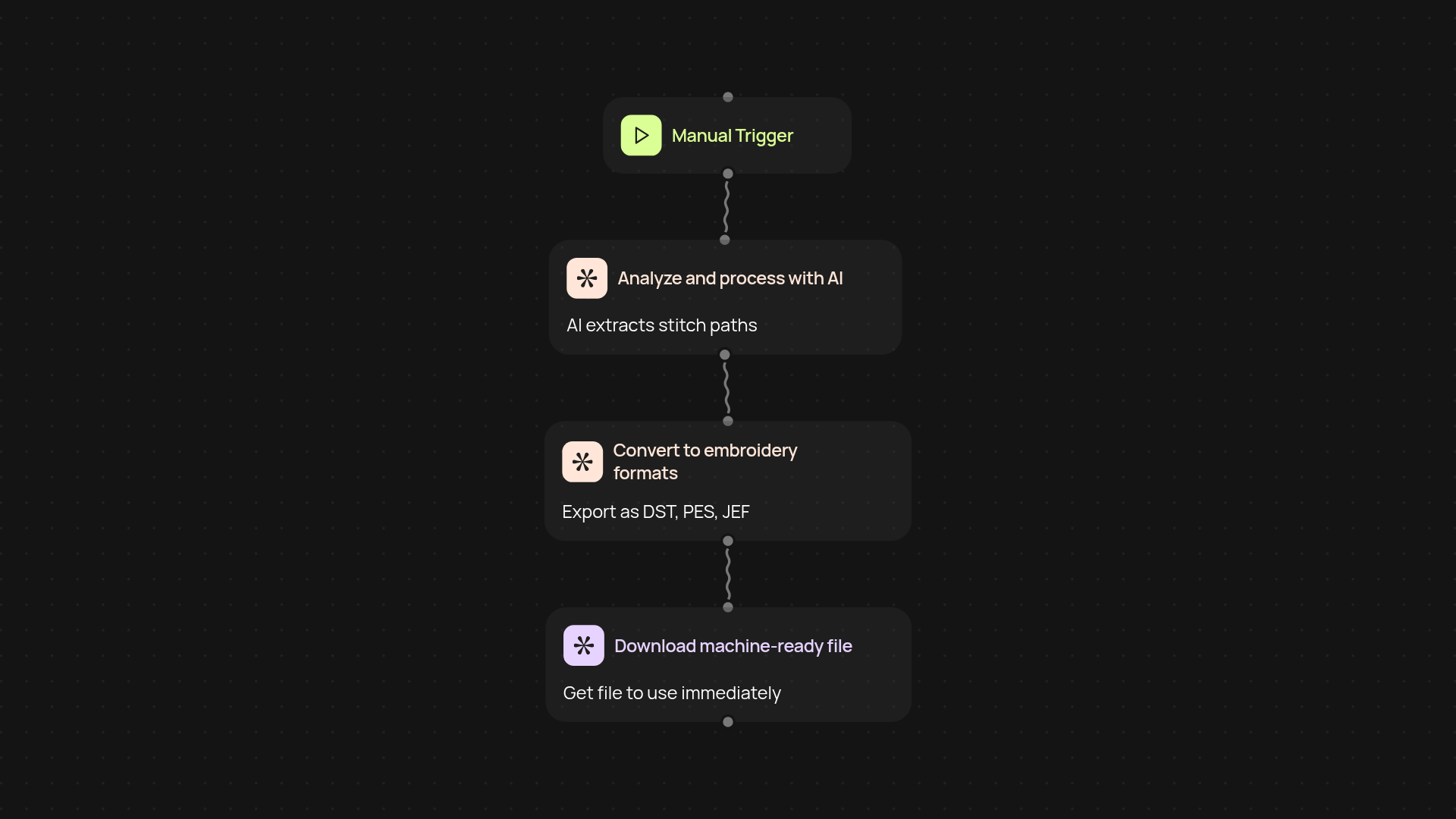
How do I convert a photo to an embroidery file?
With the AI Image to Embroidery Converter, you can turn any photo or design into a stitch-ready embroidery file (DST, PES, JEF) after setup and review. Just upload your image—our AI analyzes the details, optimizes for clean stitching, and delivers a file that’s ready for your embroidery machine. No technical skills or tedious manual digitizing needed.
Which file formats does this tool support?
You receive your design in the most popular machine file formats: DST, PES, and JEF. These work with most commercial and personal embroidery machines. The process ensures your design is clear, precise, and suited for optimal stitching every single time.
How accurate is the conversion process?
The tool uses deep learning and advanced conversion techniques to identify stitches, simplify images, and keep your design recognizable. You'll see crisp detail and smooth stitch paths, so your finished product matches your creative vision. No more guessing or manual edits—everything is handled in the background for you.
What do I need to get started?
Getting started is simple. Just pick your image, choose your preferred file format, and upload—all from your browser. The AI takes care of the rest. Within seconds, your stitch-ready file is ready to download and use in your embroidery project.
More templates
Get started today
Your first workflow is free to build.
Describe what you need. Cody handles the build, the connections, and the deployment.