AI Image Metadata Extractor — tag, organize, and search images
Use AI Image Metadata Extractor to generate rich metadata from images for digital asset management. Organize photos, improve search and save hours weekly.
Example starting point only. Verify every connection and any sending, booking, inventory, approval, or handoff action before deployment.
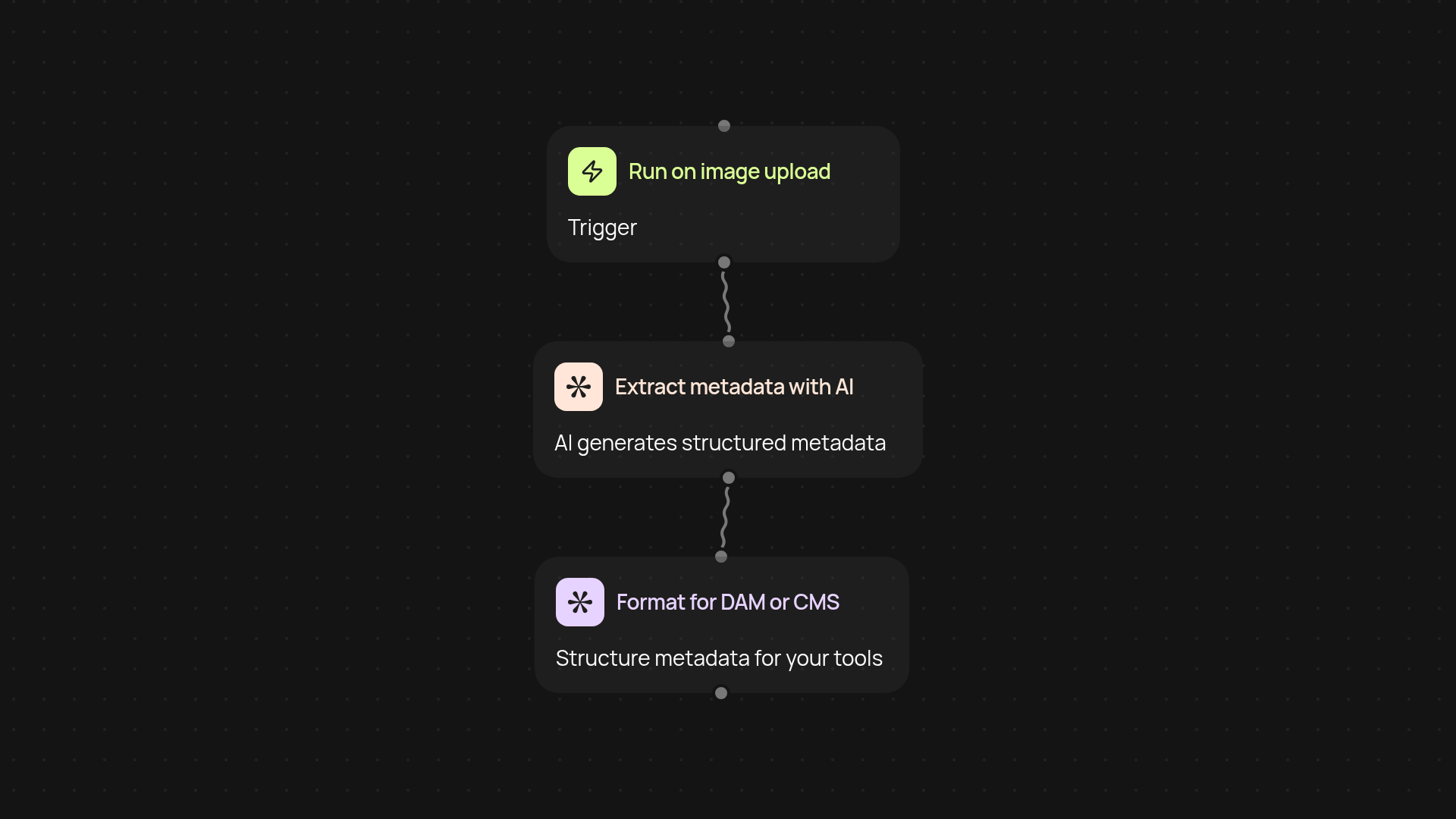
How does AI image metadata extraction organize your assets for you?
AI Image Metadata Extractor instantly analyzes your images and turns them into searchable assets — adding descriptions, tags, and key details automatically. You’ll never have to sort through photos manually or guess what’s in a file again. The process runs smoothly in the background, building out complete, accurate metadata while you work on what matters most.
What kind of metadata can you expect, and how accurate is it?
You get structured details: subjects, objects, locations, emotions, colors, file data, and even context. This means your images become easily searchable and filterable by anyone on your team. Results are powered by advanced AI, so you can rely on consistent, high-quality tagging after setup and review.
Can this work with my digital asset management or CMS tools?
Yes. The extractor is built for compatibility. Push metadata directly to your DAM system or CMS, or export rich data for flexible use elsewhere. No more copy-pasting or double entry — just effortless integration into your existing content workflows.
How do you get started with automated image metadata extraction?
First, pick your trigger — scan new images as they appear, run a scheduled batch, or process on demand. Then connect to your image source and let the extractor handle the rest. You don’t need to set up any technical systems: just upload or select images, and enjoy organized assets from day one.
Get started today
Your first workflow is free to build.
Describe what you need. Cody handles the build, the connections, and the deployment.