AI Email Alert System — receive instant AI alerts from Gmail
Set up AI-powered email alerts from Gmail using Claude Haiku 4.5. Get notified instantly when messages match your custom criteria—no manual checking required.
Example starting point only. Verify every connection and any sending, booking, inventory, approval, or handoff action before deployment.
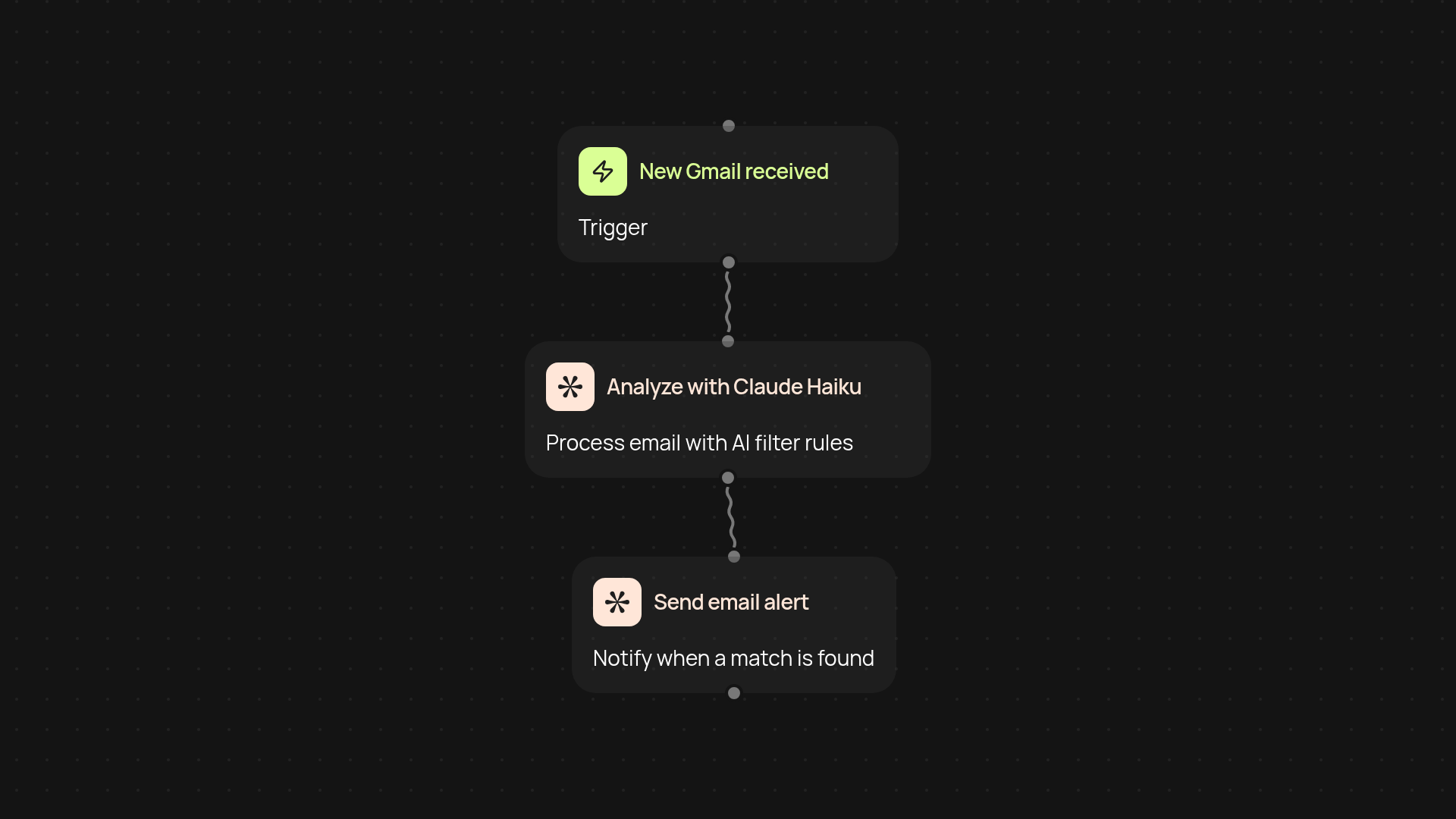
How does this AI email alert system work from end to end?
You’ll always know when important emails arrive—without messy filters or endless inbox checks. This system taps your Gmail through a secure integration. Every time a message lands in your inbox, Claude Haiku 4.5 reviews it using your custom rules. If there’s a match, you get an email alert automatically. It’s all handled in the background—fast and accurate.
How do I set up custom email filtering criteria?
Your needs change, and so can your filters. Just describe what you want to watch for—maybe urgent client emails, candidate resumes, or flagged invoices. Claude Haiku 4.5 processes each incoming message, instantly checking your rules. This means smarter, more flexible monitoring than traditional keyword searches, so you only get alerted about what matters most.
What are the benefits of using AI-powered alerts instead of manual setups?
You won’t waste time checking your inbox, and you are less likely to miss a critical message again. While standard filters can miss important context, the AI understands intent and priorities. This helps you respond to real signals, not noise. With everything running automatically, staying organized becomes effortless.
What do I need to get started—how is setup done?
First, connect your Gmail account (takes seconds). Next, tell Claude Haiku 4.5 what to watch for by writing simple instructions—no special wording required. Finally, decide where your alerts should go. That’s it. You’re ready in minutes and can adjust criteria anytime as your priorities shift.
More templates
Get started today
Your first workflow is free to build.
Describe what you need. Cody handles the build, the connections, and the deployment.