AI design generator — turn your ideas into ready-to-use design specs
Describe a design concept and instantly get color palettes, typography, and component specs—no manual formatting required.
Example starting point only. Verify every connection and any sending, booking, inventory, approval, or handoff action before deployment.
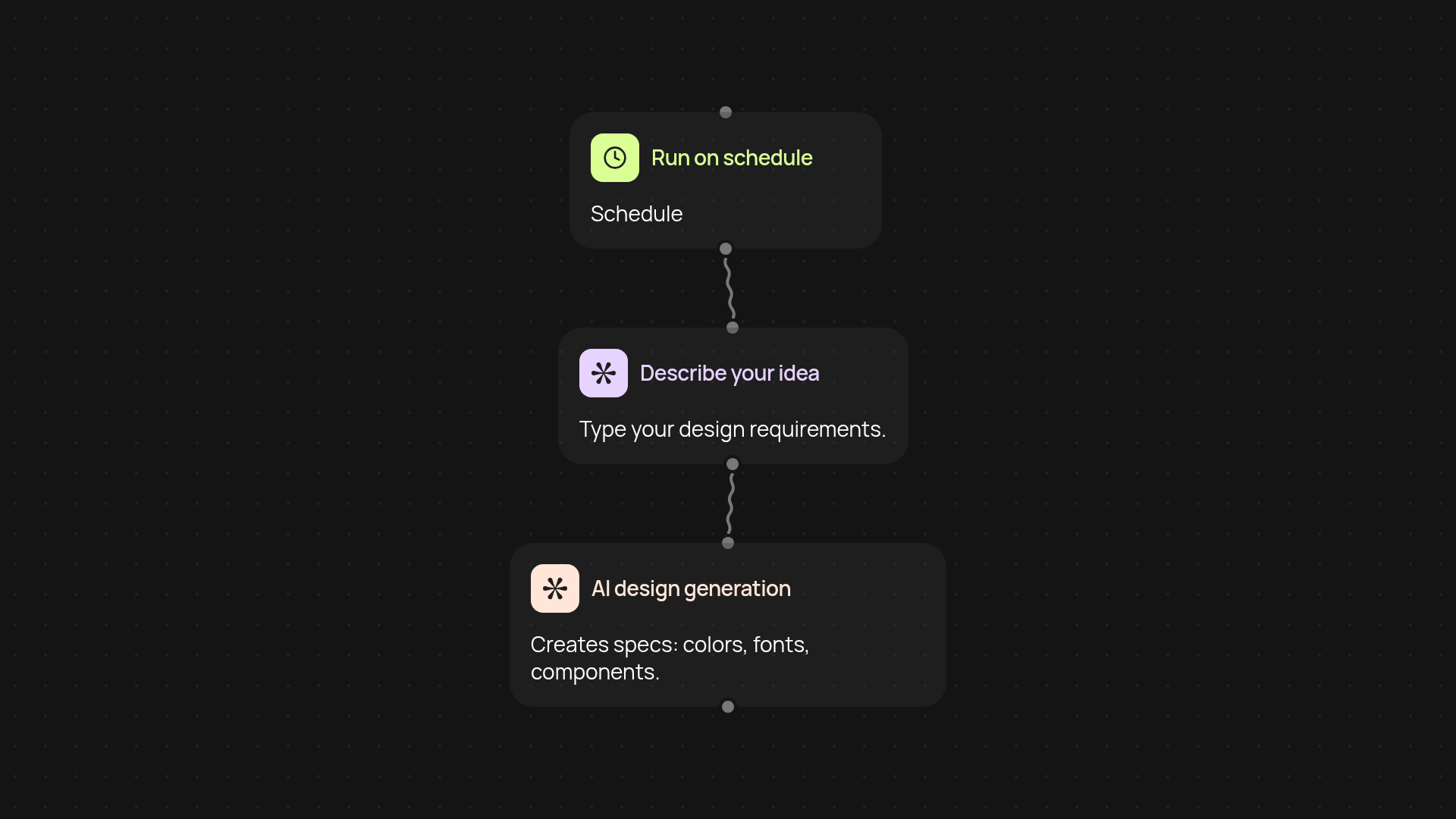
What does the AI design generator do for you?
AI design generator transforms your written ideas into detailed design specifications in seconds. Just describe what you want—such as a website, app, or branding concept—and you'll instantly receive color palettes, recommended fonts, and precise component specs. No more searching for inspirations or manually assembling guidelines. Your vision becomes a professional blueprint without extra effort.
How can you get ready-to-use color palettes and typography instantly?
After your description is submitted, the AI analyzes your requirements and creates complete visual guidelines automatically. You'll get consistent colors, fonts, and spacing tailored to your needs, combining creativity with accuracy—minus the manual tweaks or guesswork. It's a quick way to hand off a project-ready specification to designers or developers without back-and-forths.
How are the component specs customized to your project?
Your input guides every component detail. The AI bases its choices on your description's mood, audience, and platforms, personalizing specs from buttons to headers. This ensures your design feels cohesive and tailored to its exact purpose, all from your initial idea. Each output is practical and actionable, making it easy to implement or share.
How do you set it up and what do you need to start?
Getting started takes just a minute. First, choose a trigger method, like scheduling or running as needed. Then, describe your design concept in natural language—the AI design generator handles the rest. Use the output directly or share with your team. No design knowledge required; just start with your idea.
More templates
Get started today
Your first workflow is free to build.
Describe what you need. Cody handles the build, the connections, and the deployment.