AI content moderator — safeguard your content automatically
Scan text and images for policy violations with the AI Content Moderator. Protect your platform effortlessly while saving hours each week.
Example starting point only. Verify every connection and any sending, booking, inventory, approval, or handoff action before deployment.
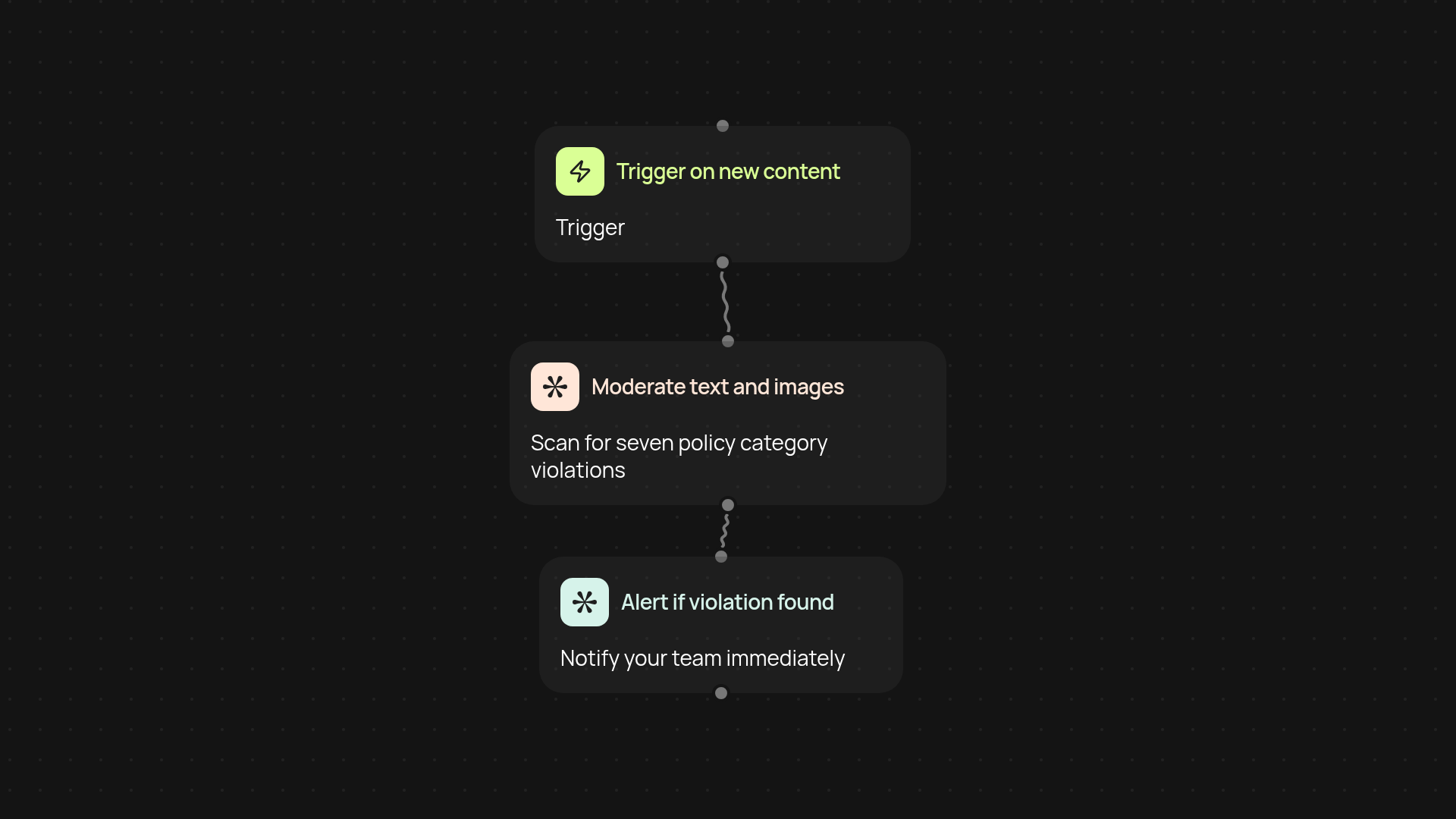
How does the AI content moderator keep your content safe?
It instantly reviews both text and images for violations across seven policy categories. As soon as your content is submitted — whether by customers, users, or your own team — it’s analyzed in the background. You get real-time alerts for anything that needs attention, so you can respond proactively and stay compliant.
Can it handle both text and images automatically?
Yes, you don’t have to lift a finger. The AI content moderator checks everything, ensuring nothing slips through the cracks. There’s no need to manually scan posts, comments, or uploads — it’s all done automatically. This frees you up to focus on growing your business instead of policing content.
How does automated moderation help your team?
You minimize risk and maintain trust without slowing anyone down. Automated moderation means less manual review, fewer missed violations, and a consistently safe experience for users. Plus, it reduces emotional burnout among moderators — tough calls are flagged before a person ever needs to step in.
What do you need to get started?
All you need is access to your content sources. Set up your trigger (manual run, schedule, or auto-run on new submissions), choose what you want scanned — text, images, or both — and let the AI content moderator do the rest. No technical expertise required.
More templates
Get started today
Your first workflow is free to build.
Describe what you need. Cody handles the build, the connections, and the deployment.