AI Code Modularizer — turn messy code into organized modules
Transform long, tangled files into modular, export-ready code with documentation. Organize your codebase automatically, in minutes.
Example starting point only. Verify every connection and any sending, booking, inventory, approval, or handoff action before deployment.
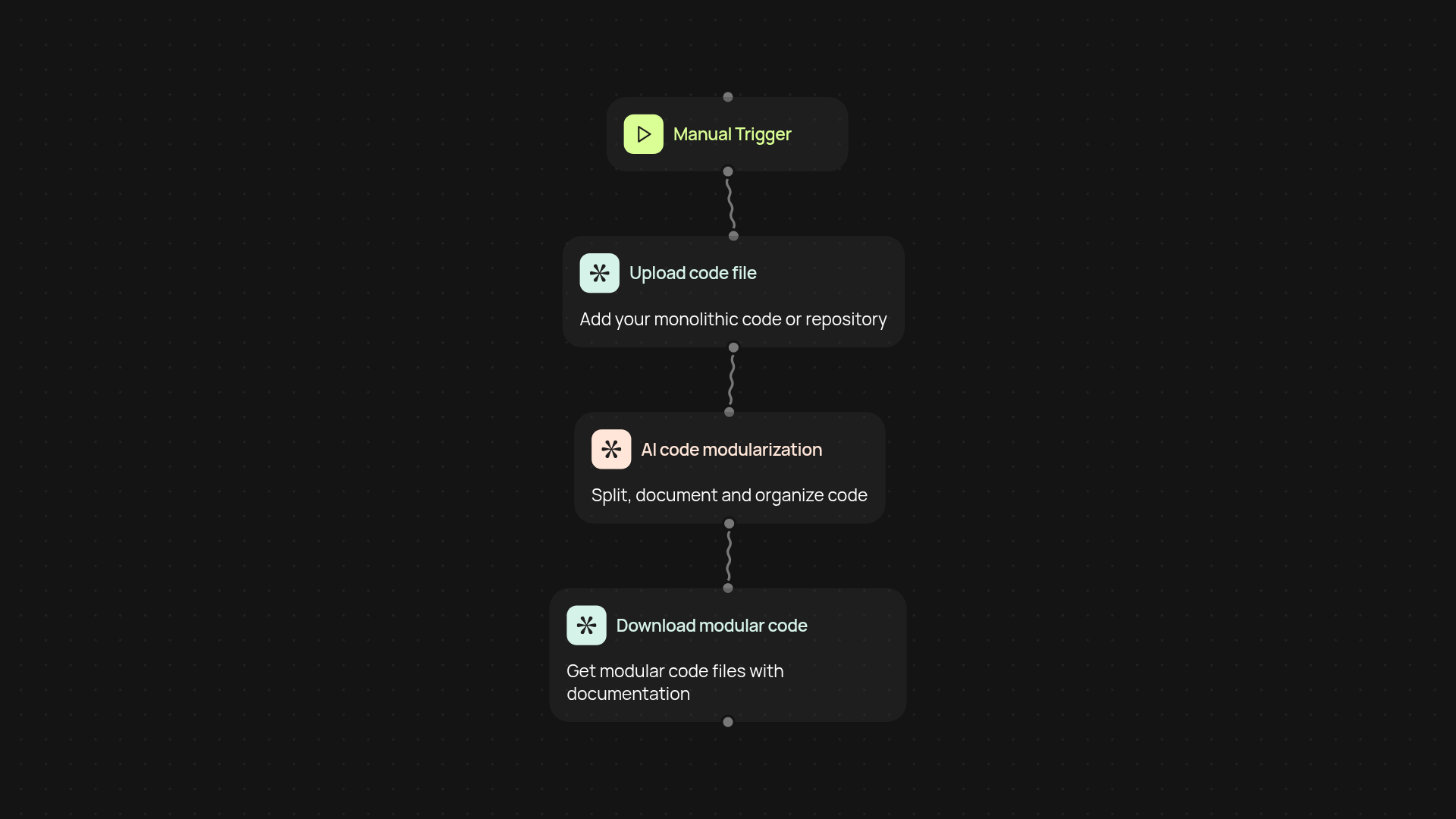
How does the AI Code Modularizer organize messy code?
AI Code Modularizer transforms tangled, monolithic code files into clean, modular structures—giving you separate, well-named files with proper imports, exports, and new documentation. You upload your existing file and, within minutes, receive a fully restructured codebase that's ready for your team to use or extend. Instead of spending hours refactoring, you get organized files automatically.
Can it handle different coding styles or languages?
Yes. AI Code Modularizer works with most programming languages and styles. Claude Opus 4.5 intelligently breaks down functions, utilities, and classes—no matter how your original file is written. Documentation is generated for each new module, making it easier for you to onboard others or revisit your project later.
What happens to documentation and dependencies?
Each module arrives with fresh, clear doc comments. The tool sets up correct imports and exports for every component, so you avoid those tedious manual tweaks. Dependency chains are handled in the background. Your code stays functioning, but is much easier to maintain and share.
How do I set up AI Code Modularizer and what do I need?
Getting started is simple. Just upload your code file, select your language, and choose to run the tool either manually or on a set schedule. No advanced setup required—just a few clicks, and your modular code will be ready before you know it.
More templates
Get started today
Your first workflow is free to build.
Describe what you need. Cody handles the build, the connections, and the deployment.