AI Circuit Design Assistant — generate diagrams and safety analysis
Create professional circuit diagrams and receive instant safety analysis for electrical installations with the AI Circuit Design Assistant powered by Claude Sonnet 4.5.
Example starting point only. Verify every connection and any sending, booking, inventory, approval, or handoff action before deployment.
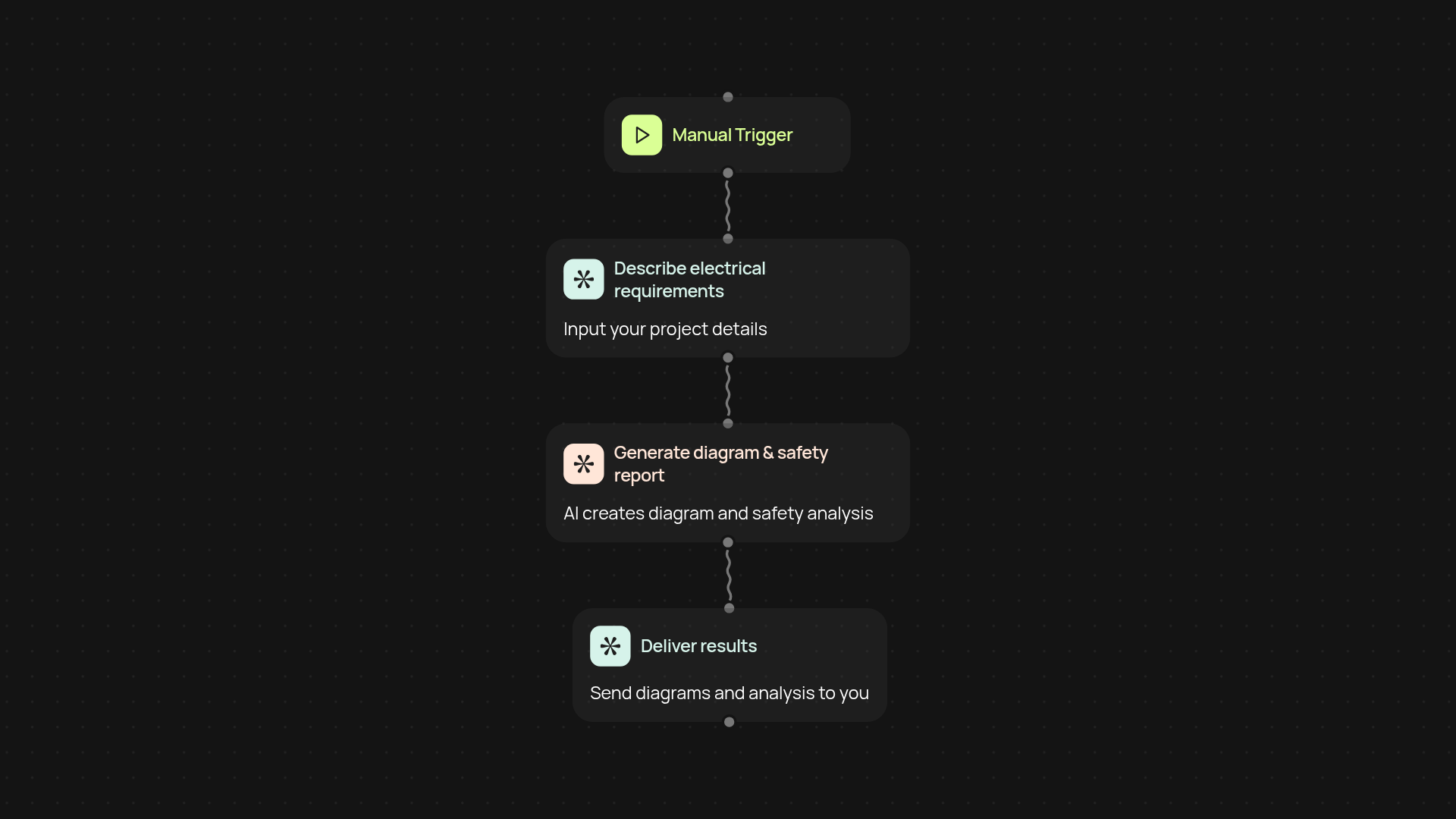
What does the AI Circuit Design Assistant do for you?
You can skip hours of tedious drafting — just describe your electrical installation needs and the AI Circuit Design Assistant takes care of the rest. Instantly, it generates clear, professional circuit diagrams and a detailed safety analysis, so you cover both compliance and design quality from the start. No more manual drawing or second-guessing safety requirements.
How does it save you time and reduce errors?
Whenever you need a new circuit plan, simply trigger the assistant and let it analyze your requirements. In moments, you'll have a finished diagram and a thorough safety review—eliminating repetitive steps and catching mistakes before they happen. Everything is organized for you, so you can move your project forward.
Can you trust the diagrams and safety reports?
The assistant is powered by Claude Sonnet 4.5, designed to follow the latest industry standards. You receive documentation formatted for real-world compliance, with risk points and improvement tips included. This helps ensure your projects get approved without costly rewrites or inspections. The results are audit-ready to give you peace of mind.
What do you need to get started with the assistant?
Getting started is simple. All you need is your circuit requirements—just describe what you need, and the rest happens in the background. No engineering software, plugins, or manual templates required. Your diagrams and safety analysis will be ready after setup and review, right in your inbox or workspace.
More templates
Get started today
Your first workflow is free to build.
Describe what you need. Cody handles the build, the connections, and the deployment.