AI Background Remover — delete image backgrounds automatically
Instantly remove photo backgrounds with AI. Just upload and get a transparent PNG — no manual editing needed.
Example starting point only. Verify every connection and any sending, booking, inventory, approval, or handoff action before deployment.
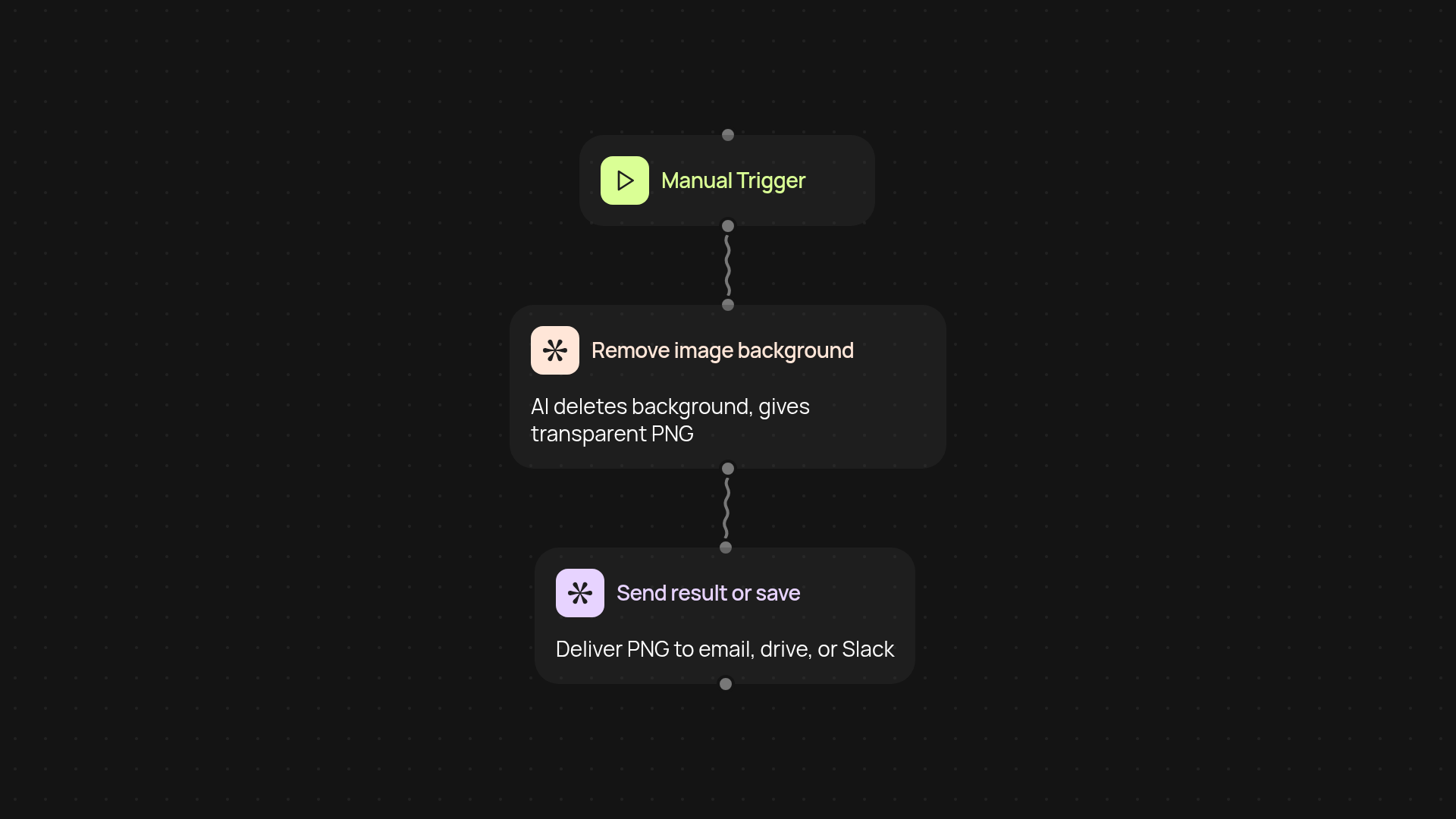
How does the AI Background Remover work for you?
Skip the hassle of manual photo editing. With our AI Background Remover, just upload any image—and get back a PNG with the background gone in a few seconds. Whether it's product photos, profile pictures, or creative projects, you can transform images automatically. Perfect for busy marketers, store owners, or anyone who needs polished visuals without the struggle.
What kinds of images can you use?
You can use almost any photo—portraits, product shots, or even group photos. The AI model detects people, objects, and tricky edges to return a crisp transparent background so your images look great anywhere. No professional editing skills required. Just drag, drop, and let the AI do the rest after setup and review.
How fast will you get your transparent images?
Your images are processed in the background and, often, you’ll get the finished PNG file instantly. There’s no waiting for designers or complicated tools. Download your ready-to-use PNG and upload it wherever you need—websites, stores, creative platforms.
How do you set up your background removal workflow?
Getting started is simple. Choose when to run the workflow (manually or on a schedule), add your image, and pick where the results are sent—like saving to Google Drive or sharing on Slack. You don’t need any tech skills or special software. Just set it up once, and every image is processed for you. All you need is your CodeWords account and the images you want to clean up.
More templates
Get started today
Your first workflow is free to build.
Describe what you need. Cody handles the build, the connections, and the deployment.