Support email triage — classify and respond with AI
When a support email arrives, CodeWords reads, classifies, and replies with tailored AI responses. Save hours triaging your inbox.
Example starting point only. Verify every connection and any sending, booking, inventory, approval, or handoff action before deployment.
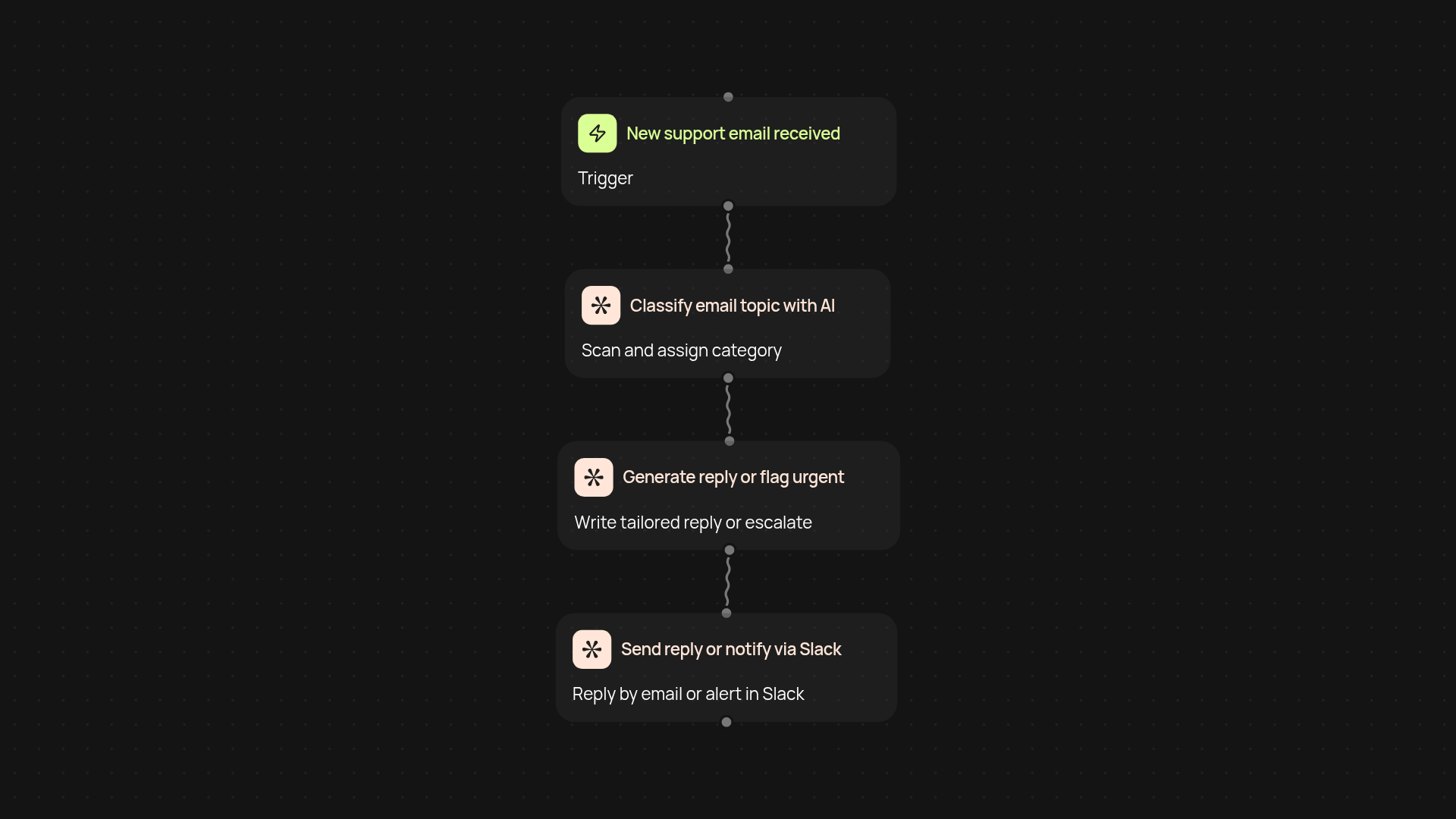
How does this triage your support emails end-to-end?
Support email triage with CodeWords takes all the manual sorting out of your inbox — so you focus only on what matters. As soon as a support email arrives, CodeWords reads the content, quickly classifies it as a bug report, billing question, sales inquiry, or urgent complaint, and crafts an AI-generated response tailored to each category. Replies are sent out or alerts are created instantly, keeping your customers happy and your team stress-free.
How does it identify and handle urgent issues?
The automation scans each email for priority issues. Critical or urgent complaints are flagged and instantly relayed to your team on Slack, so nothing slips through the cracks. Everything else is handled fast with friendly, personalized replies — without manual work on your side.
What categories can this sort and reply to?
This triage covers bug reports, billing, sales, and all urgent complaints, making sure each message gets the right response. You can customize reply templates to match your company’s tone and ensure customers are always answered in the right way.
How do you get started and what does setup require?
All you need is a connected Gmail and Slack workspace — guided setup required. Plug into your support inbox, add your preferred reply templates (or use smart defaults), and you’re ready to go. CodeWords runs in the background, keeping your support running smoothly after setup and review.
More templates
Get started today
Your first workflow is free to build.
Describe what you need. Cody handles the build, the connections, and the deployment.