Office Supply Reorder Automation — track and restock inventory automatically
Save time by tracking and reordering office supplies automatically. This template keeps your inventory stocked without manual work.
Example starting point only. Verify every connection and any sending, booking, inventory, approval, or handoff action before deployment.
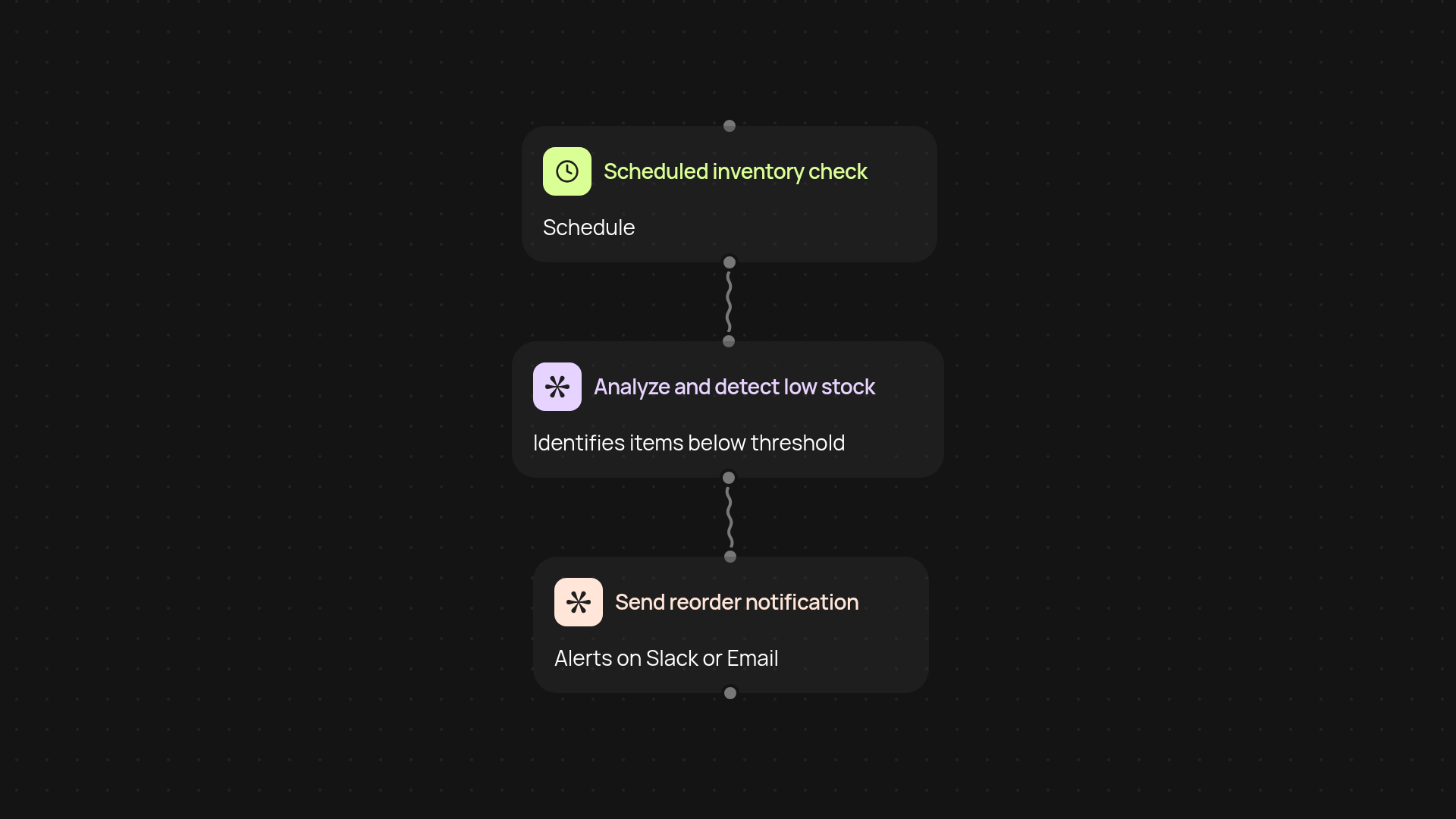
How does office supply reorder automation work for you?
Office Supply Reorder Automation keeps your essential items stocked without you lifting a finger. This template monitors your current inventory, checks usage patterns, and sends reorder requests to your team or supplier at the right time. Running in the background, it ensures you never run out of critical supplies—so you can focus on running your business, not scanning shelves.
Can it help avoid last-minute supply shortages?
Absolutely. By tracking inventory levels and alerting you before anything runs out, there’s no guesswork or frantic last-minute rush. The system analyzes usage data and predicts when you’ll need to reorder, keeping everything ready for when you need it most. You’ll enjoy a smoother workflow and peace of mind knowing your supplies are always available.
How does it notify or order new supplies?
Notifications and automatic reorders are handled via your preferred communication channel. You’ll get friendly reminders or have purchase requests sent out instantly to the right place—without manual input. Whether you want a Slack alert or an email, the process works automatically and adapts to your workflow.
What do you need to get started?
You only need to set your preferred inventory tracking method and connect it to your office supplier or team. Kick things off by enabling scheduled checks—in just a few steps, everything runs automatically. After setup, the template takes care of the rest, freeing you from tedious tasks and keeping your workspace well-stocked.
More templates
Get started today
Your first workflow is free to build.
Describe what you need. Cody handles the build, the connections, and the deployment.