Notion AI Assistant — workspace management
Automate Notion workspace tasks with Notion AI Assistant. Update docs, summarize notes, and organize pages—with less manual work required.
Example starting point only. Verify every connection and any sending, booking, inventory, approval, or handoff action before deployment.
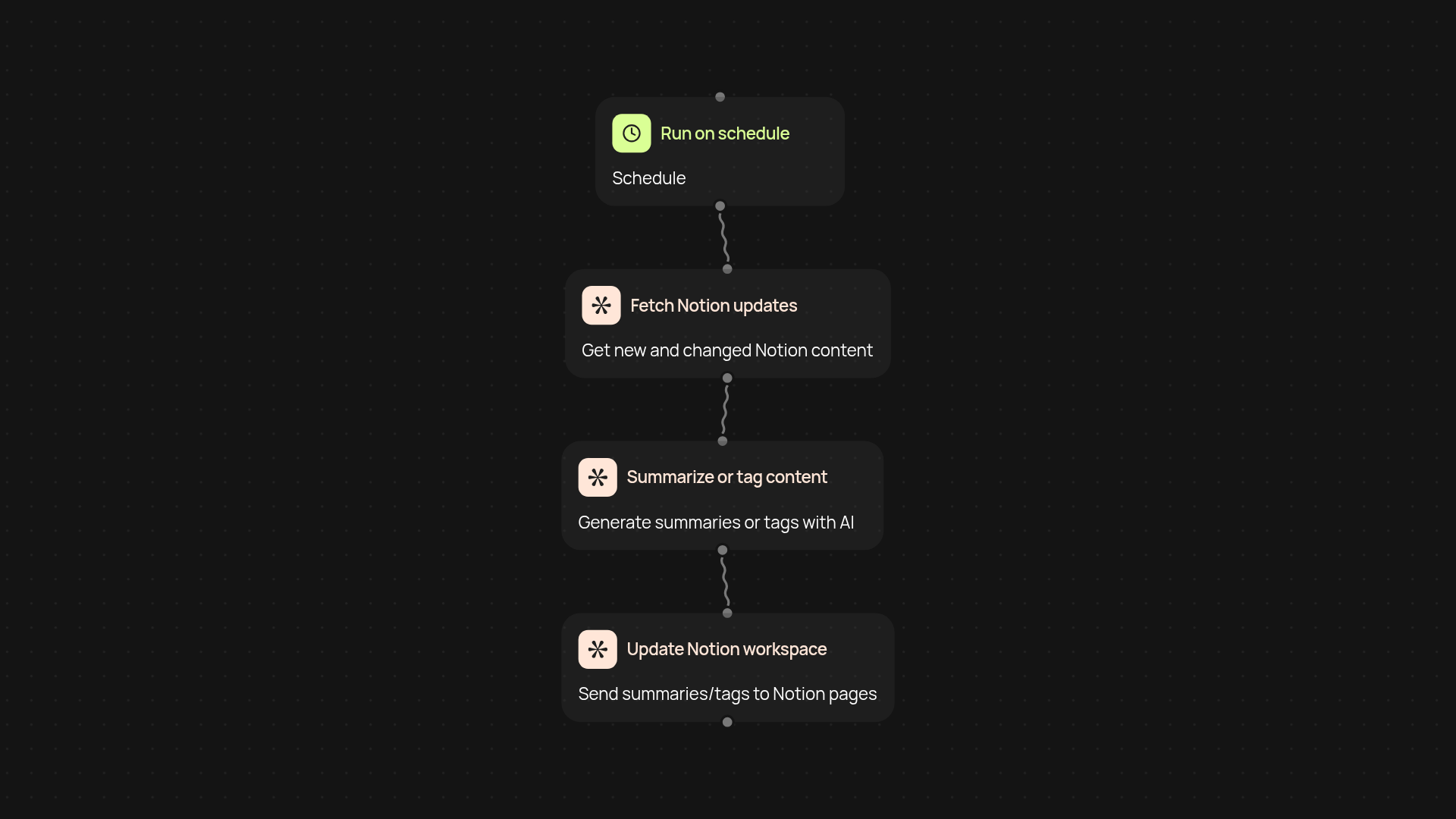
What does the Notion AI Assistant template do?
The Notion AI Assistant template helps you keep your Notion workspace organized by automating routine management tasks automatically. With this template, you can update documents, summarize meeting notes, or organize project pages instantly—saving you hours every week. Whether you have a busy wiki, an ever-growing meeting archive, or project boards to maintain, this template handles it for you in the background.
How does it update and organize your Notion workspace?
The assistant grabs new content or changes from your workspace and quickly processes them based on your rules. For example, it can summarize lengthy documents without you lifting a finger, or tag new pages so nothing gets lost. All updates sync back to your Notion workspace without manual work, keeping everything tidy and current.
Can it help summarize or tag content automatically?
Yes, summarizing and tagging are core features. Every time you add new meeting notes or reports, the assistant can automatically generate concise summaries and assign the right tags, so you always find what you need—fast. You set the criteria once and let it run on schedule or when new changes appear.
What do you need to get started?
Getting started is simple: connect your Notion account and decide what you want the assistant to manage—like which databases or pages to monitor and what summaries to generate. The start in minutes. After that, you’re set; your workspace stays tidy, well-organized, and always up to date, without constant checking or tedious manual input.
More templates
Get started today
Your first workflow is free to build.
Describe what you need. Cody handles the build, the connections, and the deployment.