LinkedIn Saved Post Organizer — categorize and tag without the hassle
Easily sort and categorize your LinkedIn saved posts. Group posts by topic, tag with AI, and say goodbye to clutter on your LinkedIn profile — all automatically.
Example starting point only. Verify every connection and any sending, booking, inventory, approval, or handoff action before deployment.
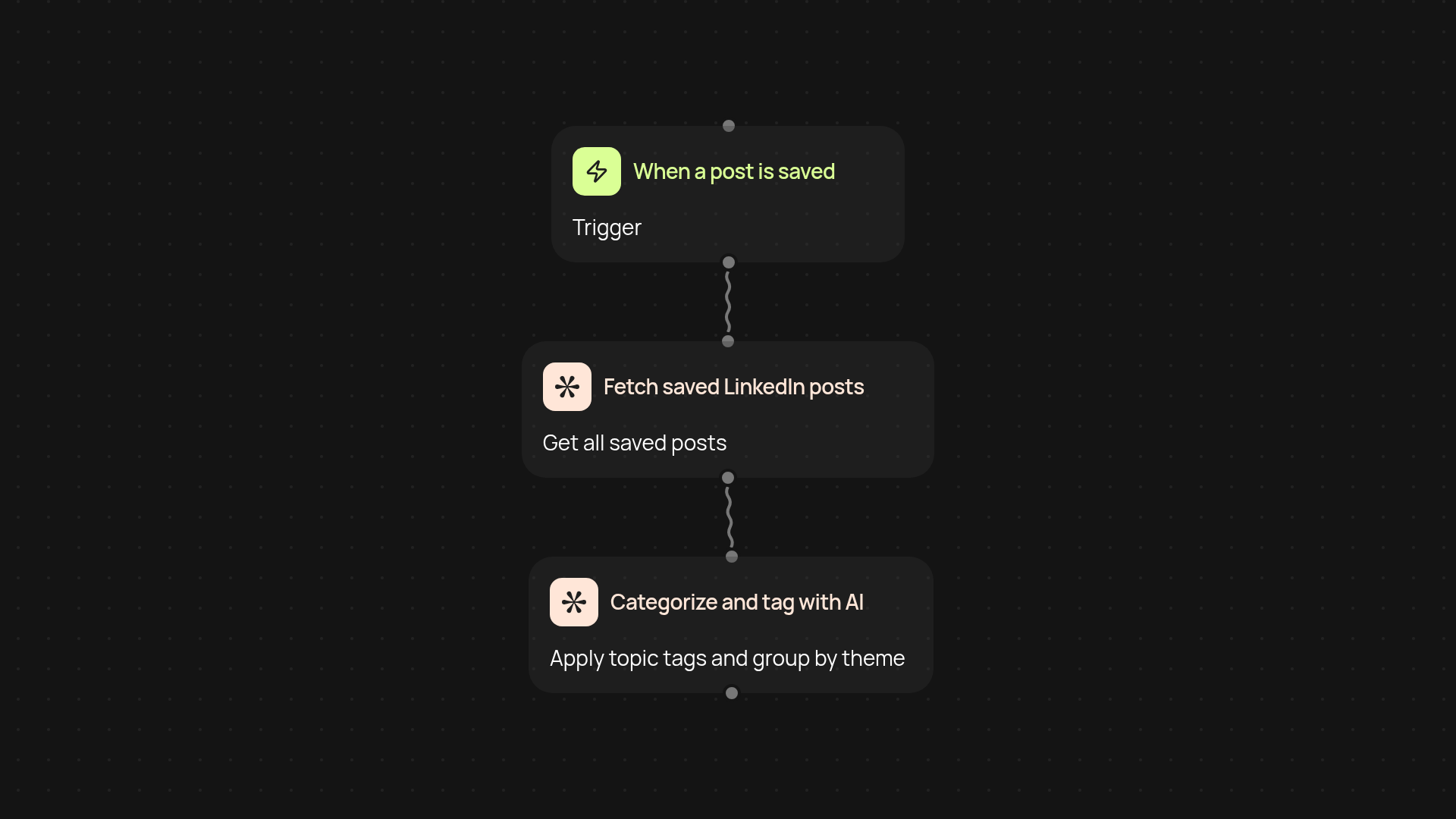
How does it help you organize LinkedIn saved posts?
You can finally stop scrolling through a jumble of LinkedIn saves to find what you need. This LinkedIn Saved Post Organizer scans your saved LinkedIn posts, groups them by themes, and applies smart tags using AI—so every inspiring article, update, or guide is easy to find in seconds.
Can it separate work, learning, and inspiration posts?
Yes — it sorts your saved posts into tailored collections like “Career Growth,” “Learning,” or “Industry News.” No more manual sorting or missing important ideas. The organizer recognizes post topics, themes, and context to keep your LinkedIn bookmarks organized day after day.
Will I need to update tags myself?
There's no need for tedious manual tagging. The AI adds relevant tags and categories after setup and review, keeping everything current as soon as you save a post. You get smarter collections and fresher tags.
How do I get started?
To use the LinkedIn Saved Post Organizer, just install the Chrome extension and connect your LinkedIn account. Activate the organizer and you're set—your saves begin to organize themselves automatically. No setup headaches, no learning curve.
More templates
Get started today
Your first workflow is free to build.
Describe what you need. Cody handles the build, the connections, and the deployment.