Gmail to Notion automation — organize your inbox instantly
Turn Gmail emails into structured Notion pages, complete with AI-generated titles and summaries — all done for you, without manual work.
Example starting point only. Verify every connection and any sending, booking, inventory, approval, or handoff action before deployment.
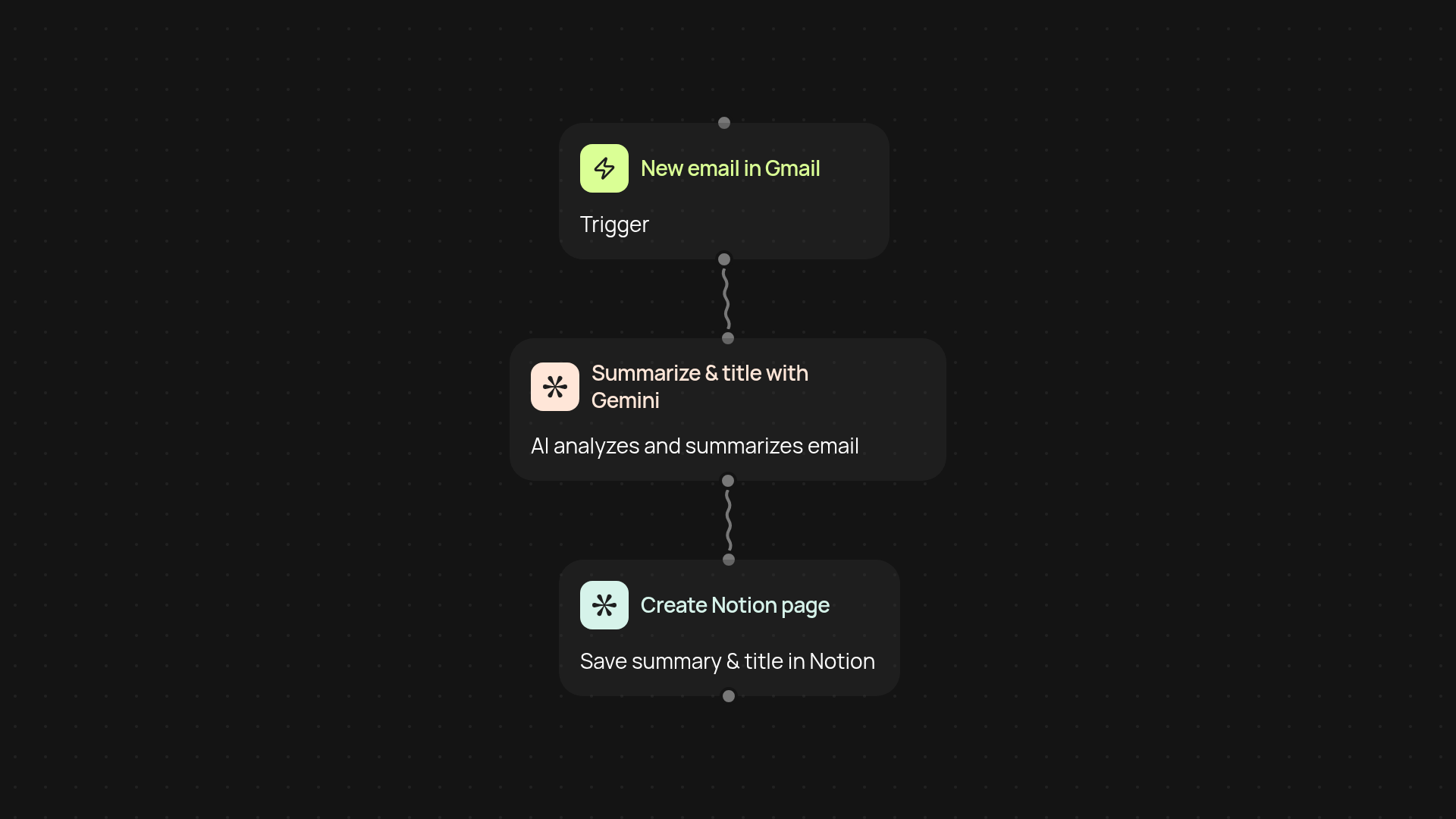
How does this gmail to notion automation work?
This workflow turns any incoming Gmail message into a neatly organized Notion page. As soon as a new email lands in your Gmail, the automation kicks in to analyze its content using Gemini AI, summarize it, and generate a clear title. The summary and title are used to create a well-structured Notion page, saving you from ever needing to copy and paste or switch tabs again.
Can this summarize and title any email, even long ones?
Yes — no matter the length or type of the email, Gemini reviews the body, extracts the core details, and writes a concise summary and a catchy page title you can skim later. This means every email you save in Notion is easy to find and quick to review, even if the original message was complex or lengthy.
Will this fit right into my current workflow?
Absolutely. Everything runs in the background the moment new emails arrive. You won’t have to lift a finger or create summaries yourself. Your Notion workspace stays neatly updated with the insights from your inbox — all without you moving an inch.
What do I need to get started with gmail to notion automation?
You'll only need access to your Gmail and Notion accounts. Give permission once, set up your Notion database, and let the automation run automatically. You can quickly customize which labels, senders, or folders to watch for, and start seeing emails logged as Notion pages in minutes.
More templates
Get started today
Your first workflow is free to build.
Describe what you need. Cody handles the build, the connections, and the deployment.