GitHub contribution tracker — track commits and code changes automatically
Easily track GitHub commits and contributions with reduced manual effort. Stay updated on every code change after setup and review.
Example starting point only. Verify every connection and any sending, booking, inventory, approval, or handoff action before deployment.
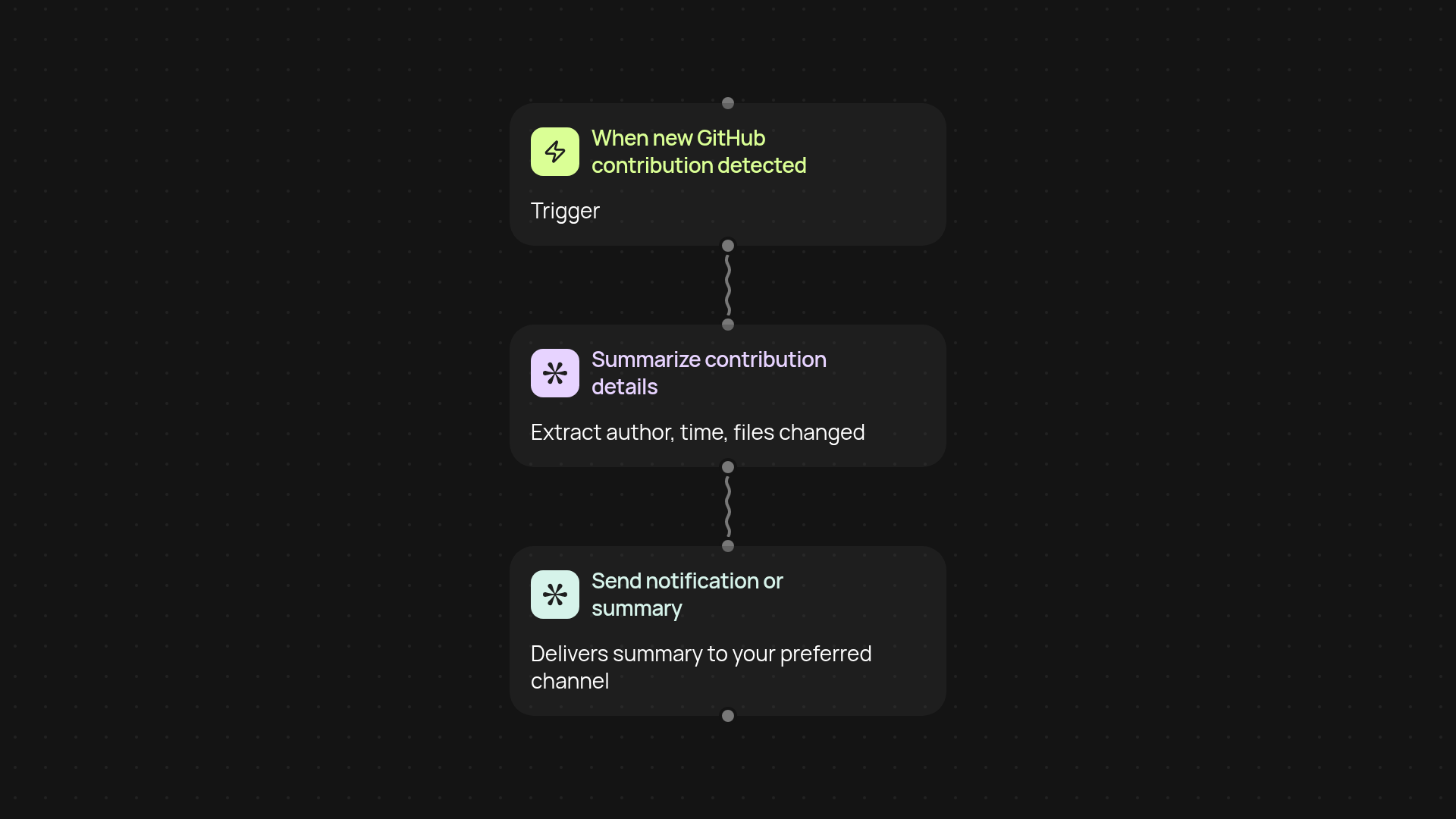
How does the GitHub contribution tracker manage your code updates?
With this template, code contributions across your GitHub repositories are monitored and tracked, so you skip the hassle of manual checking. Whenever a teammate pushes code or makes a contribution, you receive an instant summary—letting you stay in the loop without digging through notifications or activity feeds.
What information will you get with each update?
This tracker brings every key detail right to you: who made a commit, when it happened, and what files were changed. You can decide how you want to be notified or where you want updates sent, so you’re not overwhelmed, but always informed about changes that matter.
Why is automated contribution tracking useful for teams and managers?
You’ll save hours every week by ditching the back-and-forth checking. Quickly spot progress or bottlenecks and give recognition when it’s due. Whether you manage one repo or several, all your updates appear in one place, reducing manual follow-up and keeping your workflow on track.
How do you get started with the GitHub contribution tracker?
Kick things off by connecting your GitHub account securely—then just pick the repositories you want to track. Guided setup is provided. From there, updates flow in automatically. All you need is a GitHub account and the reviewed connection steps. That’s it—your contribution tracking runs in the background, so you are less likely to miss a beat.
More templates
Get started today
Your first workflow is free to build.
Describe what you need. Cody handles the build, the connections, and the deployment.