Email Tracker to Sheets — log and categorize emails with AI
Log your incoming emails to Google Sheets, auto-categorize with AI, and track priorities automatically. No more manual sorting – set up in minutes.
Example starting point only. Verify every connection and any sending, booking, inventory, approval, or handoff action before deployment.
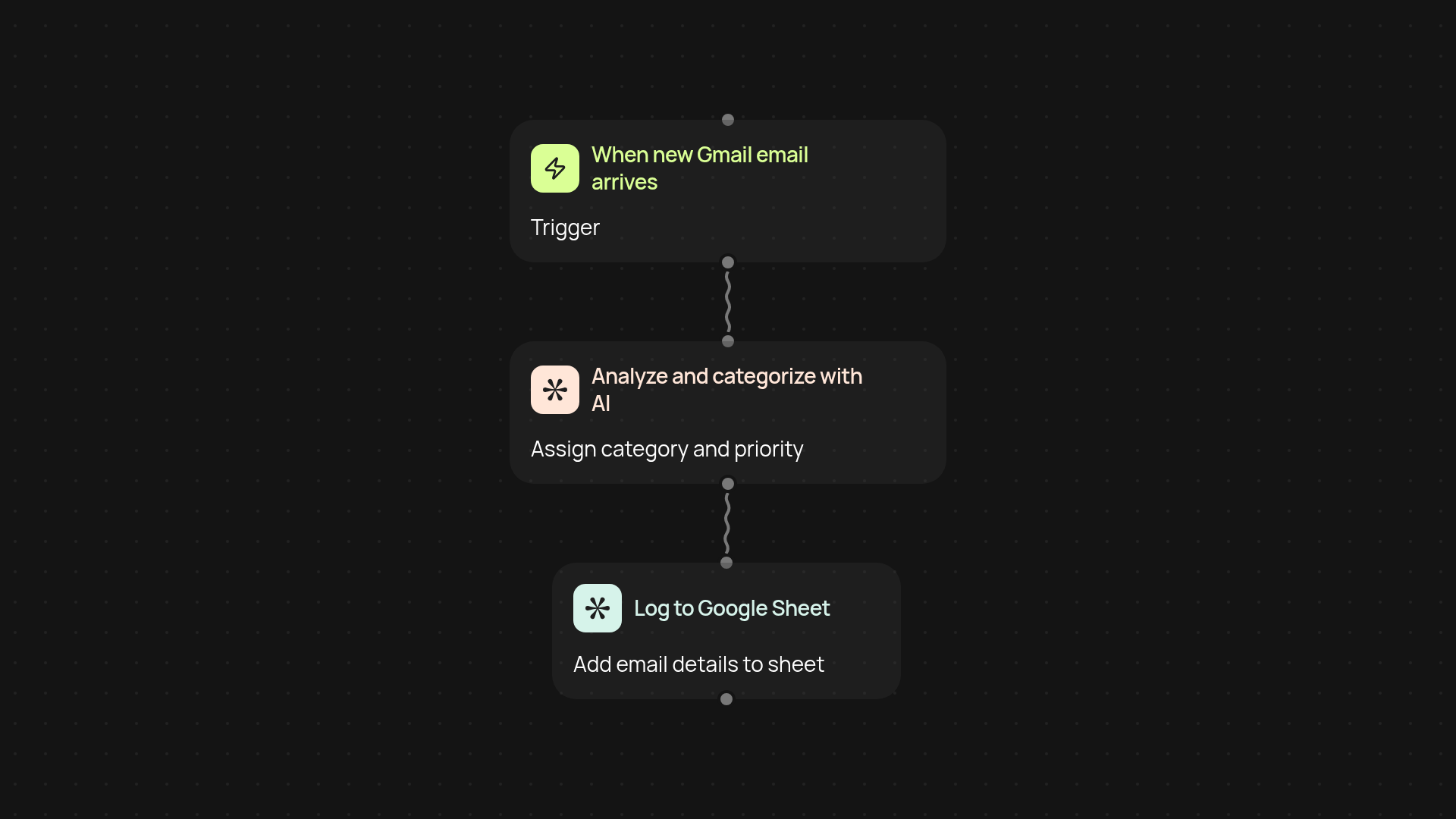
What does the email tracker to sheets automation do for you?
It collects your incoming Gmail emails and sends each one straight to a Google Sheet—complete with AI-powered categories and a priority rating. You'll see new messages, their senders, subject lines, plus how urgent or important the system thinks they are. Stop wasting time sorting, tagging, or digging through threads. Everything gets organized for you without you lifting a finger.
How does automatic AI categorization work?
Messages are instantly processed by AI, which reviews the sender and content to suggest the right category and priority—like "urgent," "client," or "internal update." These custom labels and ratings show up alongside each email entry in your Google Sheet, so you always know what to check first and never overlook an important message.
Why track emails in a Google Sheet?
Having emails logged in a sheet means you can sort, search, and filter in ways your inbox can't match. You get a running list you can share, analyze, or use for reporting—ready any time you need. Whether it's for compliance, team sharing, or building your productivity dashboard, you’ll always have full control of your email data.
What do you need to set up this automation?
You just need access to Gmail and Google Sheets. The setup happens in minutes: let CodeWords get permission, choose your sheet, and pick what triggers the logging (like new incoming emails). The rest happens quietly in the background, so your email workflows stay automatic and reliably organized from day one.
More templates
Get started today
Your first workflow is free to build.
Describe what you need. Cody handles the build, the connections, and the deployment.