Email receipt expense tracker — automated expense reports from Gmail
Track expenses by scanning Gmail for email receipts and instantly create organized reports. Save time and effort on expense management.
Example starting point only. Verify every connection and any sending, booking, inventory, approval, or handoff action before deployment.
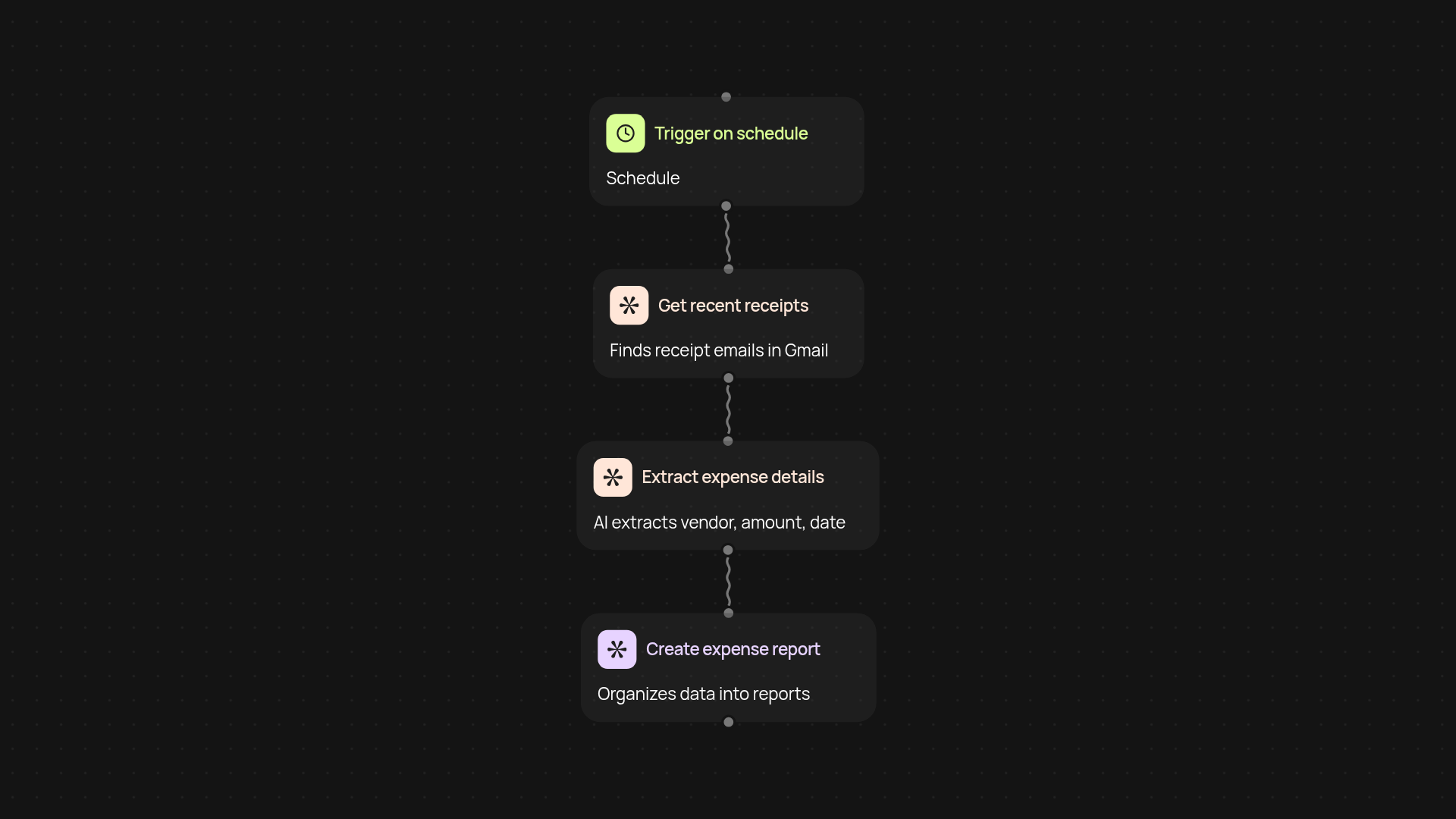
How does the email receipt expense tracker simplify your reporting?
Capture every receipt in your Gmail, and let CodeWords handle the rest — no more manual data entry or lost expenses. This template checks your inbox for receipts, extracts key details, and creates a tidy expense report after setup and review. Perfect for anyone who wants accurate records and less paperwork.
How are expenses extracted and organized?
Receipt emails are scanned using advanced AI to identify relevant data like amounts, vendors, and dates. Each entry is collected and structured into a clear report. You’ll always have the latest expense information ready — and nothing gets missed or duplicated.
Can I track expenses on a recurring basis?
Yes, this template can run on a schedule, so new receipts added to your inbox are discovered and reported automatically. That means you get up-to-date reports as often as you need, with reduced manual checks required.
What do I need to get started?
Getting started is quick: connect your Gmail account and activate the template. You don’t need any technical expertise. In just a few clicks, you'll have your automated expense system up and running — and more free time in your week.
More templates
Get started today
Your first workflow is free to build.
Describe what you need. Cody handles the build, the connections, and the deployment.