Attendance tracking automation — manage employee time
Automate employee attendance with Airtable and daily reminders — record, alert, and schedule intuitively. Save hours every week.
Example starting point only. Verify every connection and any sending, booking, inventory, approval, or handoff action before deployment.
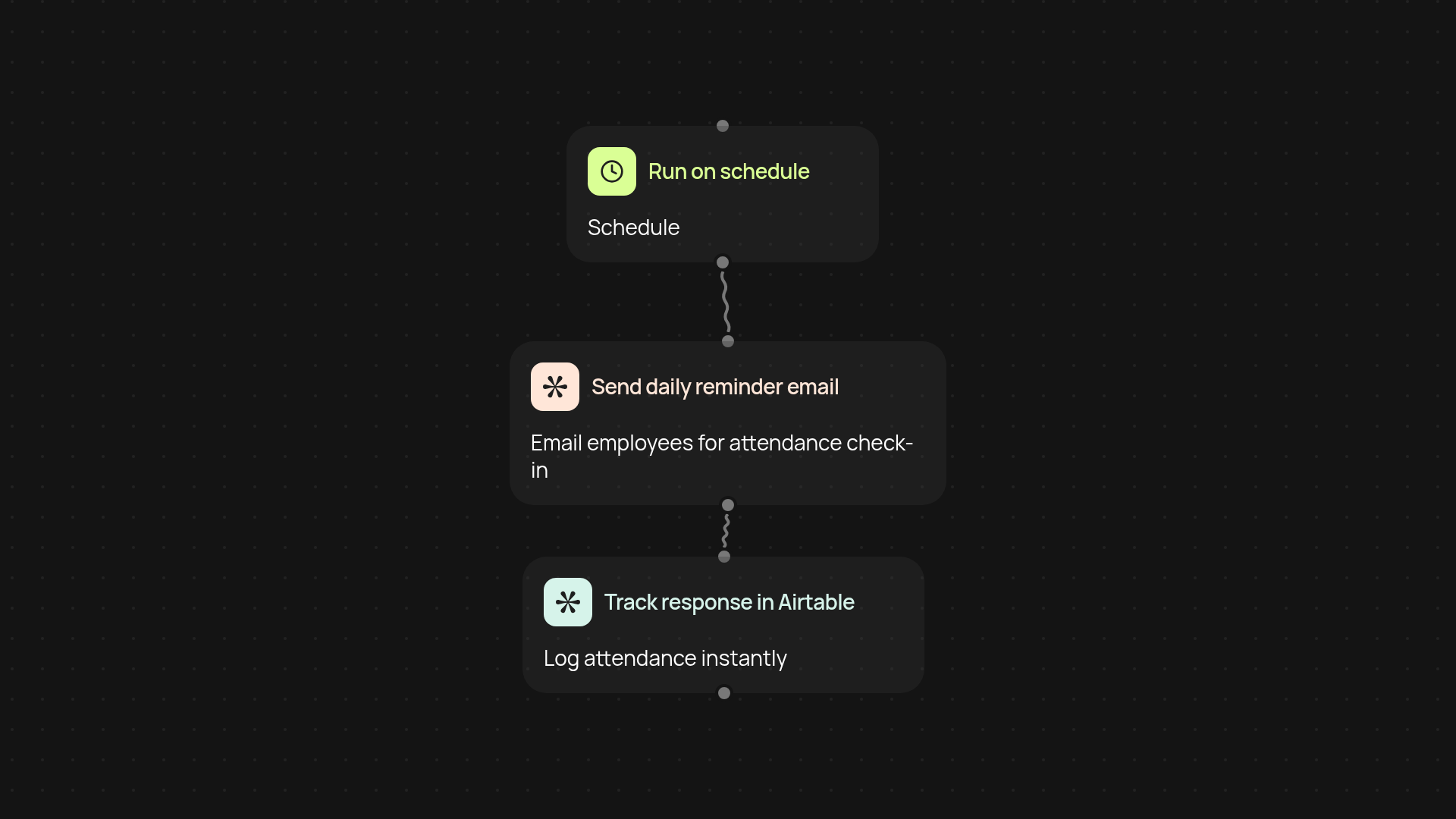
How does attendance tracking work from start to finish?
Attendance tracking automation streamlines your entire process — from daily check-ins to recordkeeping. Once you set it up, employees receive automatic email reminders to mark their attendance. Their responses are instantly tracked and neatly organized in an Airtable base, so you get a real-time view of who's present and who's not, after setup and review. Scheduling and follow-up emails are all handled for you, keeping your records complete and accurate all week.
Can I reduce manual follow-ups and errors?
Yes — every step runs in the background, eliminating repetitive reminders and reducing mistakes. Employees receive clear prompts to submit their attendance each day. If someone forgets, the system can notify them again, freeing you from chasing people down. This automatic approach boosts accuracy and leaves you with clean, up-to-date attendance logs.
How are reminders and records kept organized?
Reminders reach your team's inboxes each morning, prompting a daily check-in. As soon as someone confirms their attendance, the record is updated in Airtable automatically. No need to sift through inboxes or copy data — all your insights are in one place where you can access and review them at any time.
What do I need to get started?
You’ll need an Airtable account to house your attendance records and a Gmail account to send daily reminder emails. Just connect your tools, set your schedule, and let the automation handle the details. You can customize reminder times and messaging — setup only takes a few minutes, with zero coding required.
More templates
Get started today
Your first workflow is free to build.
Describe what you need. Cody handles the build, the connections, and the deployment.