AI Customer Service Agent: respond on every channel, in your brand voice
AI Customer Service Agent by CodeWords delivers fast, brand-matched support across chat, email, and voice, with smart sentiment & voice adaptation.
Example starting point only. Verify every connection and any sending, booking, inventory, approval, or handoff action before deployment.
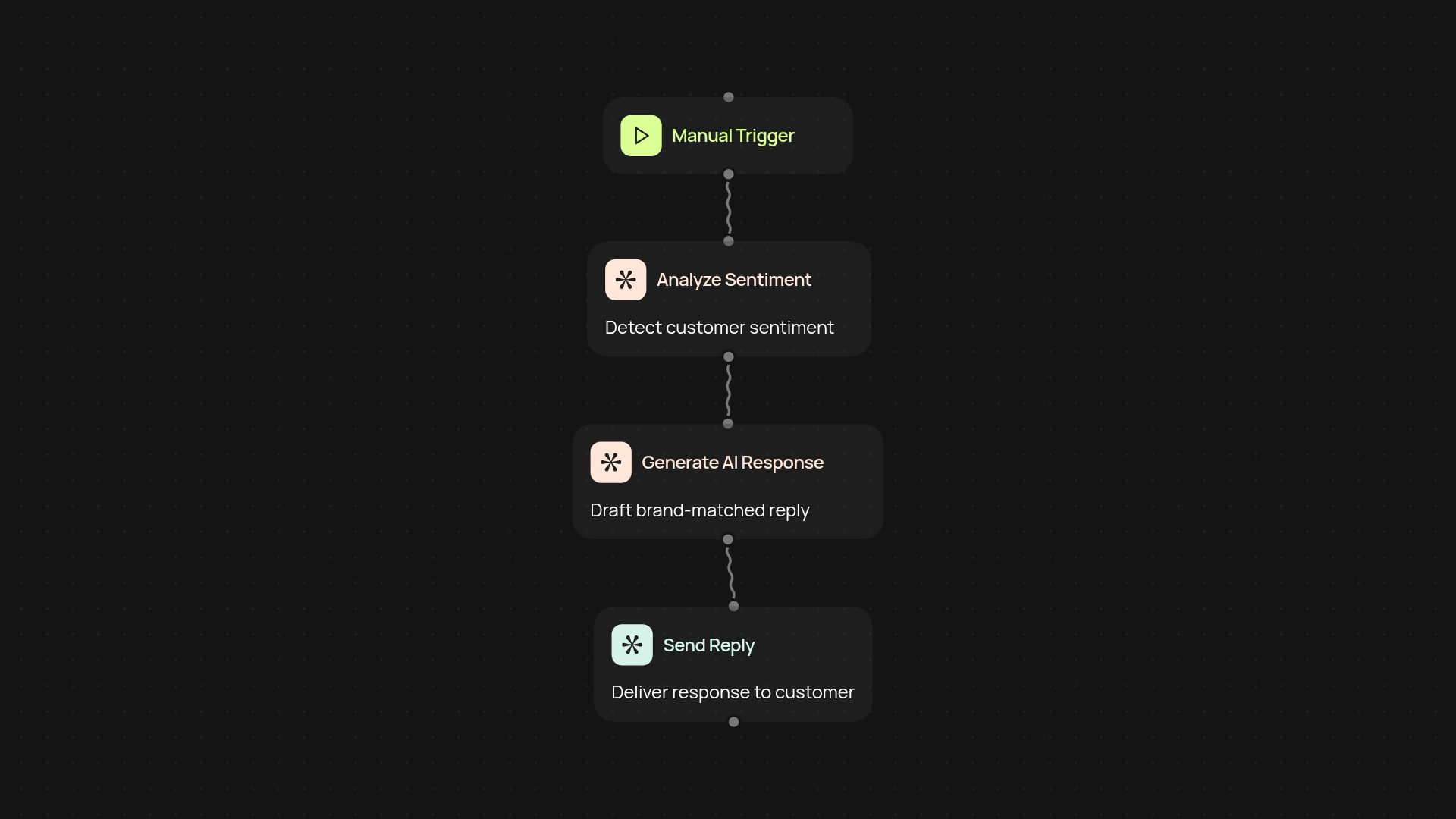
The AI customer service agent template reads incoming customer messages, detects sentiment, and writes a reply in your brand tone. You connect your support channels, set your brand voice and sentiment preferences, and choose a trigger such as incoming message detection. The workflow then runs without manual replies.
Key takeaways
- The template analyses each incoming message and detects its sentiment before replying.
- Replies follow the brand guidelines and sentiment preferences you provide.
- You connect your support channels, such as email, chat or a voice system.
- Setup needs your channel access, your brand voice preferences and one trigger.
How does the AI customer service agent handle support requests?
The AI customer service agent analyses each incoming customer message, detects its sentiment, writes a reply in your brand tone, and sends it. The same workflow handles messages that arrive over chat, email or voice, so replies stay consistent without delays from manual handling.
What channels and languages can it support?
The AI customer service agent connects to live chat on your website, direct email and voice. It adapts each reply to the channel and language instead of only translating it, and it keeps your brand voice in every reply. Customers get the same experience on each channel.
How does it adapt to your brand's style?
The agent applies your brand guidelines and sentiment preferences to every reply. You provide both at the start. When a new support request arrives, the agent adjusts formality, emotion and content to match, and the follow-up work runs in the background while you keep control of the message.
How do you set up the AI customer service agent?
To set up the AI customer service agent, give it access to your support channels (email, chat or a voice system) and your brand voice and sentiment preferences. Then set the first trigger, such as incoming message detection, and start the workflow. After that it runs automatically.
More templates
Get started today
Your first workflow is free to build.
Describe what you need. Cody handles the build, the connections, and the deployment.