Adobe Sign contract automation — handle contracts
Automate contract management: monitor Gmail for Adobe Sign, manage Google Drive docs, update Notion records instantly. Save hours weekly.
Example starting point only. Verify every connection and any sending, booking, inventory, approval, or handoff action before deployment.
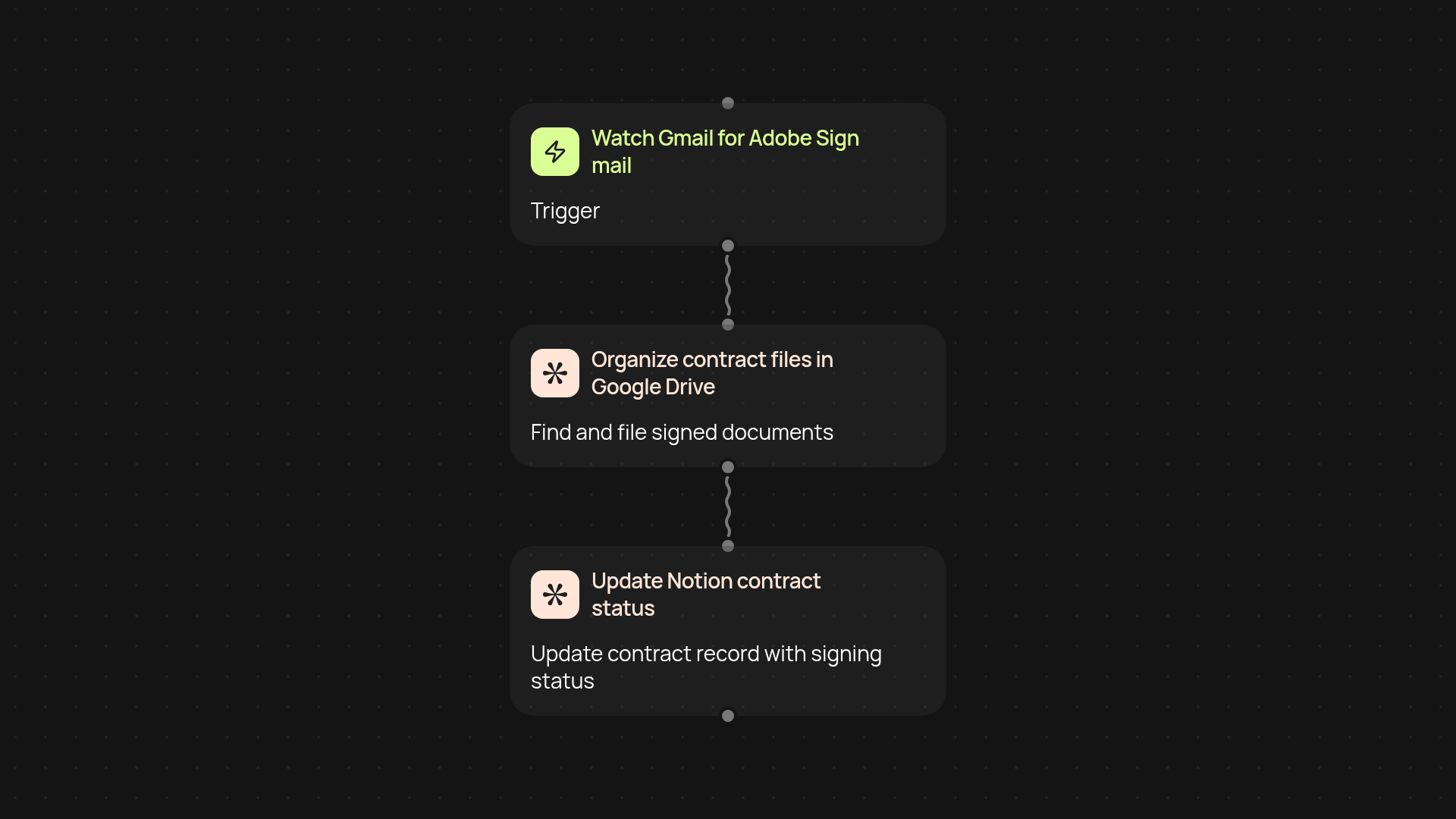
What does Adobe Sign contract automation do from end to end?
This workflow takes over your entire contract admin process the moment you receive an Adobe Sign notification in Gmail. As soon as a contract needs action, it finds the right file in Google Drive, organizes it, and updates your Notion records — all without you lifting a finger. This means contracts get from inbox to completed, and recorded, instantly.
How does it keep your contracts organized automatically?
You never have to wonder where your contracts are. The system watches your Gmail for Adobe Sign updates, moves or copies files in your Google Drive, and ensures all records in Notion match the contract status. Everything stays up to date, so nothing gets lost or overlooked.
How much manual work does this remove from your team?
Nearly all of it. Your team can focus on value-adding work instead of watching inboxes, downloading signed PDFs, or copying statuses into Notion. The contract’s journey is tracked start to finish — and handled for you — so admin time drops dramatically.
What do you need to get set up with this automation?
Just connect your Gmail, Google Drive, and Notion accounts. Make sure you know where your contract files should be stored in Google Drive, and how you want your Notion database structured. start in minutes, and once done, your contract processes run smoothly in the background.
More templates
Get started today
Your first workflow is free to build.
Describe what you need. Cody handles the build, the connections, and the deployment.