
LinkedIn profile scorer — match candidates to job requirements faster

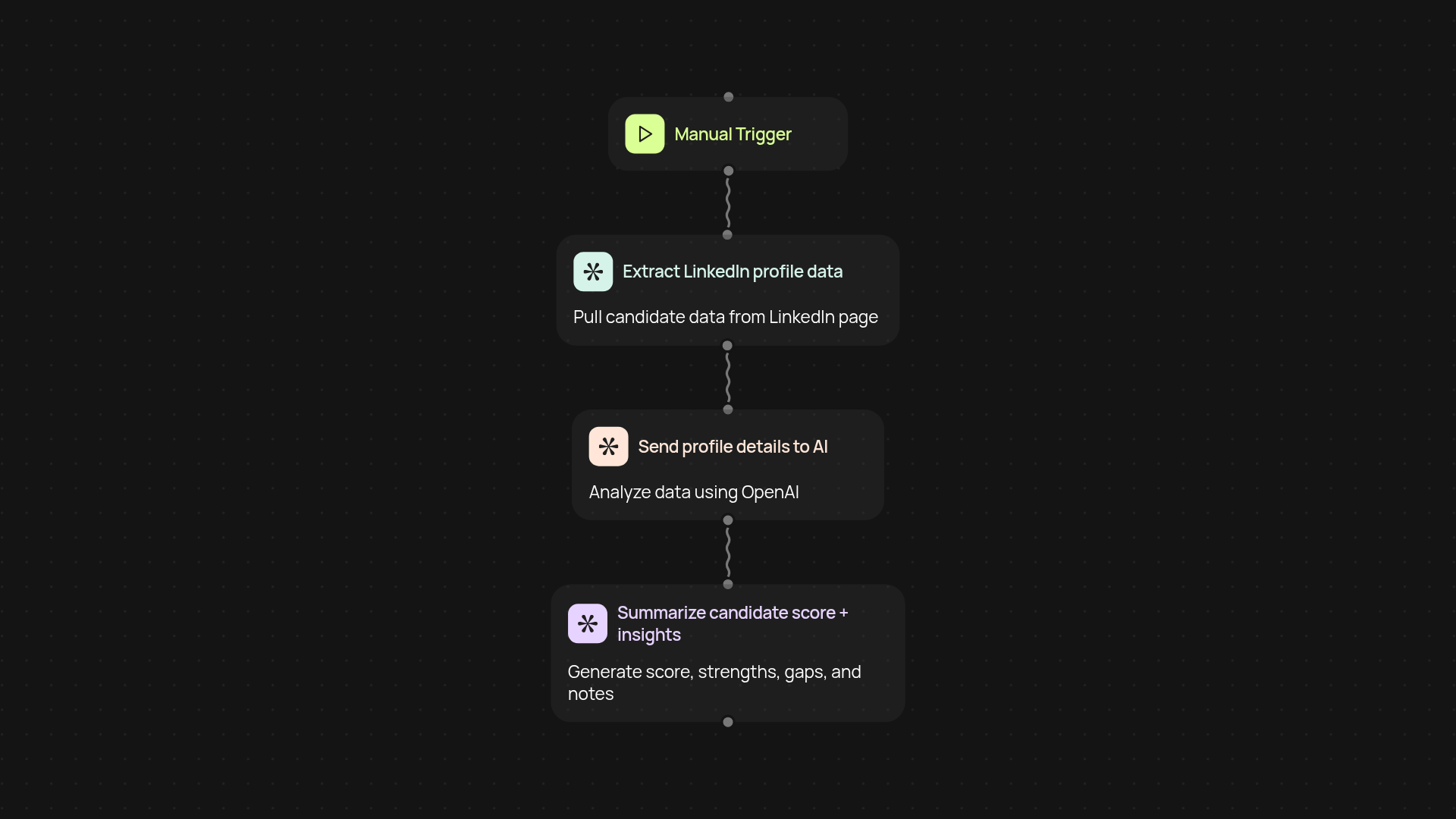
What does the LinkedIn profile scorer do for your hiring?
Get instant hiring recommendations — without hours of manual review. Our LinkedIn profile scorer analyzes candidate profiles based on your job description, providing you with a clear score and tailored notes for every applicant. Skip the repetitive checks and free up your time to focus on motivated candidates who are the best fit.
How does it compare candidates to your job requirements?
The tool evaluates LinkedIn profiles against the criteria you set. Relevant skills, roles, and experiences are flagged automatically, while gaps or mismatches are clearly highlighted. Results are easy to share with your team, making shortlisting a breeze. You always stay in control of who moves forward — just with less work involved.
Will I get detailed feedback and next steps for each candidate?
Yes. Alongside scores, you receive actionable recommendations for each profile. That means you see exactly why someone is a fit (or not), plus suggestions for what to ask in your next interview round. No more guesswork or messy spreadsheets — just personalized, clear hiring insights.
How do I set up the LinkedIn profile scorer?
Getting started takes just a couple of minutes. All you need is the CodeWords Chrome extension and your job description. Open a LinkedIn profile, run the scorer, and review the results right inside your browser. Quick, hands-free screening is finally just a click away.
Your next product is
one conversation away.
