
Gmail AI Labeler — sort messages hands-free

How does the Gmail AI Labeler organize your inbox?
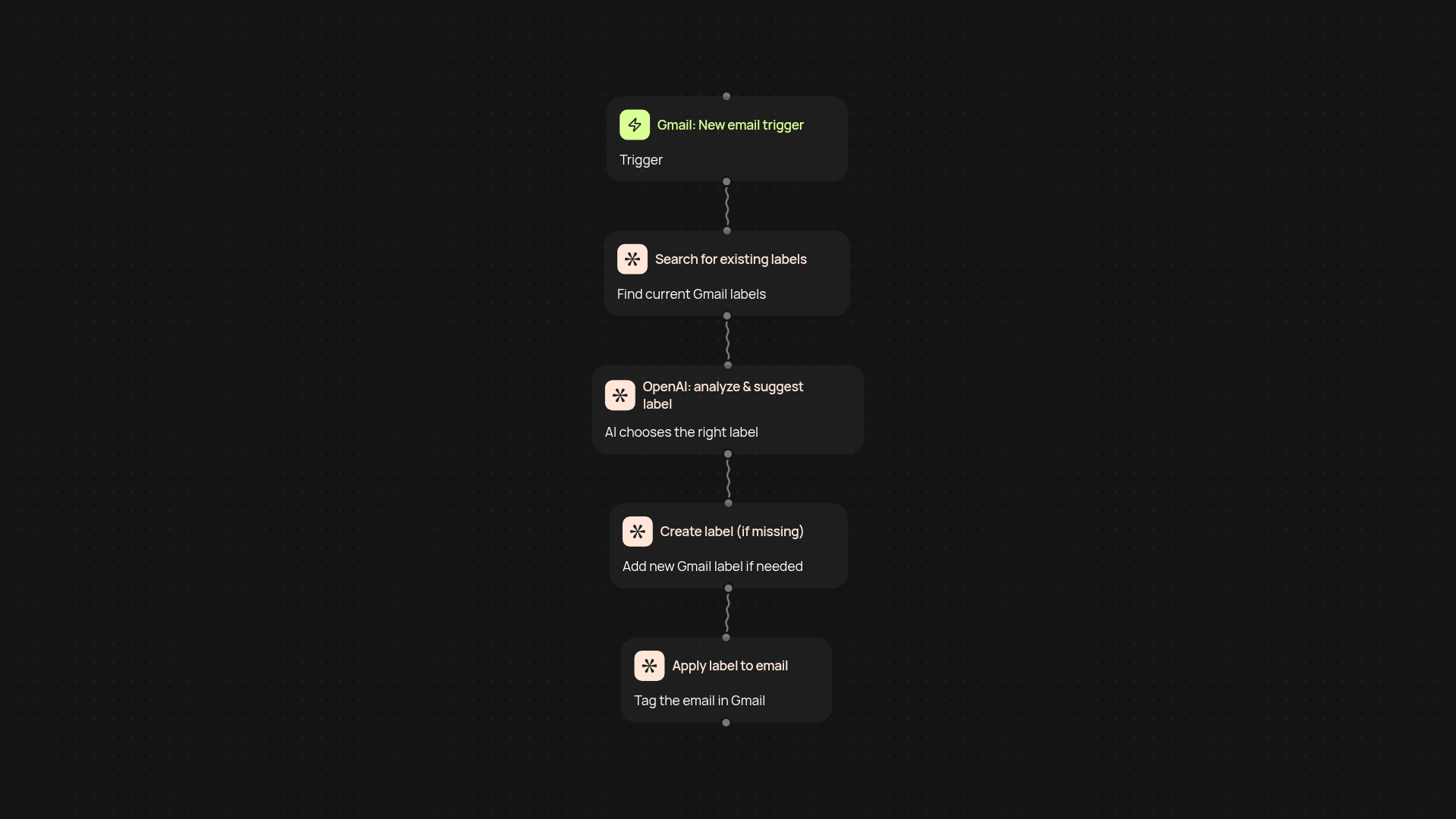
Gmail AI Labeler clears your inbox clutter by categorizing recent emails into nine workflow labels automatically. It instantly reviews new messages, suggests relevant labels, creates any you’re missing, and applies them—without any manual work. Your messages are grouped in a way that matches how you work, so you find what you need fast, every time.
What labels does it use and can I customize them?
Right away, you benefit from nine smart workflow labels that fit most business needs: from "Needs Response" to "Reference" and more. Don’t have all labels set up? The system creates any that are missing on autopilot. If your team prefers custom labels, it’s simple to adjust: just update your workflow and you’re in control.
How do I know emails are accurately labeled?
With AI doing the heavy lifting, label suggestions are based on the email content—not just simple rules. You get better sorting, fewer missed messages, and none of the tedious grunt work. You can always review or tweak labels—but most users find their inbox stays sorted with little need for intervention.
How do I set up Gmail AI Labeler and what do I need?
Getting started is easy. You connect your Gmail account and set your label preferences. Then let CodeWords work in the background—no technical skills required. All you need is a Gmail account and a few minutes for setup. After that, enjoy an organized inbox on autopilot.
Your next product is
one conversation away.
