
Go back
Automate
 your email workflows and inbox management with CodeWords
Connect Gmail to automate your email workflows. Send messages, organize your inbox, save attachments, and trigger actions when new emails arrive — all without manual work.
Overviews
The Gmail integration with CodeWords lets you build powerful email automation that saves hours of manual inbox management. Send emails from your workflows, create drafts for review, search through messages, manage labels, and organize your inbox on autopilot. When new emails arrive, trigger workflows that create records in your CRM, forward summaries to your team, or analyze messages with AI. Connect Gmail with your other business tools to keep customer conversations, attachments, and important updates flowing seamlessly across your systems.
How it works?
01
**Send emails from any workflow** — Create personalized messages triggered by CRM updates, form submissions, or scheduled events
02
**Organize your inbox hands-free** — Apply labels, archive messages, or delete emails based on sender, subject, or content
03
**Save attachments to cloud storage** — Download files from incoming emails and send them to Google Drive or Dropbox
04
**Create CRM records from emails** — When important messages arrive, instantly add leads or contacts to your sales system
05
**Forward email summaries to your team** — Send digests of customer inquiries to Slack or Microsoft Teams channels
06
**Search and extract data** — Find messages matching your criteria and pull out details to populate reports or databases
07
**Analyze messages with AI** — Route incoming emails through AI models to categorize sentiment, extract action items, or generate responses
08
**Manage email threads** — List all messages in a conversation and take action based on the complete context
Configure
Connect your Gmail account to CodeWords in just a few clicks. Once connected, you can send emails, manage your inbox, and respond to incoming messages across all your workflows. Set up triggers to launch actions when emails arrive, or build workflows that send follow-ups based on activity in your CRM or project management tools.
Build with Gmail
community
“You can’t do this anywhere else.”
Codewords feels like “magic” - it gives a glimpse into a very magical world of software.

Sai
Engineer
You're the first product that has taken the strain off me having to code and configure. There's nothing that comes close.

Todd
Founder
Using CodeWords felt like discovering a new power - I was building things that were otherwise impossible.

Moises
Co-founder & Student
Using CodeWords felt like discovering a new power - I was building things that were otherwise impossible.

Julien
Founder
I’m addicted to CodeWords.
Urav
Founder
CodeWords is magical. It just worked.
Daniel
Founder
Codewords feels like “magic” - it gives a glimpse into a very magical world of software.
Sai
Engineer
You're the first product that has taken the strain off me having to code and configure. There's nothing that comes close.
Todd
Founder
Using CodeWords felt like discovering a new power - I was building things that were otherwise impossible.
Moises
Co-founder & Student
Using CodeWords felt like discovering a new power - I was building things that were otherwise impossible.
Julien
Founder
I’m addicted to CodeWords.
Urav
Founder
CodeWords is magical. It just worked.
Daniel
Founder
Codewords feels like “magic” - it gives a glimpse into a very magical world of software.
Sai
Engineer
You're the first product that has taken the strain off me having to code and configure. There's nothing that comes close.
Todd
Founder
Using CodeWords felt like discovering a new power - I was building things that were otherwise impossible.
Moises
Co-founder & Student
Using CodeWords felt like discovering a new power - I was building things that were otherwise impossible.
Julien
Founder
I’m addicted to CodeWords.
Urav
Founder
CodeWords is magical. It just worked.
Daniel
Founder
Your stack,
connected.
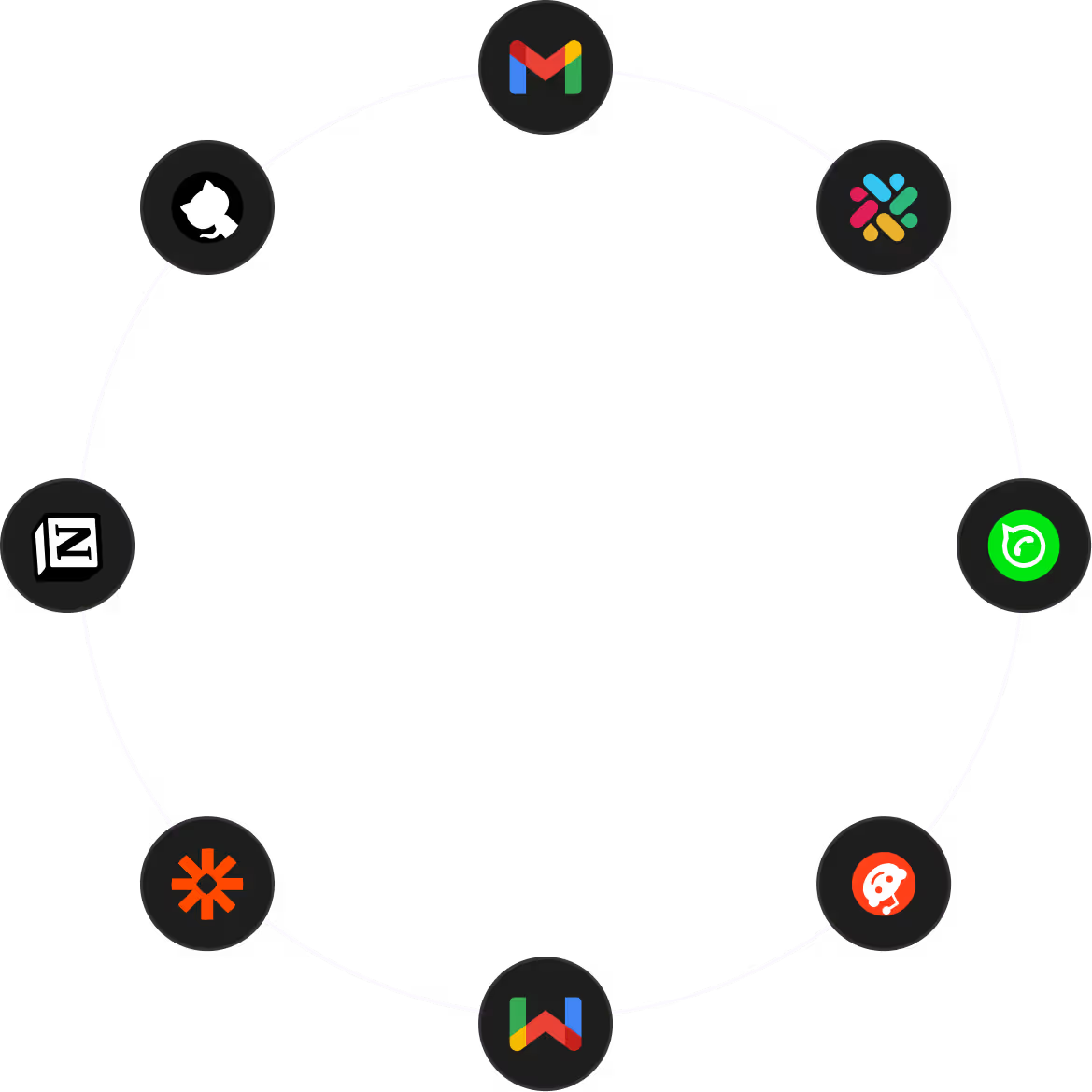
Works with the tools your team already uses every day.

Can I send emails from my own Gmail address through workflows?
Yes, once you connect your Gmail account, all emails sent through CodeWords will come from your address. You can personalize the subject, body, and recipients for each message, and even attach files from other steps in your workflow.
How do I trigger workflows when new emails arrive?
Set up a Gmail trigger in your workflow that monitors your inbox for new messages. You can filter by sender, subject line, labels, or other criteria so your workflow only runs for relevant emails. When a matching email arrives, your workflow launches with all the email details available.
Can I organize my inbox and apply labels in the background?
Absolutely. Create workflows that search your inbox based on any criteria — sender, subject keywords, date range — then apply labels, archive, or delete messages. This keeps your inbox organized without manual sorting.
What happens to attachments from incoming emails?
You can download attachments from any email in your workflow, then send those files to Google Drive, Dropbox, or any other connected service. This is perfect for saving invoices, contracts, or customer documents to the right folders on autopilot.
Can I create draft emails instead of sending them immediately?
Yes, you can create draft emails in your Gmail account that are ready for you to review and send manually. This is useful when you want to prepare outreach messages or responses but prefer a human review before they go out.